
Cata AI Chat Directory Chrome Extension
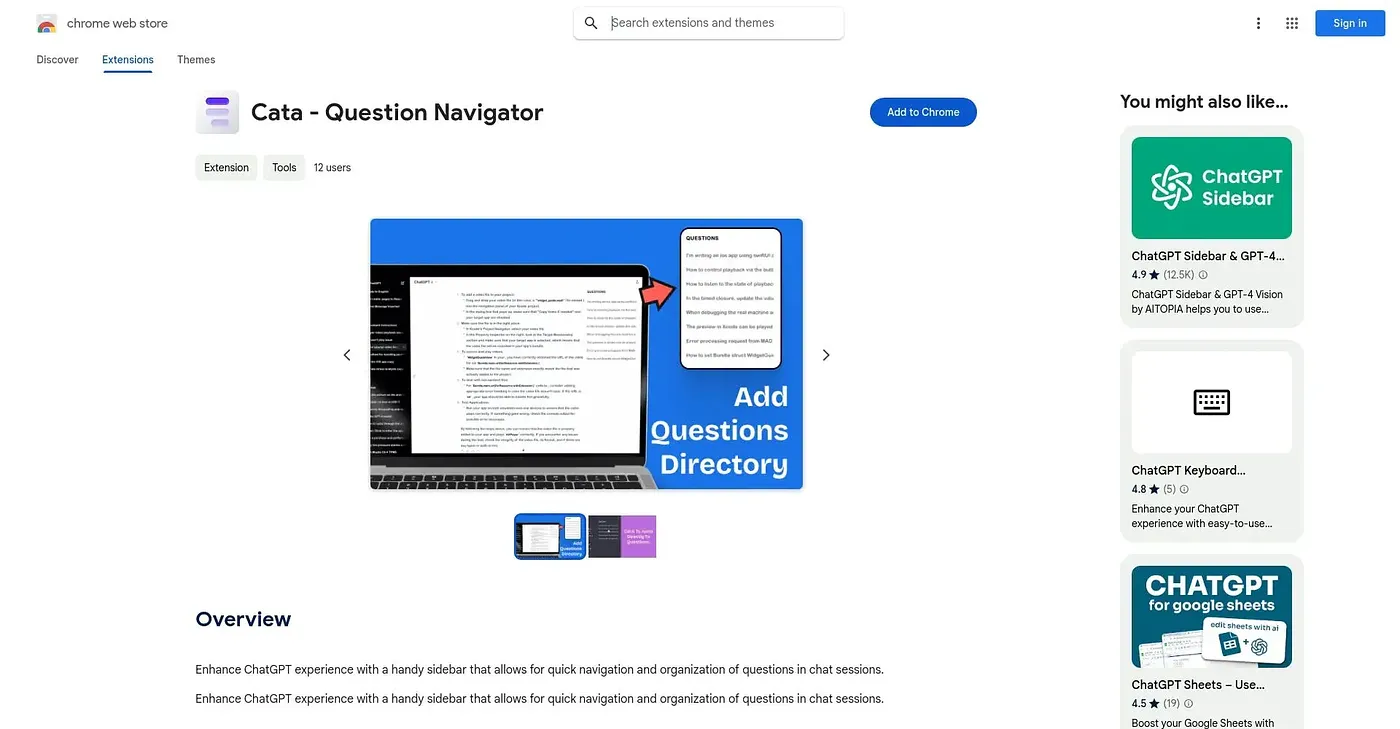
Adds a sidebar to ChatGPT that organizes chats into folders so old answers are easy to find.
At a glance
Starts at
Free
The vendor's site is offline, so no current price was found.
Free tier
Yes
Platforms
Chrome
Best for
Frequent ChatGPT users wanting organized chat history
Not for
Beginners wanting a plain, uncluttered interface
3.9 out of 5
Scored by Alex after real useOur verdict
Cata AI Chat Directory adds a sidebar to ChatGPT that lets users jump between chats without scrolling, categorize questions into folders, and adjust the layout and color scheme to taste. Frequent ChatGPT users chasing old conversations are the clear fit. The extra sidebar can clutter the interface, without an easy way to hide it, and new users need time to learn the folder and customization setup.
✓What it does well
Quick chat navigationA sidebar lets users jump between chat sessions without scrolling.
Organized questionsChats can be categorized into folders for easier recall later.
Custom appearanceLayout and color scheme can be adjusted to personal preference.
✕Where it falls short
Can clutter the interfaceThe extra sidebar can clutter the interface, without an easy way to hide it.
Setup learning curveNew users need time to learn the folder and customization setup, without much onboarding help.
Chrome onlyIt only works as a Chrome extension, with no other browser support.
Key features
Sidebar navigationA sidebar allows quick movement between different chat sessions.
Question categorizationChats can be organized into folders by topic.
Custom layoutUsers can adjust the sidebar's layout to their liking.
Color scheme optionsColor schemes can be changed to personalize the look.