
ChatGPTable - Chrome Extension
Converts ChatGPT tables into clean Markdown, images included, without manual reformatting.
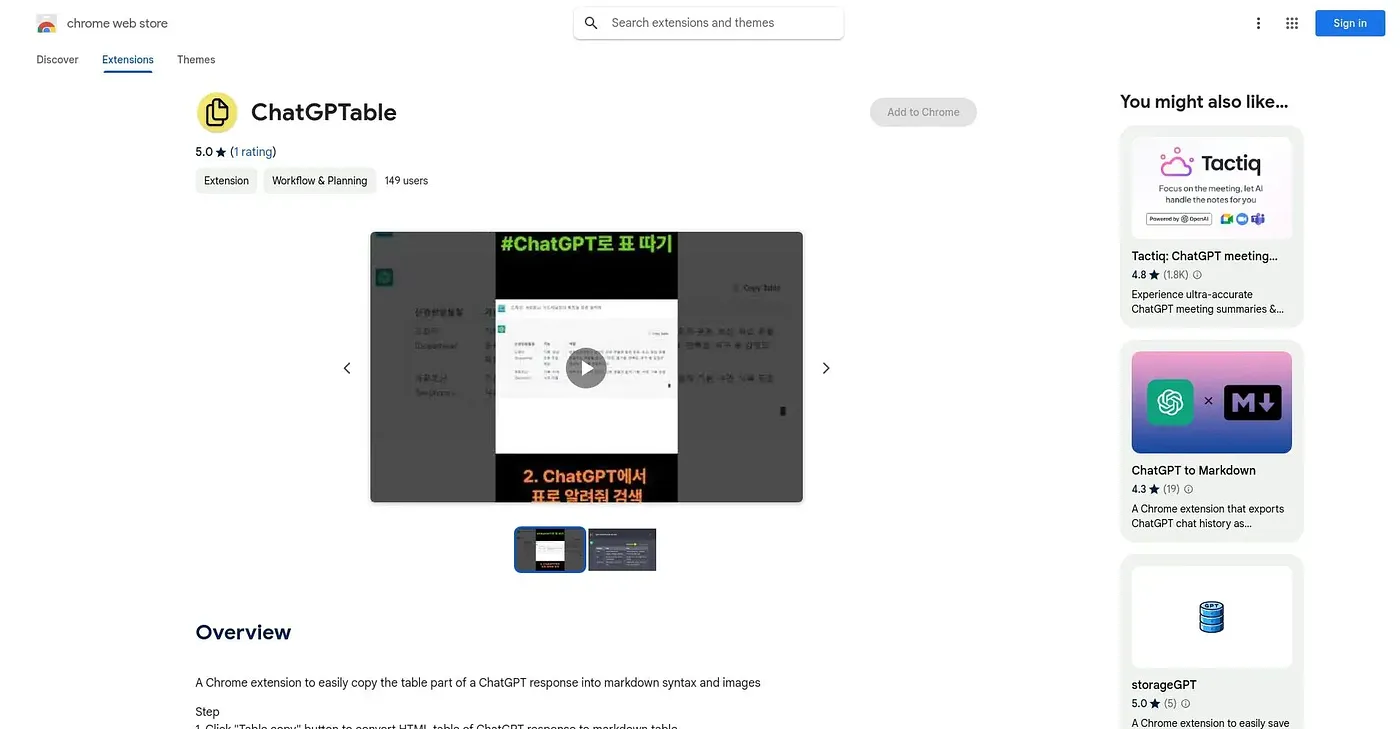
At a glance
Starts at
Free
The vendor's site is offline, so no current price was found.
Free tier
Yes
Platforms
Chrome
Best for
Writers documenting ChatGPT tables and data in Markdown
Not for
Users working with especially complex or large tables
4.3 out of 5
Scored by Alex after real useOur verdict
ChatGPTable converts table data from ChatGPT responses into Markdown automatically, lets users copy images alongside text for richer documents, and offers customization over markdown styles and image sizes. People who regularly publish or document ChatGPT output benefit most. Complex tables or large datasets are not always handled cleanly, formatting options remain limited compared to a dedicated markdown editor, and it only works within Chrome.
✓What it does well
Automatic table conversionTable data converts into Markdown without manual formatting.
Image and text copyingImages can be copied alongside text for richer documents.
Customizable outputMarkdown styles and image sizes can be adjusted per user.
✕Where it falls short
Struggles with complex tablesComplex tables or large datasets are not always handled cleanly.
Formatting limitsFormatting options remain limited compared to a dedicated markdown editor.
Chrome dependencyIt only works as a Chrome extension, with no other browser support.
Key features
Table to Markdown conversionIt converts ChatGPT table data into Markdown automatically.
Image copyingImages can be copied alongside text into Markdown documents.
Custom markdown stylesUsers can select preferred markdown styles for output.
Adjustable image sizesImage sizes can be set to match document layout needs.