
学术资源全网搜索 Chrome Extension
Searches dozens of academic databases like CNKI and Wanfang from one Chrome toolbar.
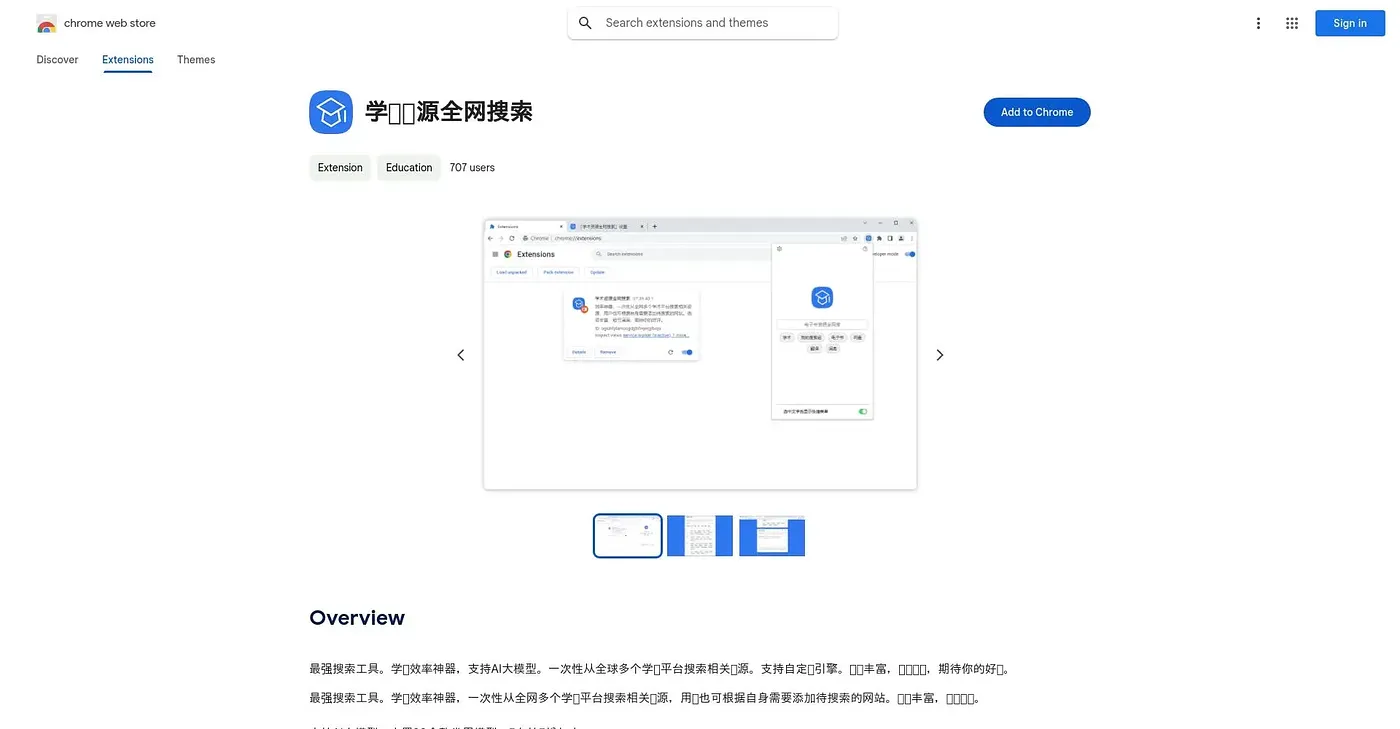
At a glance
4.2 out of 5
Scored by Alex after real useOur verdict
This extension fires a single search across more than 30 built-in academic platforms, including CNKI, Wanfang and PubScholar, and also lets you add your own sites to the search list. It supports a range of AI models on top of the raw search, with more engines added over time, though the underlying source list needs ongoing maintenance to stay current. Researchers tired of repeating the same search on each academic site individually save real time here, and a 4.2-star average from five reviewers suggests it delivers, even if that sample is still small.
✓What it does well
✕Where it falls short
Key features
Questions about 学术资源全网搜索 Chrome Extension
What does 学术资源全网搜索 Chrome Extension do?
学术资源全网搜索 Chrome Extension fires a single search across more than 30 built-in academic platforms, including CNKI, Wanfang and PubScholar. Users can also add their own websites to the search list, and extensive settings let them fine-tune each search.
Does 学术资源全网搜索 Chrome Extension use AI models?
Yes. 学术资源全网搜索 Chrome Extension includes support for more than 30 AI models on top of its raw academic search, with more engines added over time. The reviewer notes that the underlying source list needs ongoing maintenance to stay current.
Is 学术资源全网搜索 Chrome Extension open source?
Not yet. An open-source release of 学术资源全网搜索 Chrome Extension is still only being planned, which the reviewer lists among its shortcomings. The extension itself is free, with no paid plan found on the Chrome Web Store in September 2026.
How is 学术资源全网搜索 Chrome Extension rated?
学术资源全网搜索 Chrome Extension holds a 4.2-star average from five reviewers, which the reviewer says suggests it delivers even though the sample is small. Toolio's score is 4.2 out of 5, given by Alex after real use on 5 Oct 2026.
Who should use 学术资源全网搜索 Chrome Extension?
Toolio lists 学术资源全网搜索 Chrome Extension as best for researchers searching multiple academic databases at once, since it saves them from repeating the same search on each site. It is not meant for casual readers outside academic research.