
Claude Exporter Extract C - Chrome Extension
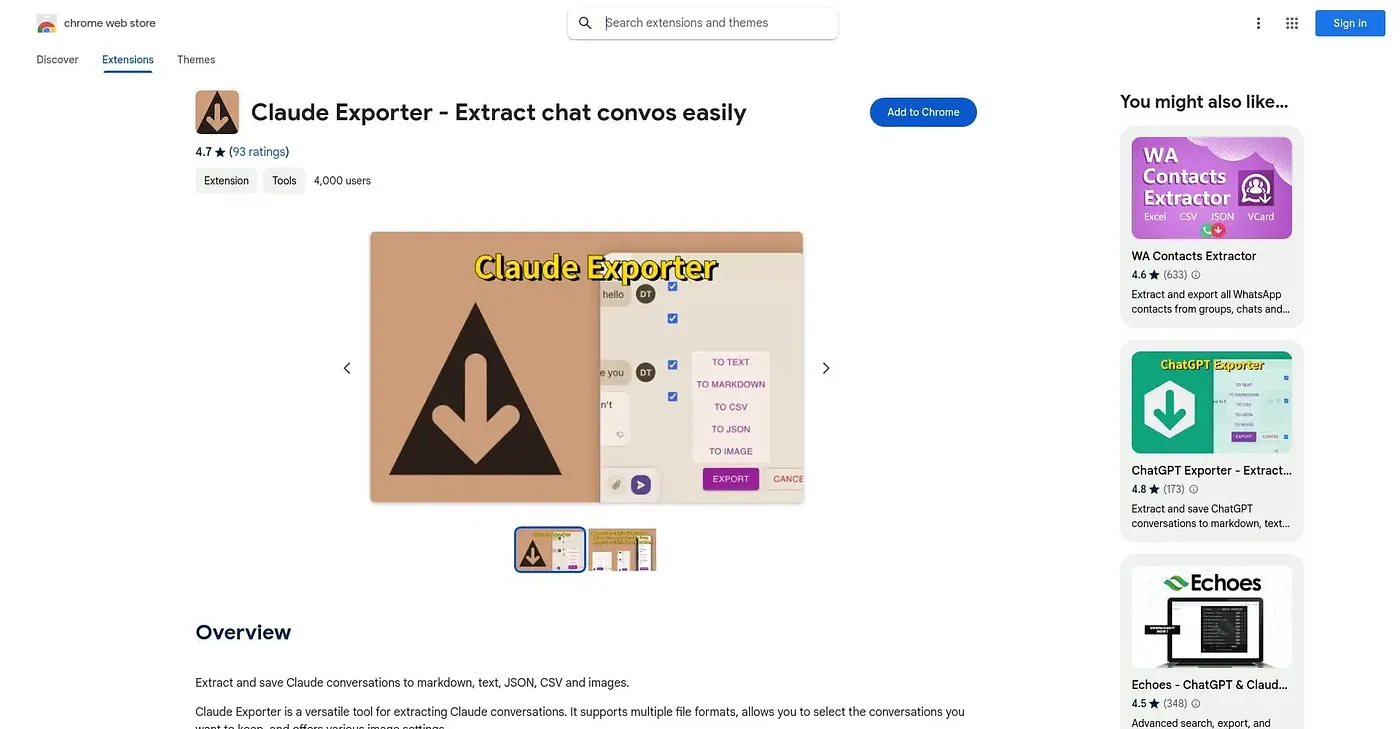
Exports Claude conversations to markdown, text, JSON, CSV or images, with settings to control what's included.
At a glance
Starts at
Free
The vendor's site is offline, so no current price was found.
Free tier
Yes
Platforms
Chrome
Best for
People archiving or analyzing Claude chat exports
Not for
Anyone needing exports to work with every third-party tool
3.9 out of 5
Scored by Alex after real useOur verdict
This extension pulls a Claude conversation out of the browser and saves it as markdown, plain text, JSON, CSV or images, whichever suits the next step. Extraction settings let a user focus on specific segments and adjust formatting before saving. Compatibility with other tools is limited, and exported files are not always formatted correctly.
✓What it does well
Multiple export formatsConversations can be saved as markdown, text, JSON, CSV or images.
Customizable extractionUsers can focus extraction on specific segments and adjust the output formatting.
Organized export viewA clear interface makes saved conversations easy to browse and locate.
✕Where it falls short
Limited tool compatibilityIt has limited compatibility with other tools, which can restrict how exports are used downstream.
Formatting issuesExported files are not always formatted correctly, and errors can turn up.
Chrome onlyIt is only available as a Chrome extension.
Key features
Multi-format exportIt saves conversations as markdown, text, JSON, CSV or images.
Extraction settingsUsers can select which conversation segments to include before exporting.
Formatting controlsOutput formatting can be adjusted to fit different destinations.
Conversation organizationSaved exports are organized for quick navigation and retrieval.