
Clay AI
Transform photos into unique clay art.
At a glance
4.0 out of 5
Scored by Alex after real useOur verdict
CLAY AI excels at adding a unique artistic touch to images but may not be suitable for detailed editing or complex designs. It lacks advanced features compared to professional software.
✓What it does well
✕Where it falls short
Key features
Questions about Clay AI
What does Clay AI do?
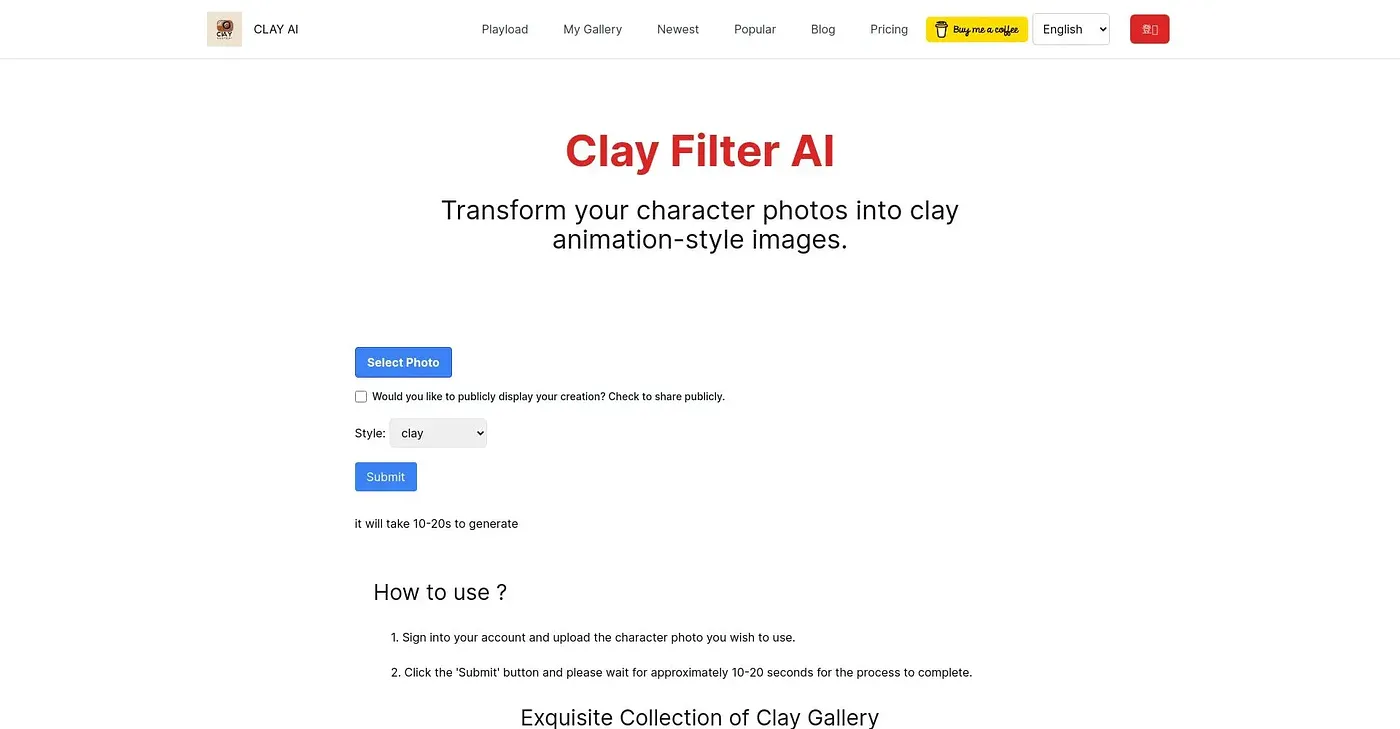
Clay AI transforms photos into unique clay art in seconds. Beyond clay, it can create 3D, emoji, video game and pixel styles, generates ultra high-definition images, and lets creations be shared directly on social media. The reviewer calls its interface simple and easy to use.
How much does Clay AI cost?
Clay AI starts at $16.88 per month, a price the vendor published in September 2026, and Toolio lists a limited free tier. The reviewer notes that higher image quality and faster speed cost extra.
Is Clay AI good for professional photo editing?
Clay AI may not suit detailed editing or complex designs, according to the reviewer, who says it lacks the advanced features of professional software. It offers few editing controls and no advanced AI features such as content-aware fill, so designers needing those should look elsewhere.
Who is Clay AI for?
Toolio rates Clay AI as best for social media enthusiasts and graphic designers who want to add an artistic touch to images. Alex scored it 4.0 out of 5 after real use, and it runs on the web.
What are some alternatives to Clay AI?
Toolio lists MimicPhoto, which edits face expressions in photos, ArtAny, an image generator with multiple models, Flux Pro AI, which generates high-quality images quickly, and HeadSnap, which turns selfies into professional headshots. Clay AI itself scores 4.0 out of 5 on Toolio.