
Clips To Videos
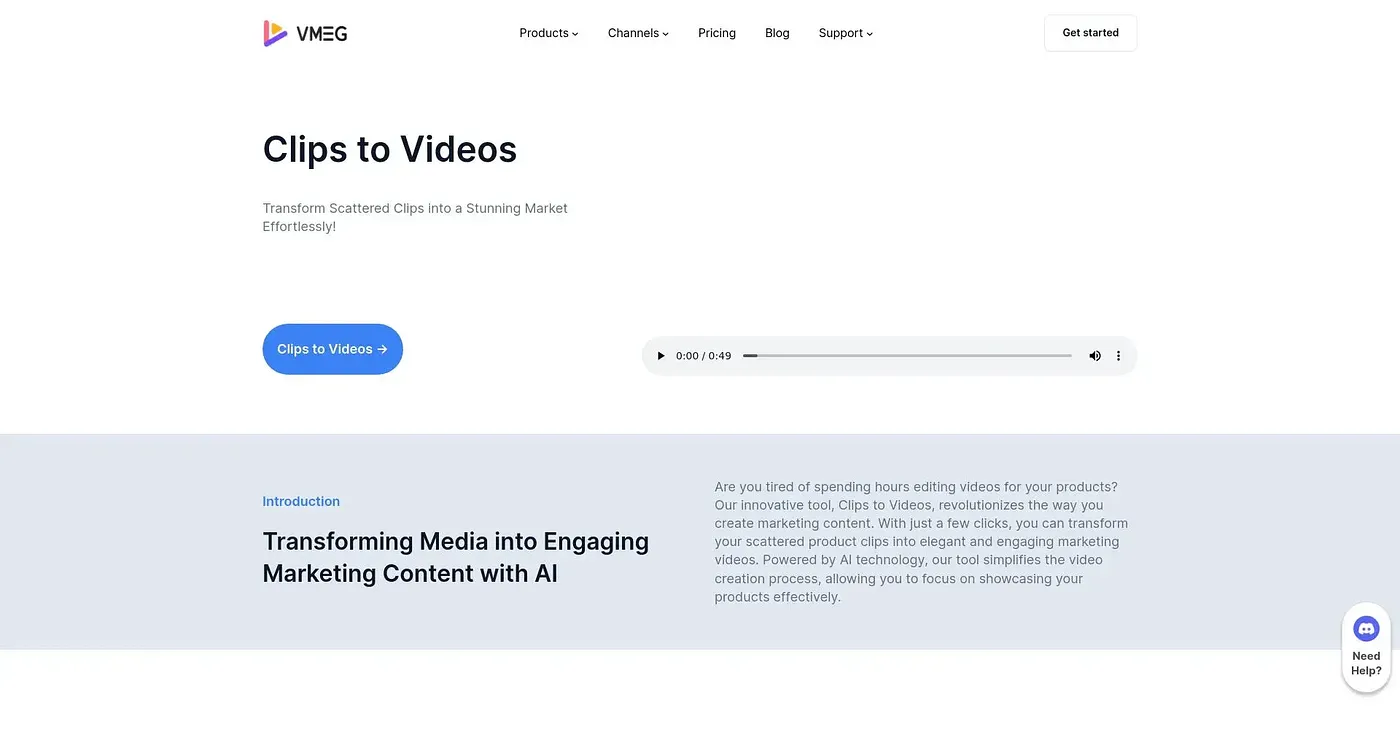
Clips To Videos allows converting video clips into complete videos but can be complex for beginners.
At a glance
Starts at
from $19 per month
Price as published by the vendor, September 2026.
Free tier
No
Platforms
Web, API
Best for
Professionals who need advanced editing features
Not for
Professionals requiring extensive batch processing
3.9 out of 5
Scored by Alex after real useOur verdict
Converts individual clips to full videos, ideal for content creators. However, it lacks simplicity and may not suit users looking for basic tools.
✓What it does well
Adds SubtitlesConverts individual clips to full videos including subtitles, enhancing content accessibility.
Supports Multiple FormatsHandles various video formats like MP4 and MKV making it versatile for different needs.
Cost-EffectiveAffordable pricing starts at $19 per month, offering good value for money.
✕Where it falls short
Limited Automation OptionsDoes not offer advanced automation options compared to more expensive solutions.
No Batch ProcessingCannot process multiple clips at once, making it slower for bulk tasks.
Higher Costs For Additional FeaturesCharges extra for features like AI dubbing and voice cloning, adding to overall expenses.
Key features
Transcription OptionsIncludes text-to-speech and audio transcription capabilities.
Multiple Languages SupportSupports over 170 languages for translation, dubbing, and subtitles.
Voice Cloning OptionOffers AI voice cloning with various accent options.
Batch ProcessingHandles multiple clips simultaneously