
Clipto
Clipto stores your media locally, but may not be as cost-effective for large teams.
At a glance
3.9 out of 5
Scored by Alex after real useOur verdict
Local storage means Clipto keeps data private; however, manual effort is required. It’s not ideal if you prefer a fully automated solution or need extensive collaboration tools.
✓What it does well
✕Where it falls short
Key features
Questions about Clipto
What is Clipto?
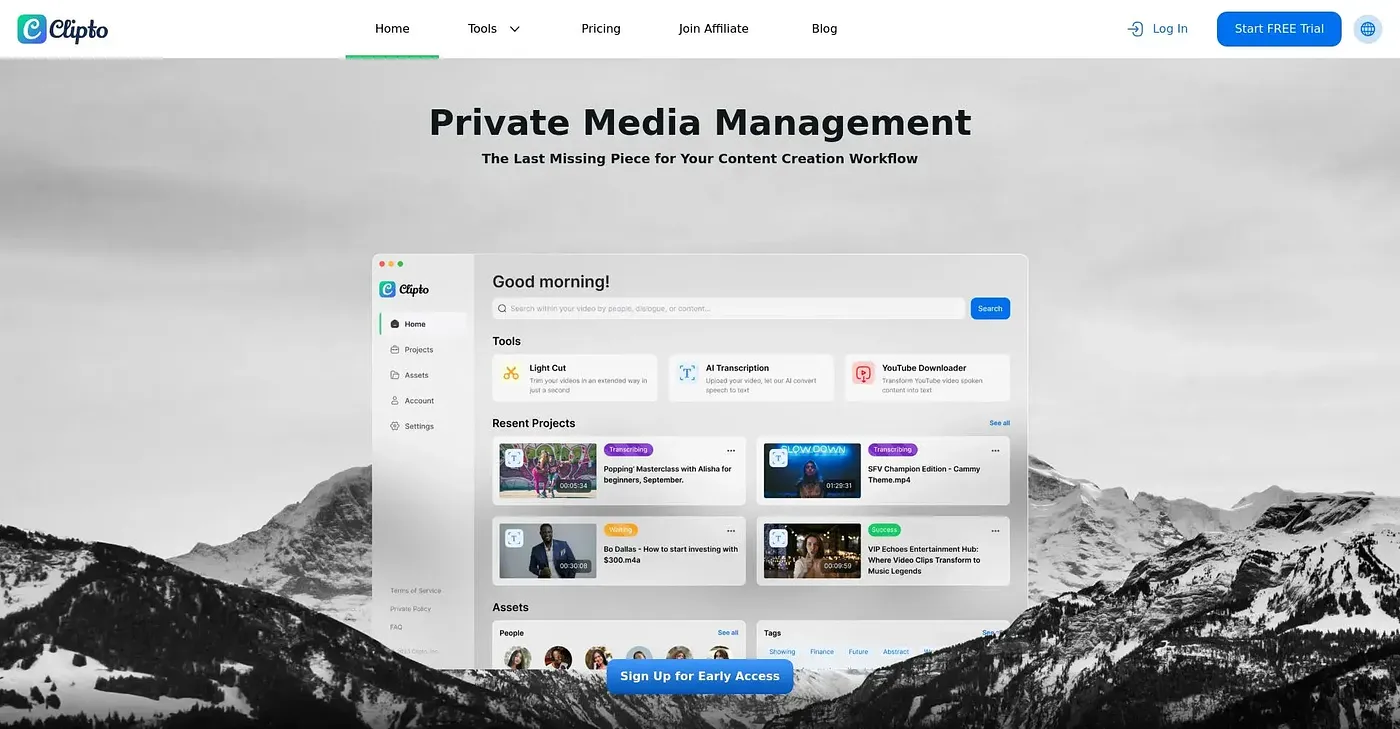
Clipto keeps media stored locally and private, and adds automatic AI speech transcription in over 99 languages. It supports videos, audio, documents and images, and it connects to AI tools such as Claude and ChatGPT through MCP or agent integration. It runs on the web, macOS and a Windows beta.
How much does Clipto cost?
Clipto has no free tier and starts at $14.99 per month, a price that includes a first-month discount, as published by the vendor in September 2026. The reviewer notes that monthly plans carry no discount after the first month for new customers.
Does Clipto work on Mac and Windows?
Clipto runs on the web and macOS, with Windows available as a beta. On Mac it is compatible with devices starting from Apple silicon M1+ models. The reviewer also credits its cross-platform access, which lets saved memory be reached from various AI tools.
Is Clipto good for teams?
Clipto suits individual creators and small teams better than large organizations. The reviewer notes there are no built-in collaboration tools or real-time sharing among team members, and Toolio lists it as not for large enterprises with extensive collaboration needs.
What are some alternatives to Clipto?
Toolio lists Rotor Videos, Recreate Video and LTX Studio as alternatives to Clipto. Rotor Videos creates music videos and lyric videos in minutes, Recreate Video recreates viral videos with AI, and LTX Studio produces AI video in minutes.