
ConvertFiles AI
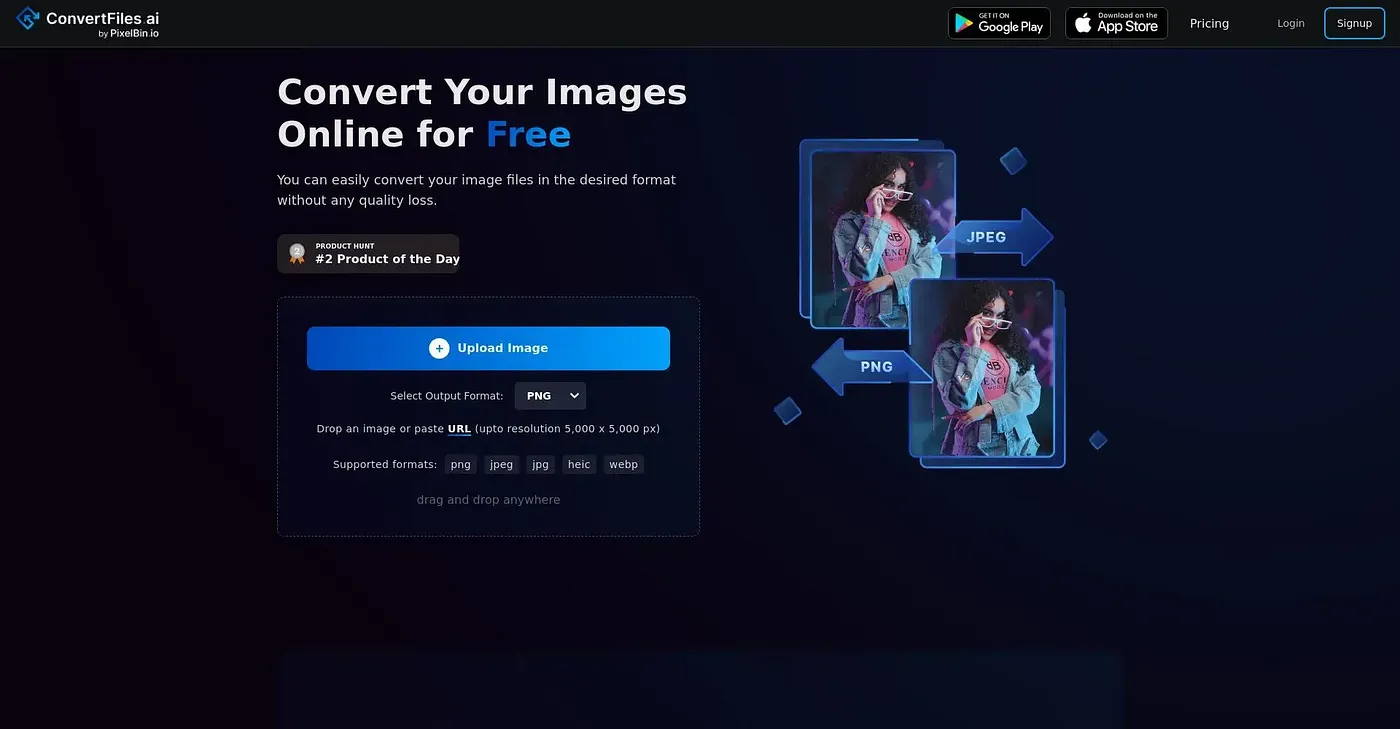
Convert image formats for free, but limited to 10 images daily without sign-up.
At a glance
4.0 out of 5
Scored by Alex after real useOur verdict
Free conversion with limitations. Ideal for personal use or light tasks; commercial projects may need the paid plans.
✓What it does well
✕Where it falls short
Key features
Questions about ConvertFiles AI
Is ConvertFiles AI free?
ConvertFiles AI converts image formats for free, but unregistered users are limited to 10 free conversions per day. The reviewer considers the free option ideal for personal use or light tasks and notes that commercial projects may need the paid plans.
What image formats does ConvertFiles AI support?
ConvertFiles AI supports PNG, JPEG, WEBP and HEIC formats. The reviewer notes that it converts images quickly without quality loss, and it accepts images up to 5,000 x 5,000 px resolution.
Does ConvertFiles AI need to be installed?
No. ConvertFiles AI runs on the web, so images can be converted directly on the online platform without installing anything. Toolio describes it as an online tool, with no desktop app offered.
What are the limits of ConvertFiles AI?
Unregistered users get only 10 free conversions per day, and each image can be at most 5,000 x 5,000 px. The interface is designed for basic users with no advanced features, and customer support comes only with paid plans, not the free plan.
Who is ConvertFiles AI for?
Toolio lists individual users and small teams as the best fit for ConvertFiles AI, particularly for personal use or light tasks. It is not for high-volume users converting images at bulk scale. Alex scored it 4.0 out of 5 after real use.