
Custom Use
Create 3D assets, images & videos with AI. Start for free.
At a glance
4.0 out of 5
Scored by Alex after real useOur verdict
Customuse generates 3D assets quickly using AI. Best for game development teams but lacks detailed customization controls.
✓What it does well
✕Where it falls short
Key features
Questions about Custom Use
What is Custom Use?
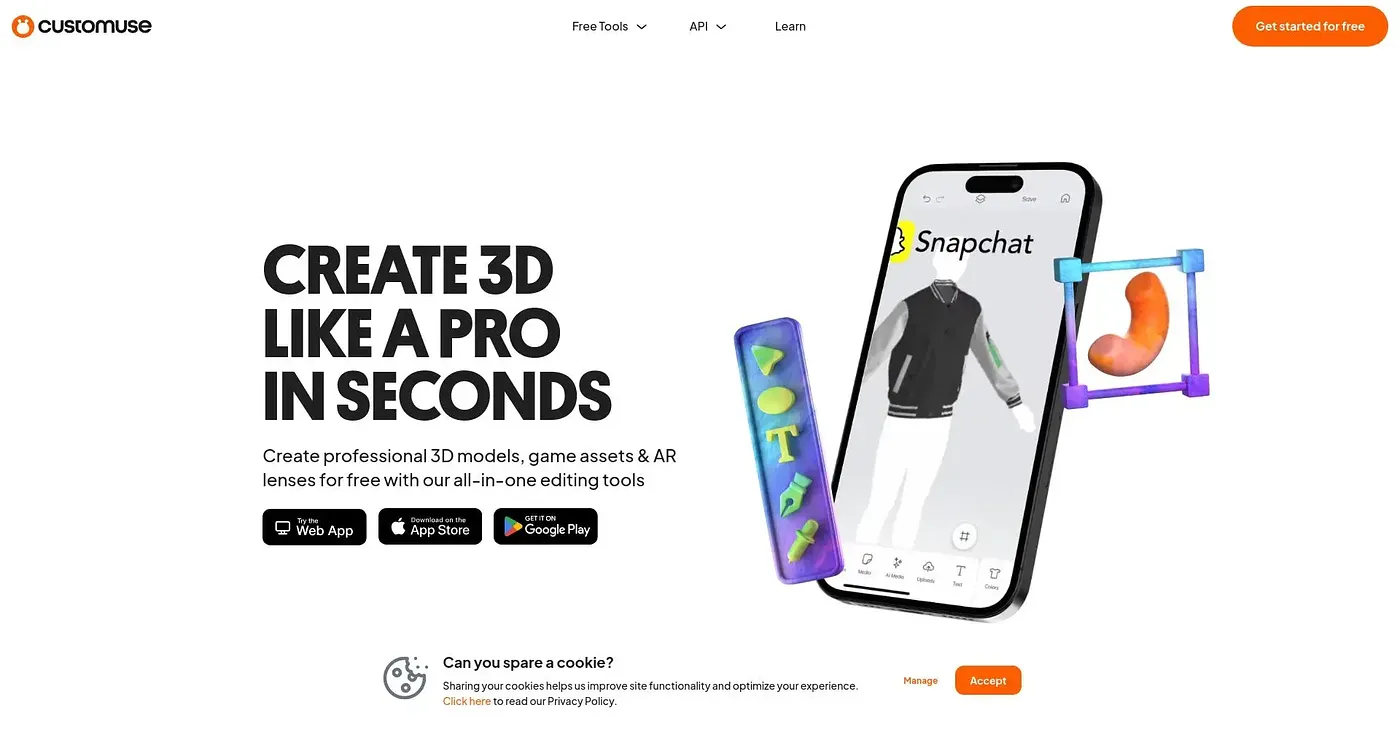
Custom Use is an AI tool for creating 3D assets, images and videos. It generates multiple concepts and variations in seconds, supports AI models from providers such as OpenAI and Google, and includes a node editor with an infinite canvas for creative workflows. The reviewer finds it fast but light on detailed customization controls.
How much does Custom Use cost?
Custom Use has a free tier, and paid plans start with Starter at $14.99 per month, which includes 1,000 fixed credits and core design tools. Pro costs $35 per month with 3,000 credits and dynamic credit selection, and Studio costs $99 per month with 9,000 credits for up to 8 seats.
Who is Custom Use best for?
Custom Use is best for game developers and designers, and the reviewer calls it a strong fit for game development teams. It is not aimed at solopreneurs with limited budgets, as the Pro and Studio tiers are expensive for solo creators.
Can teams collaborate in Custom Use?
Yes. Custom Use offers shared folders with granular roles for team collaboration, and the Studio plan covers up to 8 seats. Enterprise plans add enterprise-level security, support and scaling options. The reviewer notes that it does not share data across customers, which also limits some collaboration features.
What are the downsides of Custom Use?
The reviewer's main complaint is limited customization, since Custom Use does not offer detailed manual adjustments or controls. Its Pro and Studio plans are also expensive for solo creators. Even so, Toolio scores it 4.0 out of 5, a rating given by Alex on 5 Oct 2026 after real use.