
CVtools
Speeds up writing across Canva, Gmail and Google Forms with GPT-3 commands like GPT, YOU and HELP.
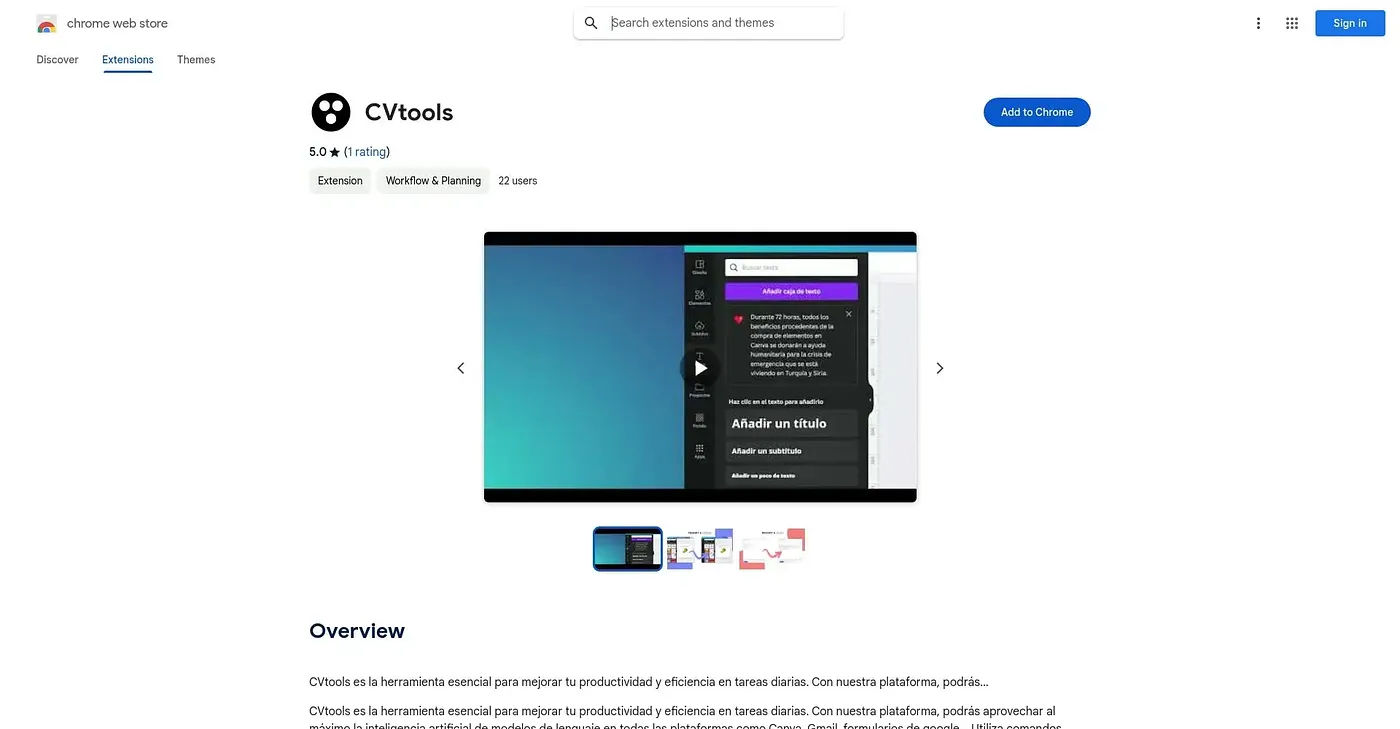
At a glance
3.9 out of 5
Scored by Alex after real useOur verdict
CVtools layers GPT-3 across everyday apps like Canva, Gmail and Google Forms, triggered through commands such as GPT, VGPT, YOU and HELP to draft content faster. Its GPT Tool generates content in seconds from those same commands. With a single rating and a Spanish-only interface, it remains a niche pick outside that language.
✓What it does well
✕Where it falls short
Key features
Questions about CVtools
What is CVtools?
CVtools is a Chrome extension that layers GPT-3 across everyday apps such as Canva, Gmail and Google Forms to help draft content faster. Writing help is triggered through short commands, and its GPT Tool generates content in seconds. It speeds up composing and replying inside Gmail and writing directly inside Canva.
How do you use CVtools commands?
CVtools works through typed commands such as GPT, VGPT, YOU and HELP rather than a plain chat interface. Each command triggers writing help inside the app being used. The reviewer notes that users need to learn this command syntax, which counts as one of its shortcomings.
Is CVtools free?
Yes. CVtools is free, with a $0 plan and no paid plan found on the Chrome Web Store in September 2026. It runs as an extension in the Chrome browser, and Toolio lists it with a free tier.
Does CVtools work in English?
No. CVtools runs only in Spanish, with no other language listed. It is best for Spanish-speaking users writing across Canva, Gmail and forms, and not for anyone who doesn't work in Spanish-language tools. The reviewer calls it a niche pick outside that language.
How does Toolio rate CVtools?
Toolio scores CVtools 3.9 out of 5, a rating given by Alex on 5 Oct 2026 after real use. Alex credits its cross-app writing, command shortcuts and fast generation. The extension carries only a single rating so far, which the reviewer lists as a weakness.