
Dezgo
Generate high-quality images/videos easily, but lacks advanced editing features.
At a glance
3.9 out of 5
Scored by Alex after real useOur verdict
Dezgo is great for quick image/video generation from text. It's easy to use, supports various styles like anime or cartoons. However, it falls short in detailed editing capabilities that some users might need.
✓What it does well
✕Where it falls short
Key features
Questions about Dezgo
What does Dezgo do?
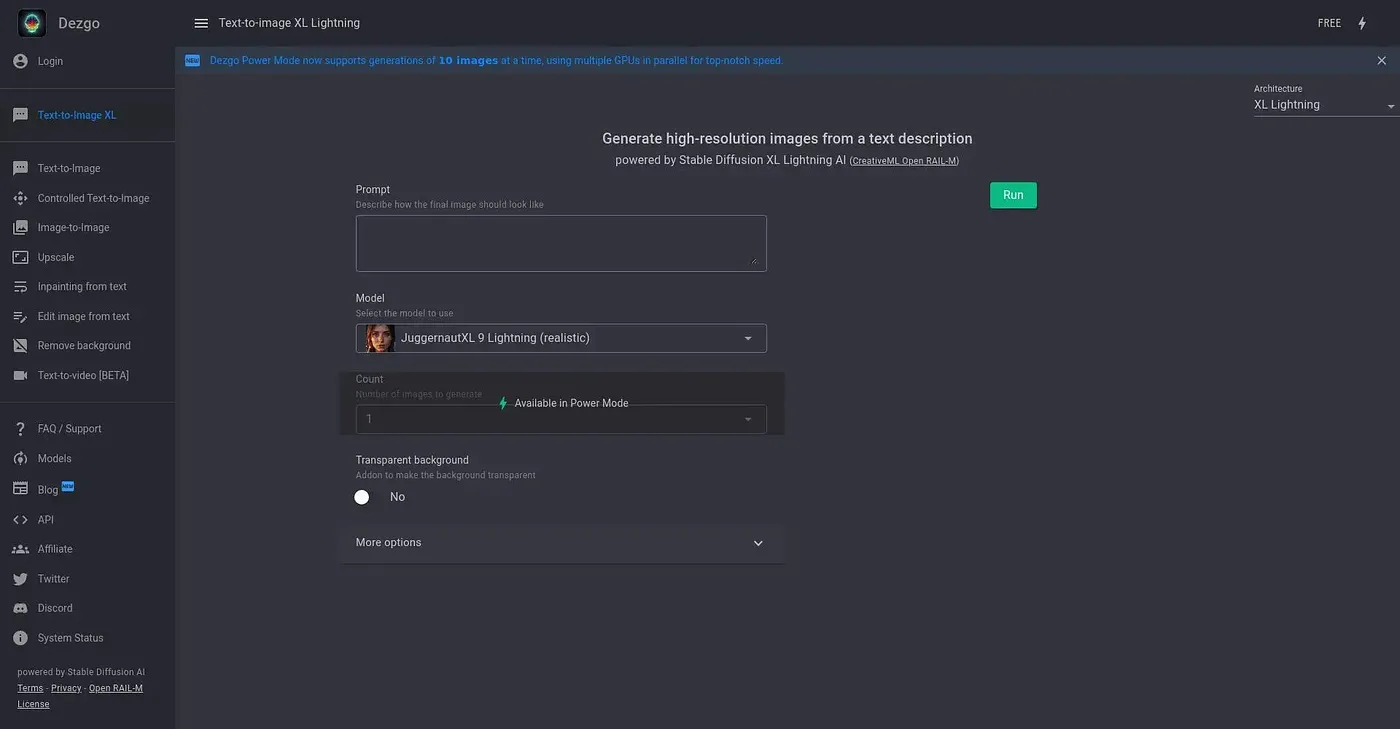
Dezgo generates images and videos from text quickly and with minimal effort, in styles such as anime or cartoons. It also offers image-to-image editing with improved reasoning and multi-part prompt support. It runs on the web, and Toolio lists artists and content creators as its best fit.
Is Dezgo free to use?
Dezgo is listed as free on the vendor's site, with a limited free tier at $0. Models like Flux Pro and Nano Banana Pro cost extra and are not included in free plans, which the reviewer lists among its shortcomings.
Does Dezgo have voice cloning?
No. Dezgo lacks text-to-speech and voice cloning features, which the reviewer lists among its shortcomings. It also does not offer advanced editing tools like background removal or complex inpainting, so it is not for advanced image editors.
Which AI models does Dezgo offer?
Dezgo's text-to-video includes advanced models such as MiniMax H3 Max. For images, Muse Image and Qwen Image 3 allow multi-part prompts for more precise control, and Qwen Image 3 also supports bilingual prompts. Flux Pro and Nano Banana Pro are available at extra cost.
How does Toolio rate Dezgo?
Alex scored Dezgo 3.9 out of 5 after real use on 4 Oct 2026, calling it great for quick image and video generation from text but short on detailed editing. Toolio lists Guru Art Face Swap, Stock Library AI and Shotix among the alternatives.