Dream Canvas
Draws simple animations, lacks advanced effects.
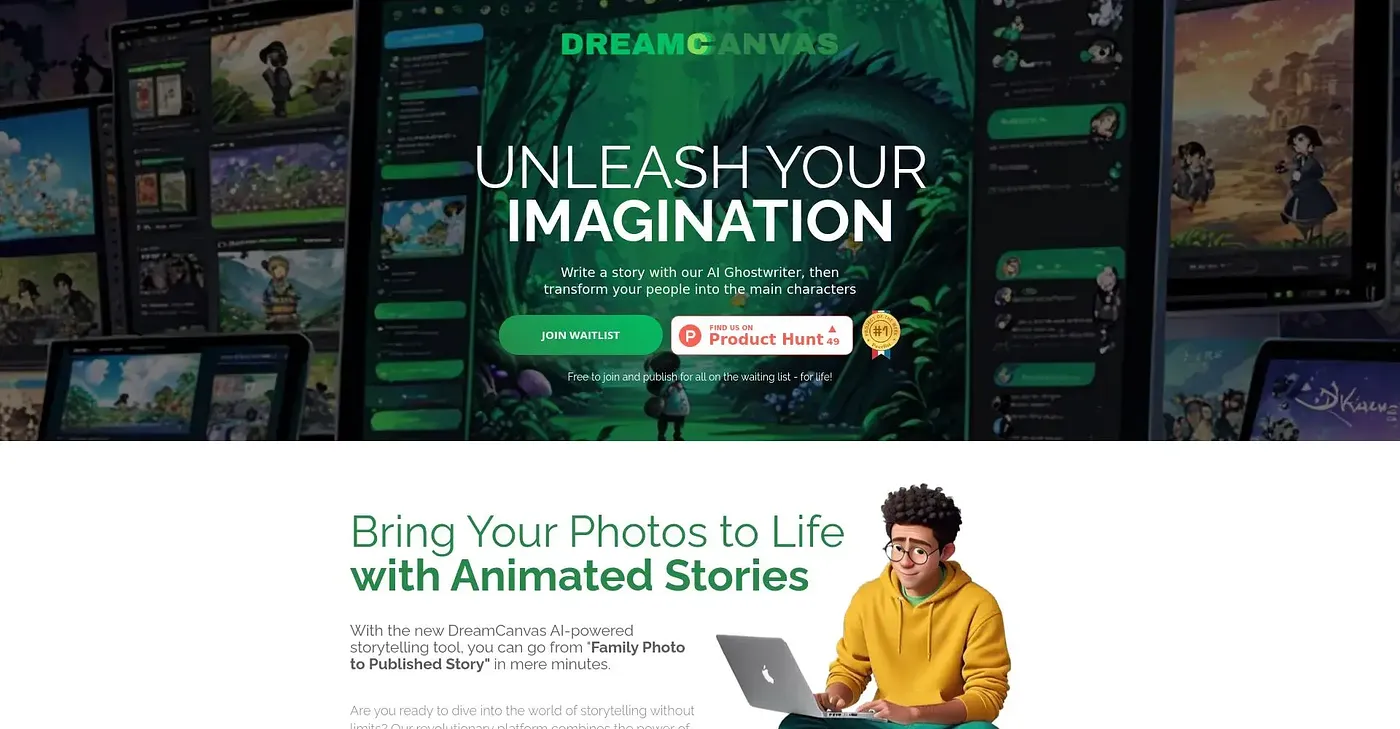
At a glance
Starts at
$9 per month
Price as published by the vendor, September 2026.
Free tier
Yes, limited
Platforms
Web
Best for
Beginners in animation
Not for
Advanced Multimedia Creators
4.0 out of 5
Scored by Alex after real useOur verdict
Dream Canvas makes basic animations easy but falls short on complex features like advanced effects and sound. It’s great for getting started but not ideal for professionals or those needing more functionality.
✓What it does well
Simple AnimationsEasy to use interface for basic animations.
AffordableAvailable with free and paid plans starting from $9 per month.
User-friendly InterfaceOffers a simple drag-and-drop animation creation process.
✕Where it falls short
Limited EffectsDoes not offer advanced effects or transitions.
No Sound SupportCannot add sound to your animations, making it less versatile for multimedia projects.
Paid Plans RequiredAdvanced features are only available in paid plans, which can be expensive for small businesses or individuals.
Key features
Web ExportCan export animations as web-compatible formats.
Customizable TimelineAllows you to customize the timeline of your animation.
Collaboration ToolsIncludes basic collaboration tools for team projects.
Sound IntegrationAllows adding audio to animations.