
Emojifyer
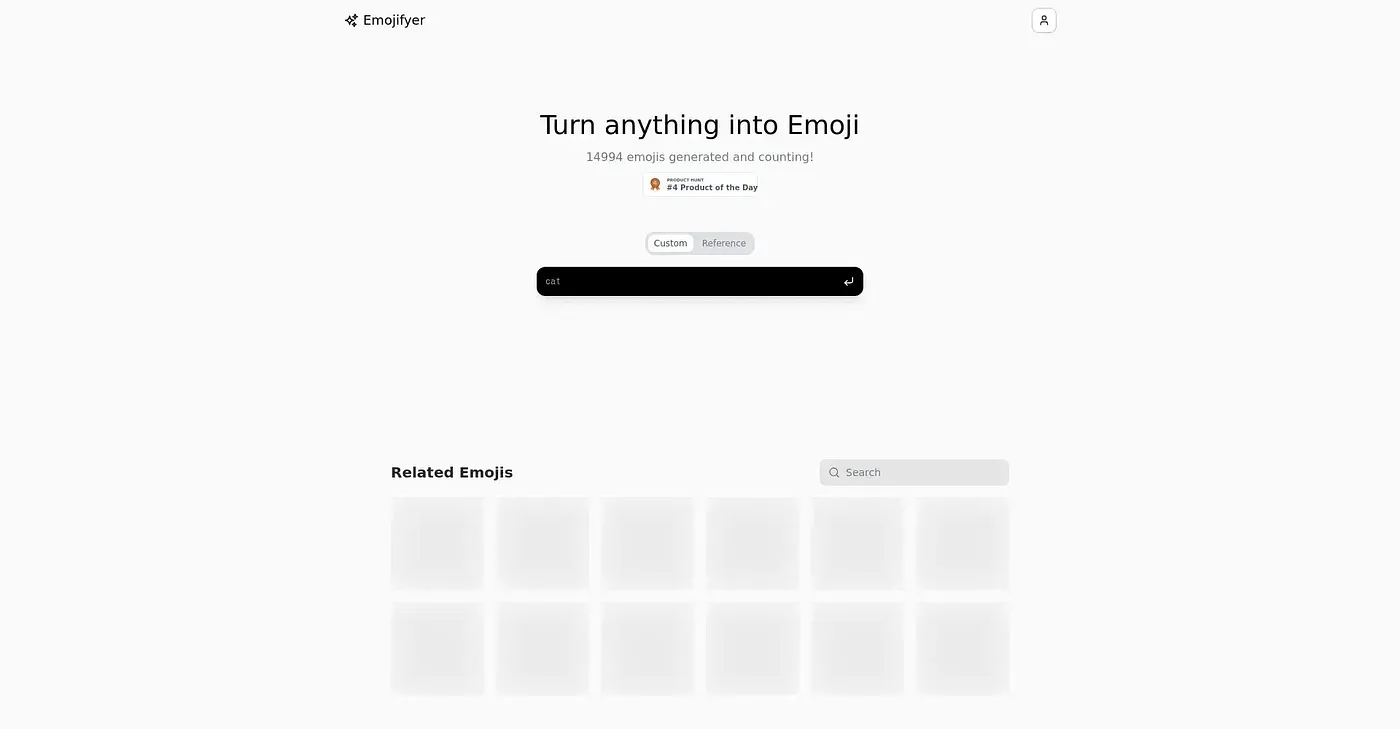
Emojifyer turns anything into emoji. Easy and fun.
At a glance
3.9 out of 5
Scored by Alex after real useOur verdict
Great for adding flair to digital conversations, but not suitable if you need detailed image editing tools.
✓What it does well
✕Where it falls short
Key features
Questions about Emojifyer
What does Emojifyer do?
Emojifyer turns images into emoji using AI. Conversions are quick, users can choose between different emoji styles and customize colors, and the interface is simple enough for beginners. The reviewer calls it great for adding flair to digital conversations.
Is Emojifyer free?
Toolio lists Emojifyer with a free tier at $0, and no paid plan was found on the vendor's site in September 2026. The reviewer notes that pricing information is missing from the vendor's site.
Can you edit images in detail with Emojifyer?
No. Emojifyer offers adjustable emoji styles and a custom color palette, but it does not offer advanced editing features. The reviewer says it is not suitable for anyone who needs detailed image editing tools, and Toolio lists it as not for advanced image editors.
Who is Emojifyer for?
Toolio lists Emojifyer as best for social media enthusiasts who want to add flair to their conversations. Alex scored it 3.9 out of 5 after real use on 3 Oct 2026, crediting its quick conversion and simple interface. It runs on the web.
What are some alternatives to Emojifyer?
Toolio lists the Tattoo AI Generator Chrome Extension, which generates tattoo design ideas from a browser extension, and Girl Generator, which creates AI images from a text prompt without an account. It also lists Scan Translator, a Chrome extension that translates manga, manhwa and webtoon panels in the browser.