
Facial Enhancement
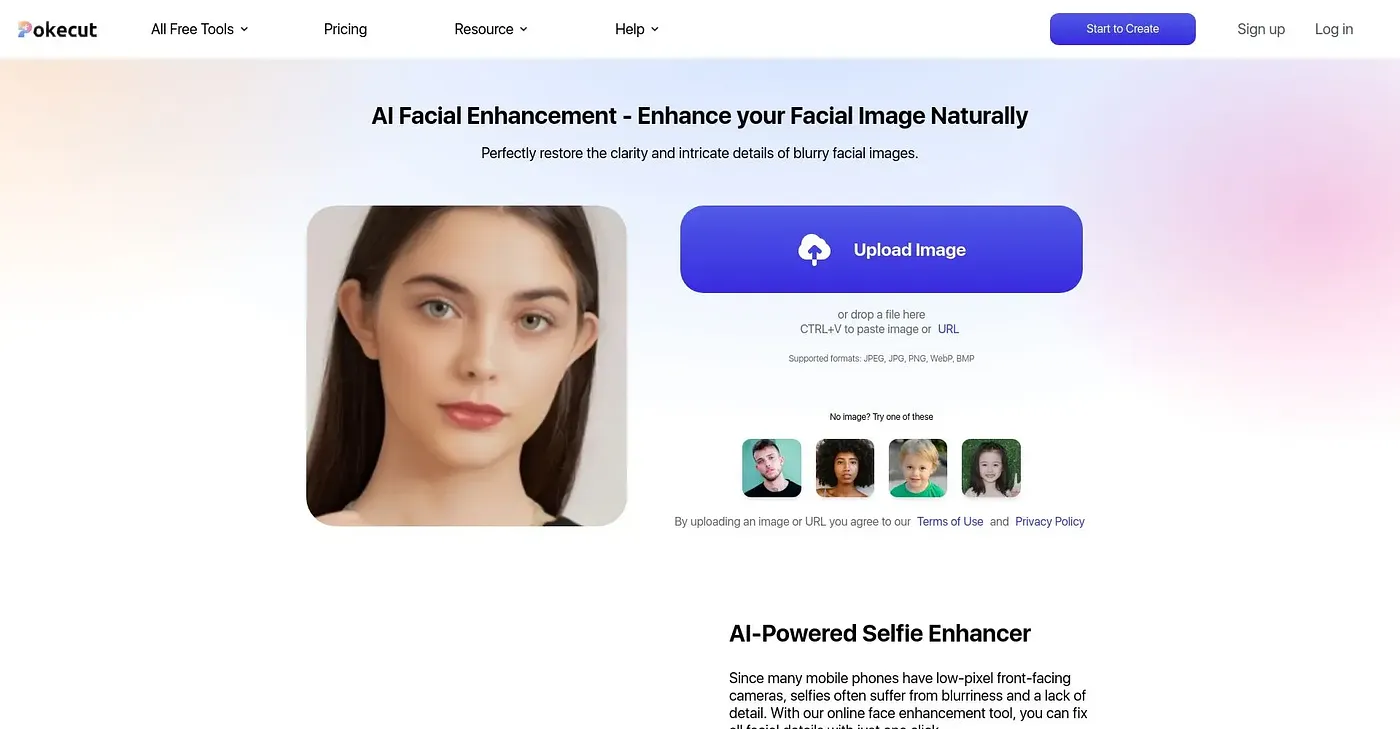
AI Face Enhancer restores clarity and sharpness to old or low-quality photos.
At a glance
4.3 out of 5
Scored by Alex after real useOur verdict
Pokecut’s AI Face Enhancer is great for restoring faces in poor quality images. However, it may not be ideal for advanced editing tasks.
✓What it does well
✕Where it falls short
Key features
Questions about Facial Enhancement
What does Facial Enhancement do?
Facial Enhancement is Pokecut's AI Face Enhancer, which restores clarity and sharpness to old or low-quality photos. It enhances details and removes noise from old or low-resolution faces, and enhanced portraits can be saved at up to 4K resolution. It runs on the web.
Is Facial Enhancement free?
Facial Enhancement is listed as free on the vendor's site, and its free tier is limited. Toolio shows a starting price of $0 per month. It runs in a web browser and accepts JPEG, JPG, PNG, WebP and BMP files for uploads and downloads.
Can Facial Enhancement handle group photos?
Yes. Facial Enhancement automatically detects and enhances multiple faces in group photos, and it can enhance up to ten faces at once. The vendor also says it improves facial details in low-resolution images, including footage from security cameras.
What are the limits of Facial Enhancement?
The reviewer notes Facial Enhancement does not offer advanced tools such as retouching specific facial features. It may also struggle with very large image files that exceed its upload size limits. Toolio lists it as a poor fit for professional photographers who need advanced retouching tools.
Who is Facial Enhancement best for?
Toolio lists Facial Enhancement as best for anyone needing high-quality face portraits for social media, resumes or old photo recovery. Alex scored it 4.3 out of 5 on 5 Oct 2026 after real use, and it has been listed on Toolio since February 2025.