
FigCap
FigCap limits creativity with rigid AI suggestions.
At a glance
Starts at
Free
No paid plan found on the App Store, September 2026.
Free tier
No
Platforms
iPhone, iPad, Mac
Best for
New social media users, casual photographers
Not for
Serious photographers requiring extensive photo editing
3.8 out of 5
Scored by Alex after real useOur verdict
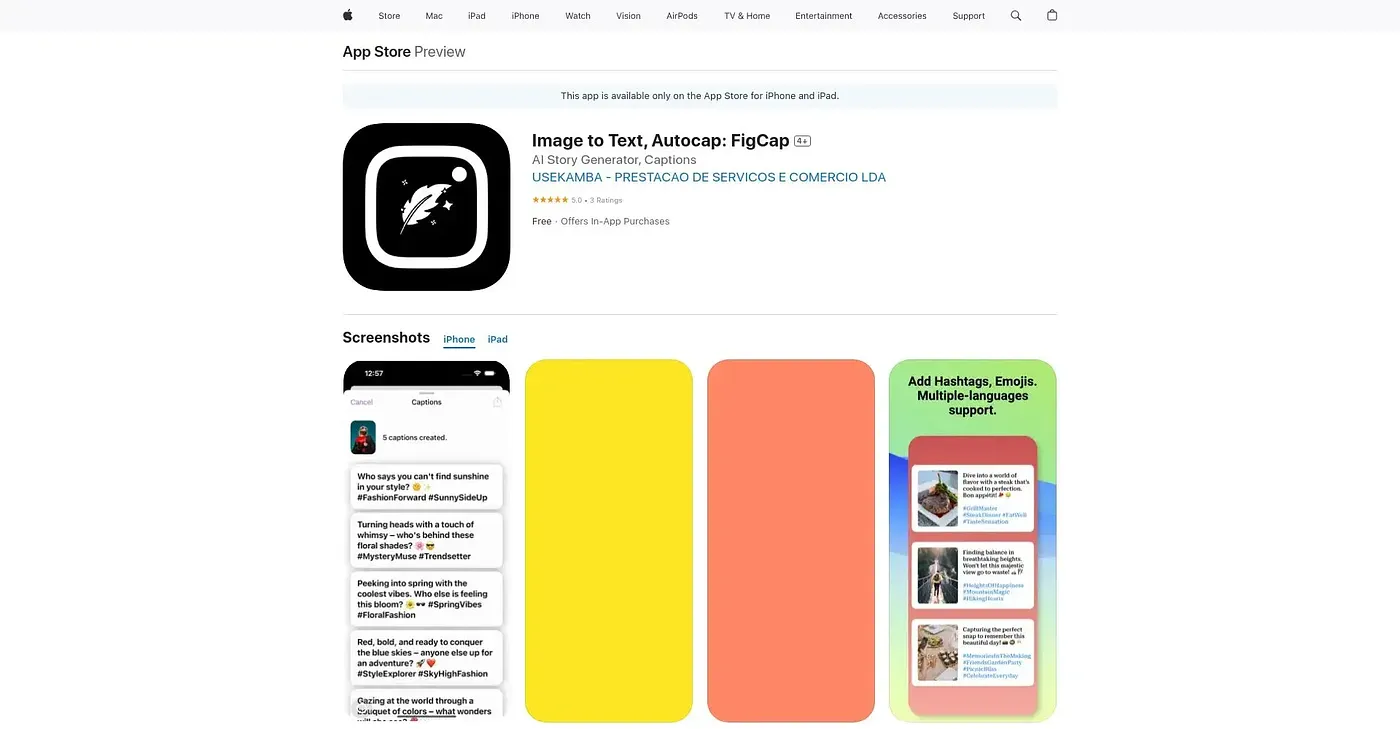
FigCap quickly generates captions and hashtags for photos but may limit creative expression due to its reliance on AI. It’s best suited for those who prefer quick solutions over customizing their content. Those looking for more personalized captions might want to consider alternatives.
✓What it does well
Quick CaptionsInstantly generate engaging photos with built-in text suggestions.
AI SuggestionsAI generates fun and creative captions with trending hashtags and emojis.
Multiple StylesChoose between funny, inspirational, and other styles for your captions.
✕Where it falls short
Limited Creative ControlAI-driven captions may not always align with user preferences or creativity levels.
Monetization CostsIn-app purchases required for advanced features and styles, which can add extra costs over time.
No Custom Photo EditorCannot edit photos before applying captions; limited photo editing tools available within the app.
Key features
Photo UploadUpload your own photos or use those from your device’s gallery.
Multiple StylesChoose between funny, inspirational, and other styles for your captions.
AI SuggestionsAI generates fun and creative captions with trending hashtags and emojis.
Quick CaptionsInstantly generate engaging photos with built-in text suggestions.