
File Transcribe
Limited to free tiers, best for occasional transcribers.
At a glance
4.0 out of 5
Scored by Alex after real useOur verdict
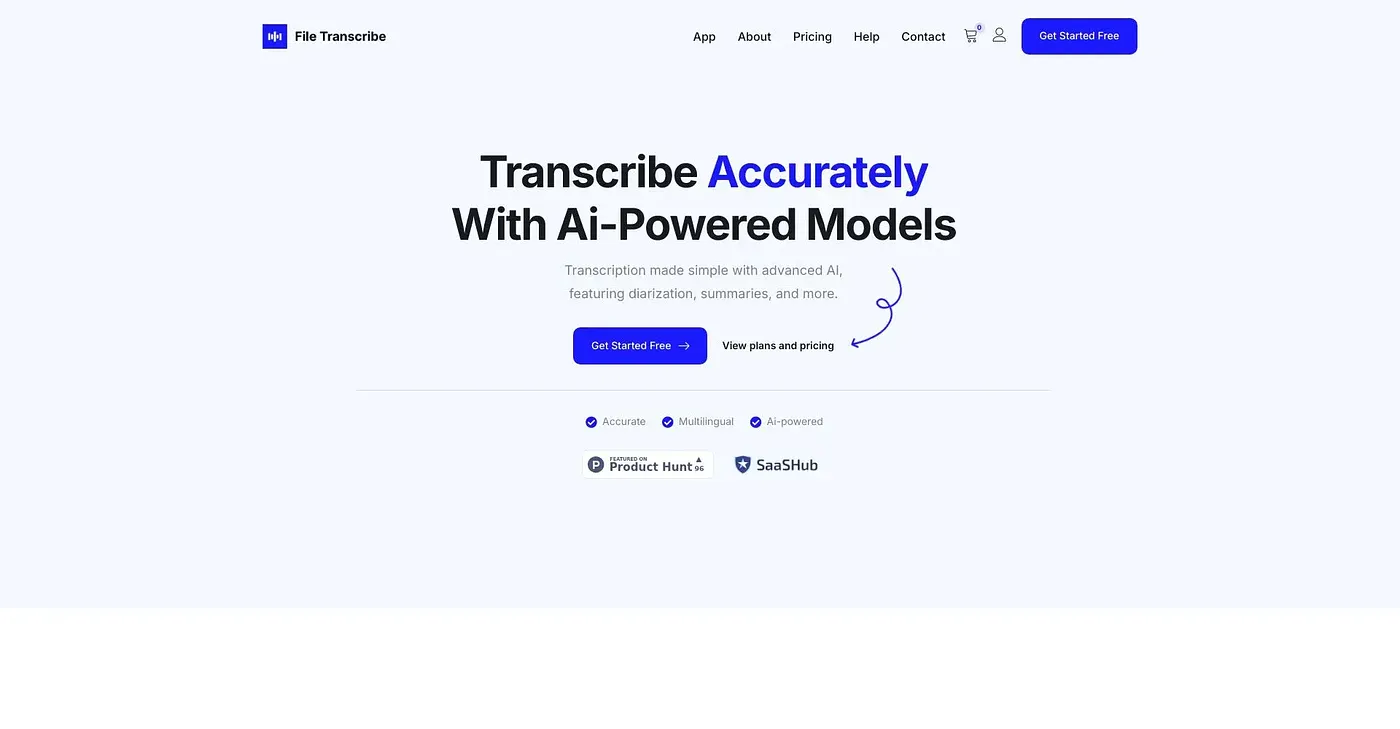
File Transcribe turns audio and video into text quickly. Best suited for students and creators with simple transcription needs. Skip if you need advanced features or large volumes.
✓What it does well
✕Where it falls short
Key features
Questions about File Transcribe
Is File Transcribe free to use?
File Transcribe has a limited free option. Guests without an account get two daily free transcriptions of up to 15 minutes each, and guest files auto-delete after 24 hours. Free accounts get five daily transcriptions of up to 30 minutes each, but without automatic formatting or advanced AI features.
How much does File Transcribe Pro cost?
File Transcribe Pro costs $19 per month and adds AI features and higher limits, with up to 200 transcriptions a day of up to three hours each. The Plus plan costs $49 per month and adds team seats, a much higher volume of 500 uploads a day, six thousand audio minutes a day, and long files and retention.
How many languages does File Transcribe support?
File Transcribe supports over 50 languages for transcription. Beyond that, it can label speakers directly in the transcript, offers an editor for editing and exporting transcripts after upload, and produces auto-generated AI summaries of recordings.
Who should use File Transcribe?
File Transcribe suits occasional transcribers, and the reviewer names students and creators with simple transcription needs as the best fit. It is not meant for long-term project managers, and the reviewer suggests skipping it for advanced features or large volumes of work.
What are some alternatives to File Transcribe?
Toolio lists Speak AI, Bluedot AI Meeting Record Chrome Extension, AskAI and Assembly AI as alternatives to File Transcribe. Assembly AI also transcribes speech to text, while Bluedot works as an AI note taker for Google Meet, Zoom and MS Teams.