
Flow AI Video
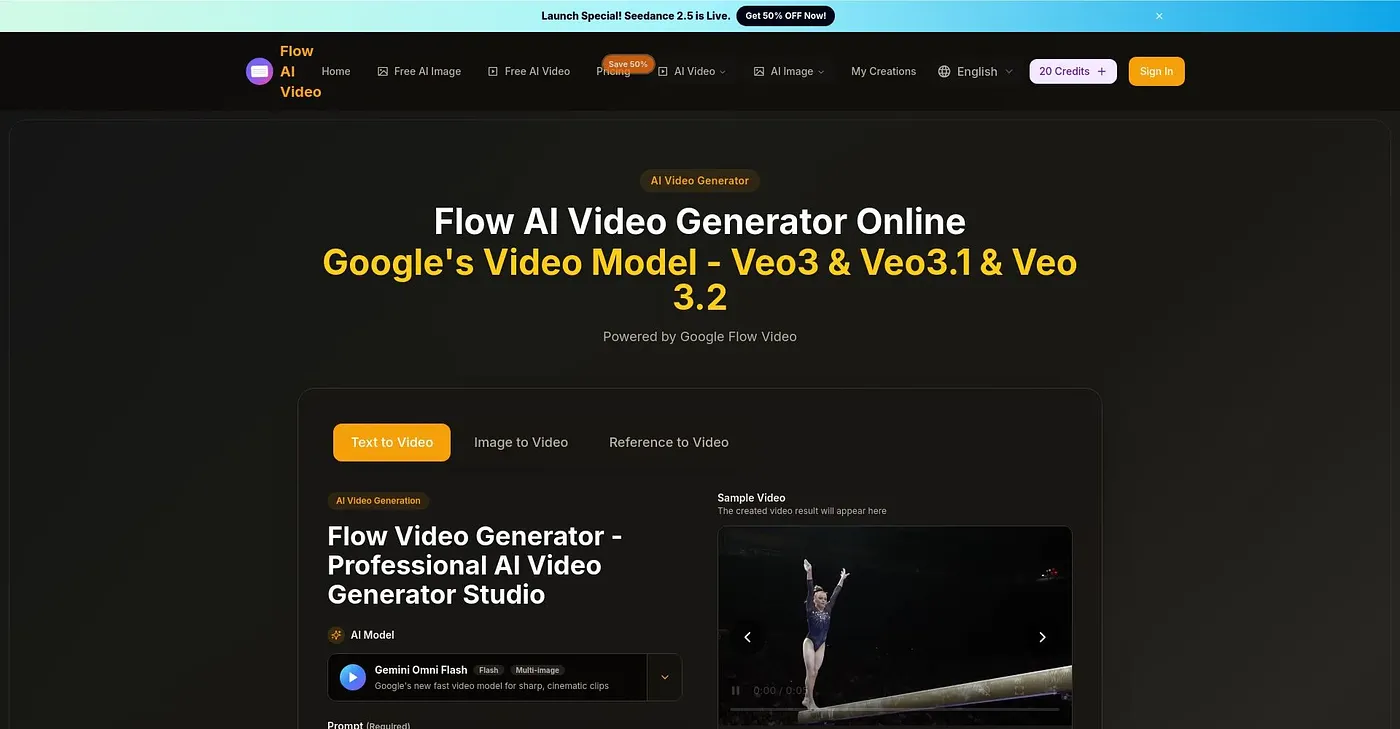
Convert text and images to stunning AI videos.
At a glance
4.0 out of 5
Scored by Alex after real useOur verdict
Flow AI Video converts text and images into high-definition cinematic videos quickly. It's ideal for quick projects but lacks customization options.
✓What it does well
✕Where it falls short
Key features
Questions about Flow AI Video
What does Flow AI Video do?
Flow AI Video converts text and images into high-definition cinematic videos. It produces 4K output and supports multi-shot storytelling that keeps characters and visual style consistent across scenes. The reviewer finds it fast and well suited to quick projects, though finer control needs some editing after the first generation.
Is Flow AI Video free?
Flow AI Video has a limited free tier, but the free version adds a watermark to generated videos. Paid plans start with Basic at $19.90 per month, which includes up to 800 credits, followed by Pro at $39.90 per month and Enterprise at $99.90 per month.
What are the downsides of Flow AI Video?
The reviewer names three limits for Flow AI Video. Customization is limited, so videos need some editing after generation for finer control, and the free plan adds a watermark. More expensive plans also charge higher rates per credit, which hurts cost-efficiency and is why Toolio says it is not for budget-conscious content creators.
Who should use Flow AI Video?
Flow AI Video is aimed at creators and hobbyists who want to turn a text prompt or an image into a video quickly. It runs on the web. Budget-conscious content creators may want to look elsewhere, and Toolio lists Seedance 2.0, VideoWeb AI and Steve AI as alternatives.
How does Toolio score Flow AI Video?
Alex scored Flow AI Video 4.0 out of 5 on 5 Oct 2026 after real use. The reviewer credits its fast generation and crisp 4K output, and counts the limited customization, the free-plan watermark and credit costs on pricier plans against it. Toolio has listed the tool since July 2026.