
Focusee
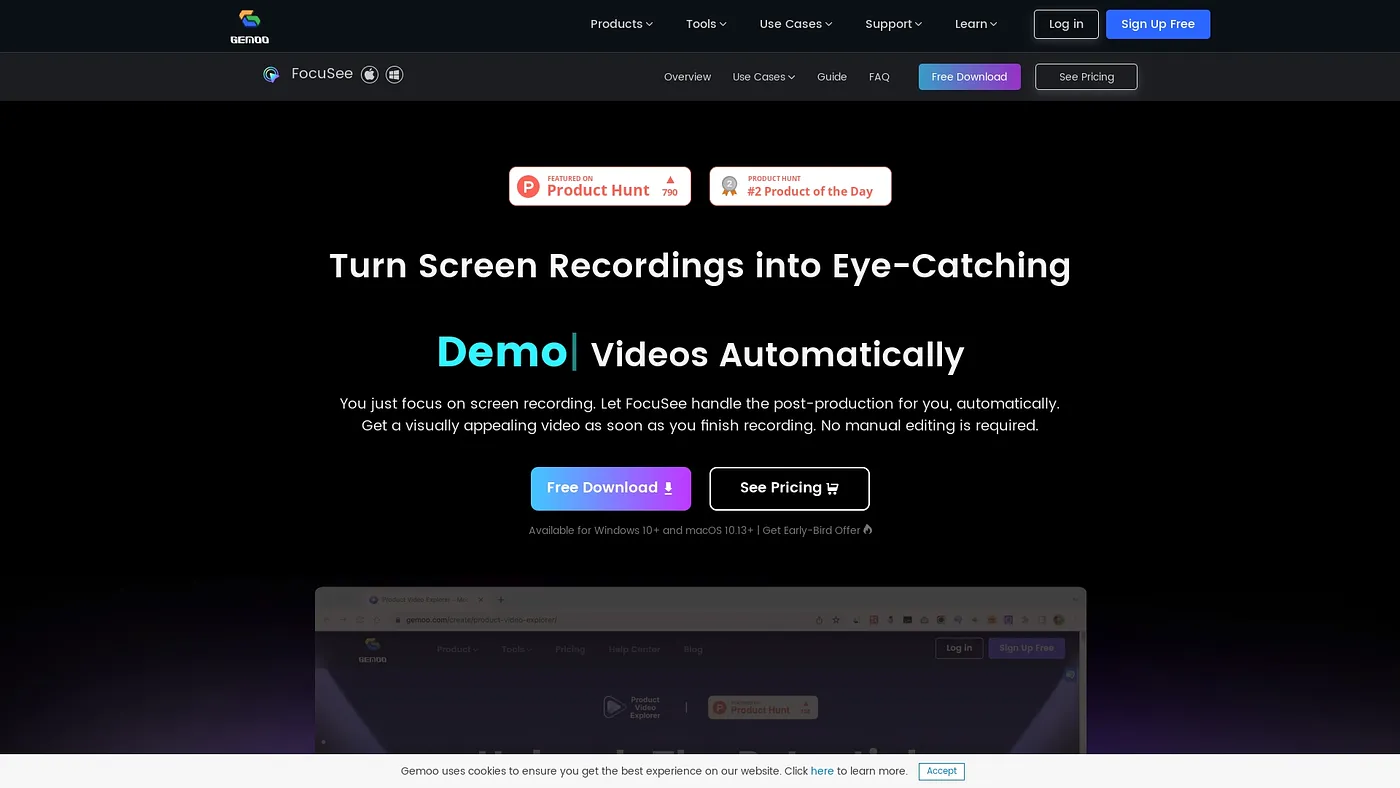
FocuSee automates recording and editing, giving you polished videos instantly. It's limited by its reliance on AI for all post-production tasks.
At a glance
3.9 out of 5
Scored by Alex after real useOur verdict
FocuSee simplifies creating professional product demos with minimal effort, but it may lack control over complex edits.
✓What it does well
✕Where it falls short
Key features
Questions about Focusee
What does Focusee do?
Focusee automates screen recording and editing to produce polished videos, and the reviewer says it simplifies creating professional product demos with minimal effort. It adds auto zoom and cursor effects that guide the viewer's attention, an annotation suite with text, shapes and arrows, and AI audio enhancement during recording.
How much does Focusee cost?
Focusee has no free tier. The Standard Monthly Plan costs $4.17 per month and the Advanced Monthly Plan costs $6.67 per month, while a One-Time Purchase option costs $199.99. These prices are as published by the vendor in September 2026.
Does Focusee work on Mac and Windows?
Yes. Focusee runs on macOS and Windows, and Toolio also lists it as available on the web. Across these platforms it includes a teleprompter for smooth presentations and custom watermark options on export.
What are the limits of Focusee?
The reviewer notes that Focusee lacks support for advanced editing tools and techniques and gives limited control over video elements, relying on AI adjustments instead. It is marked as not for advanced video editors, while content creators who need quick video production are its main audience.
How does Toolio score Focusee?
Alex scored Focusee 3.9 out of 5 after real use, on 4 Oct 2026. The verdict praises how easily it produces professional product demos but warns that it may lack control over complex edits.