
Font Generator
Generates an original custom font from your inputs and exports it as a .ttf file.
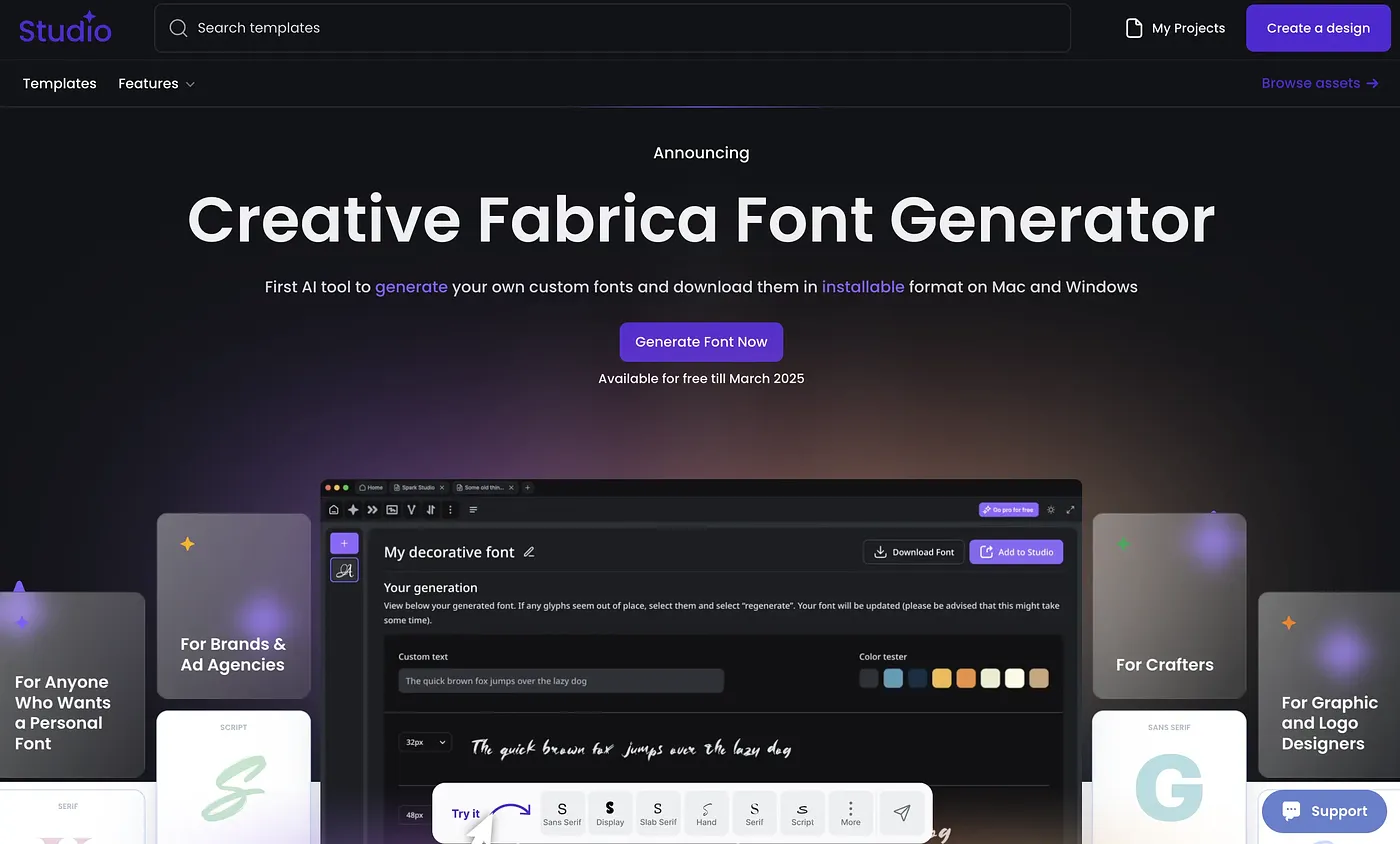
At a glance
4.1 out of 5
Scored by Alex after real useOur verdict
Font Generator uses AI to build an original custom font rather than remixing existing ones, with an interface simple enough for anyone to use regardless of design background. Finished fonts export as .ttf files that drop into apps like Microsoft Word and Canva. Editing flexibility after generation is limited, and some users run into font export compatibility issues depending on the destination app.
✓What it does well
✕Where it falls short
Key features
Questions about Font Generator
What does Font Generator do?
Font Generator uses AI to build an original custom font from a user's inputs rather than remixing existing ones. Finished fonts export as .ttf files that can be used in apps such as Microsoft Word and Canva, and the interface is simple enough for people without design skills.
Is Font Generator free?
Toolio lists Font Generator as free, with no paid plan listed. However, the vendor's site is offline, so no current price was found when the tool was last checked on 3 Oct 2026.
What file format does Font Generator export?
Font Generator exports finished fonts only in .ttf format, with no other file types offered. The fonts are meant to work in apps like Word and Canva, though the reviewer notes that some users find exported fonts do not work cleanly with certain applications.
Who is Font Generator for?
Font Generator suits people who want a quick, original font without design skills, since the interface is built for non-technical users. Anyone needing deep editing control over the final font should look elsewhere, as editing flexibility after generation stays fairly limited.
How does Toolio rate Font Generator?
Alex scored Font Generator 4.1 out of 5 after real use, on 3 Oct 2026. The verdict credits its original AI font creation and simple interface. Toolio lists Slea AI, Imagin World, Namelix and Logo Master AI as alternatives.