
Gemini Omni
Gemini Omni edits video by chat.
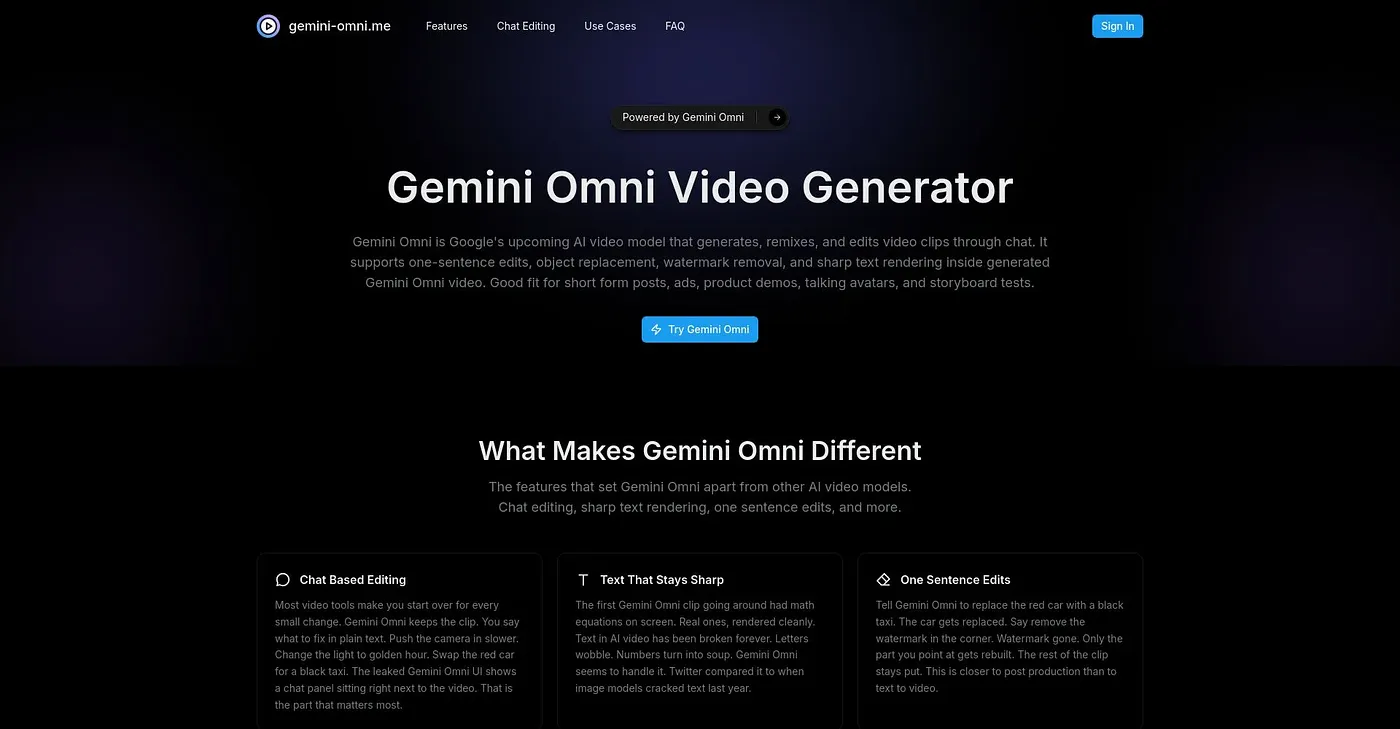
At a glance
3.8 out of 5
Scored by Alex after real useOur verdict
Gemini Omni excels at quick edits and generating clips from text. But it's limited to basic editing tasks and lacks advanced features.
✓What it does well
✕Where it falls short
Key features
Questions about Gemini Omni
How does Gemini Omni edit video?
Gemini Omni edits video through chat. A user describes a change, such as a camera move or a scene change, and only that part of the clip gets rebuilt. It can also generate video from one line of text or from an existing clip, and the reviewer praises its sharp text rendering in dynamic shots.
How much does Gemini Omni cost?
Gemini Omni has no free tier. The Basic Plan costs $29.90 per month for 500 credits, the Pro Plan costs $49.90 per month for 1,000 credits, and the Max Plan costs $89.90 per month for 2,000 credits. The priority generation queue is included only in the Pro and Max plans.
Can Gemini Omni videos be used commercially?
Yes. Gemini Omni includes commercial usage rights, so generated content can be used for commercial purposes without restrictions. Results can also be downloaded in HD directly from the tool, and it offers precise object and watermark cleanup for removing or replacing elements in a clip.
What can't Gemini Omni do?
Gemini Omni is limited to basic editing. The reviewer notes that it has no complex effects or color grading, so it does not suit content creators who need complex effects. More credits also mean a higher price, since the Pro and Max plans cost extra.
Who is Gemini Omni best for?
Gemini Omni suits marketers and short-form content creators who want quick edits and clips generated from text. Alex scored it 3.8 out of 5 after real use, and Toolio lists Akool, Vidofy AI and Kreado AI among its alternatives.