
Geniee AI
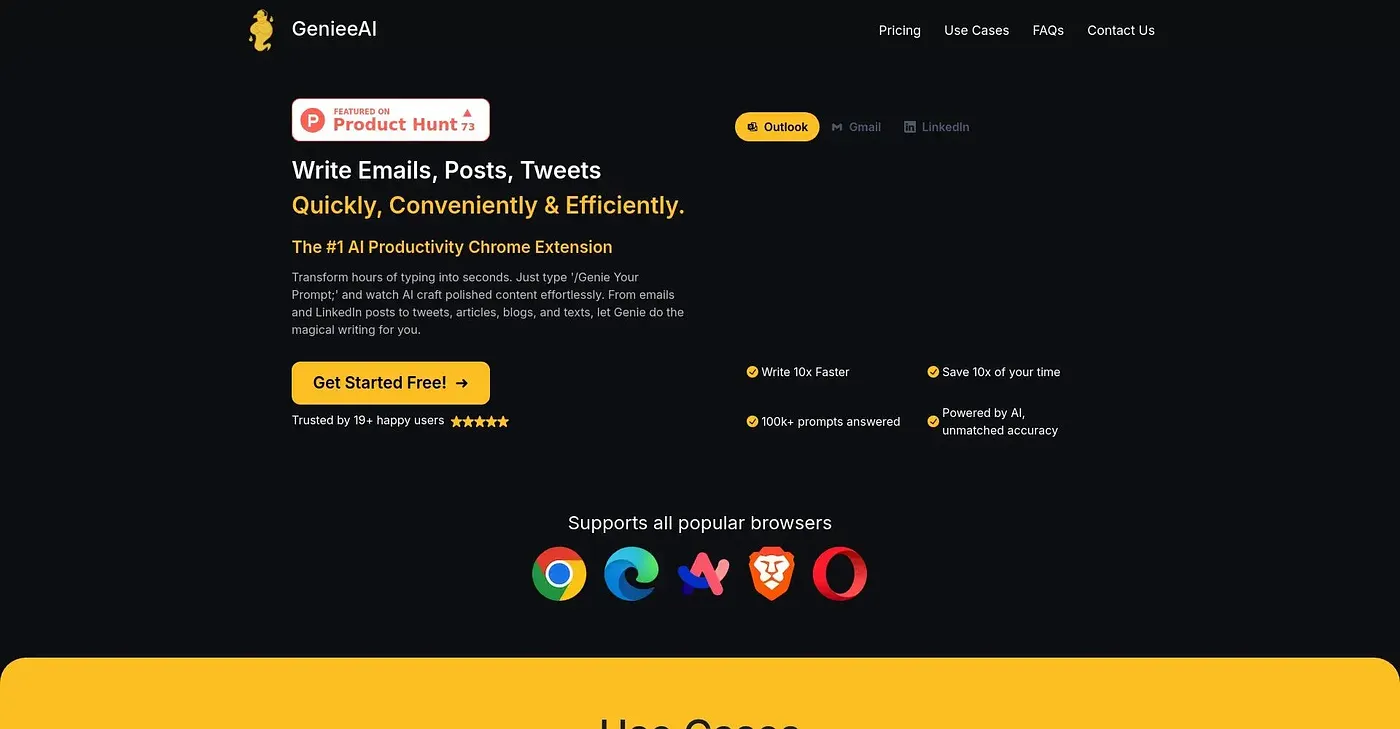
Puts a ChatGPT assistant into any website's page for quick drafting and brainstorming.
At a glance
Starts at
Free
The vendor's site is offline, so no current price was found.
Free tier
Yes
Platforms
Web
Best for
Anyone wanting quick AI help without switching tabs
Not for
Anyone needing it outside Chrome or offline
3.9 out of 5
Scored by Alex after real useOur verdict
Geniee AI drops a ChatGPT assistant directly into whatever page you're on, so you can draft an email or brainstorm ideas without opening a separate tab. Tone, style and complexity of the responses can all be adjusted to match what you need. It only works in Chrome and needs an active internet connection, and responses are not always accurate, the same limitation any AI assistant has.
✓What it does well
In-page AI accessChatGPT becomes available directly on the page you're already working on.
Drafting and brainstormingIt helps with tasks like drafting emails and generating ideas on the spot.
Adjustable responsesTone, style and complexity can be tuned to match what you're writing.
✕Where it falls short
Chrome onlyIt only runs in Chrome, with no support for other browsers.
Needs a connectionIt requires an active internet connection to work at all.
Occasional inaccuraciesResponses are not always accurate, the same limitation any AI assistant has.
Key features
Any-website integrationThe assistant can be triggered on essentially any site you visit.
Email drafting helpIt can draft email text based on what you tell it you need.
Brainstorming supportIt can generate and expand on ideas when you're stuck.
Tone and style controlsResponses can be adjusted for tone, style and complexity.