
GPT2Markdown - Chrome Extension
Exports your ChatGPT conversations to Markdown in a single click, ready for Notion or elsewhere.
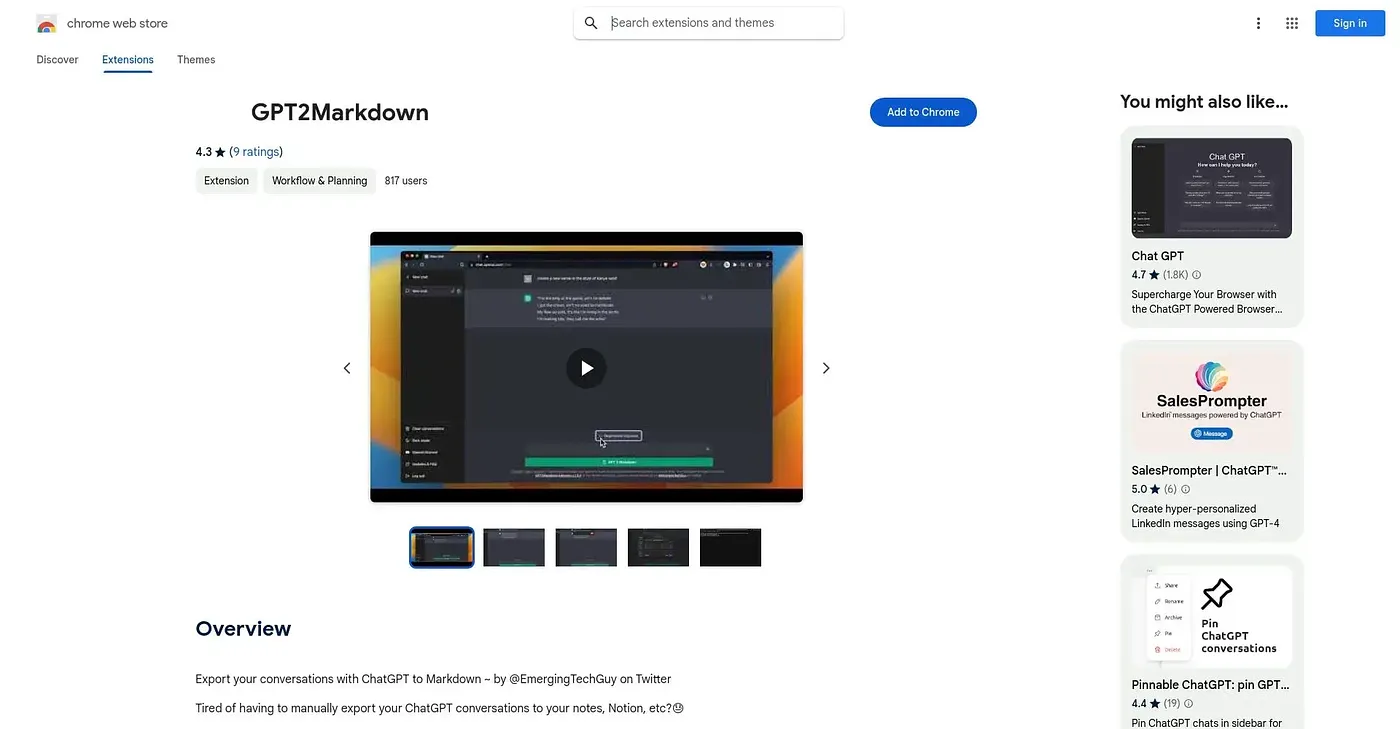
At a glance
Starts at
Free
No paid plan found on the Chrome Web Store, September 2026.
Free tier
Yes
Platforms
Chrome
Best for
ChatGPT users who archive chats in Notion or notes
Not for
Anyone using chat tools other than ChatGPT
3.9 out of 5
Scored by Alex after real useOur verdict
GPT2Markdown grabs a ChatGPT conversation and exports it to Markdown with one click, using ChatGPT's own auto-labelling to name the file. It's open source, asks for only bare-minimum permissions, and doesn't collect any user data. The button occasionally needs a page reload to appear, and at 3.7 out of 5 across 10 ratings it's a small, single-purpose tool rather than a polished product.
✓What it does well
One-click exportA full ChatGPT conversation exports to Markdown in a single click.
Auto file namingFiles are named automatically using ChatGPT's own conversation labels.
Open source and minimal permissionsThe code is public on GitHub and the extension asks for only bare-minimum permissions.
✕Where it falls short
ChatGPT onlyIt only works with ChatGPT, not Bard, Claude or other chat tools.
Needs a reload sometimesThe export button can require a page reload before it appears.
Small rating poolIt has only 10 ratings, averaging 3.7 out of 5.
Key features
Markdown exportConversations convert to Markdown format ready to paste elsewhere.
Auto-labelled filesExported files are named using ChatGPT's automatic conversation titles.
Open-source codeThe full source is public on GitHub for anyone to inspect.
No data collectionThe extension does not collect any of your user data.