HeyCLI
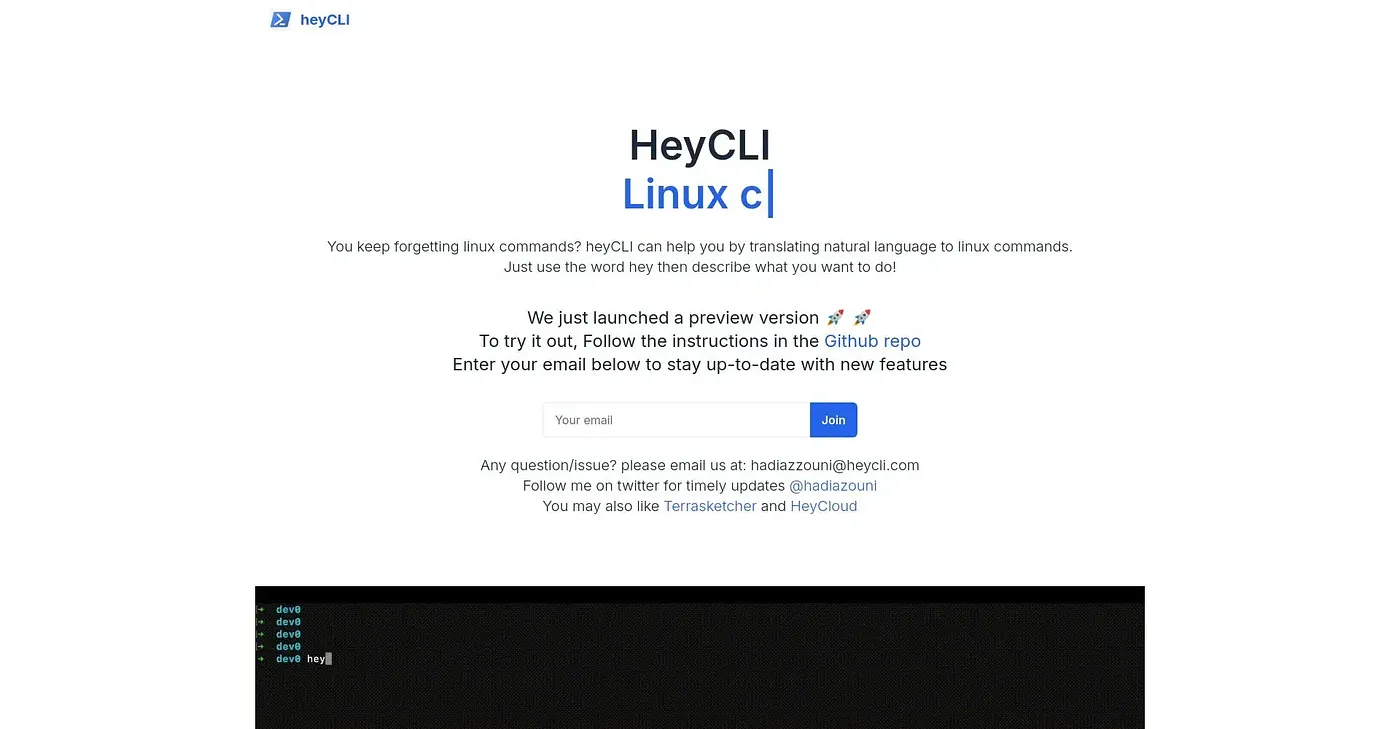
Translates natural language to Linux commands.
At a glance
3.7 out of 5
Scored by Alex after real useOur verdict
heyCLI helps with remembering Linux commands but lacks advanced scripting features.
✓What it does well
✕Where it falls short
Key features
Questions about HeyCLI
What does HeyCLI do?
HeyCLI translates natural language into Linux shell commands, so users can describe what they want in plain English instead of remembering complex terminal syntax. It shows a command preview and asks for confirmation before running the command. The reviewer says it helps with remembering Linux commands.
Who is HeyCLI for?
HeyCLI is best for newcomers and occasional users who do not want to memorize terminal syntax. The reviewer notes that it lacks advanced scripting features and does not handle advanced or custom scripts well, so it is less suited to complex scripting work.
Does HeyCLI work offline?
No. HeyCLI requires an internet connection to work, and the reviewer lists the lack of offline functionality among its shortcomings. Its preview feature can also misinterpret complex command structures without clear user input.
How does Toolio score HeyCLI?
Alex scored HeyCLI 3.7 out of 5 after real use, on 4 Oct 2026. The reviewer credits its ease of use and natural language input, but notes limited scripting support and occasional misreading of complex commands. It has been listed on Toolio since October 2024.
What are some alternatives to HeyCLI?
Toolio lists VSX Extension, GpuX AI, Prompteams and Tantl as alternatives to HeyCLI. Prompteams manages AI prompts with version control and testing, GpuX AI focuses on serverless inference and GPU runs, and Tantl suits companies needing desktop automation.