
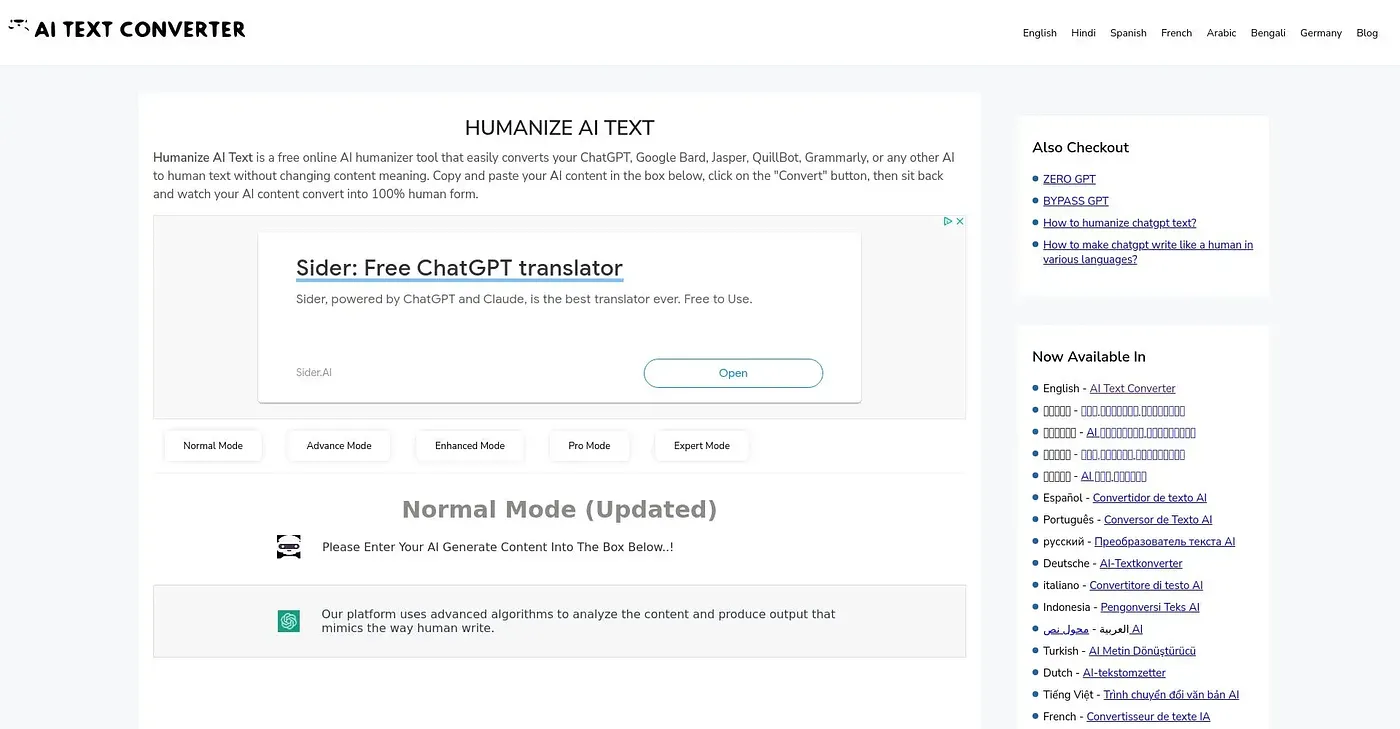
Humanize AI Text
Converts AI text to human form, bypassing detection.
At a glance
3.9 out of 5
Scored by Alex after real useOur verdict
Humanizes AI content for natural readability but lacks manual customization. Not suitable for detailed personalization or complex projects.
✓What it does well
✕Where it falls short
Key features
Questions about Humanize AI Text
Is Humanize AI Text free to use?
Humanize AI Text is listed as free on the vendor's site, and Toolio shows a Free plan at $0 with no paid plan listed. The reviewer notes that the free version limits usage. It works in the web browser and converts AI-generated text quickly in a few simple steps.
What languages does Humanize AI Text support?
Humanize AI Text supports many languages, including English, Hindi, Telugu, Bengali, Tamil, Spanish, Portuguese, Russian, German, Italian, Arabic, Japanese and Korean, among others. The reviewer counts this multi-language support among its strengths for reaching a global audience.
Does Humanize AI Text bypass AI detection?
The vendor says Humanize AI Text converts AI-written content into human-sounding text that passes AI detection tools. The reviewer lists this alongside quick conversion as one of its main strengths, though it lacks manual customization for specific styles or voices.
Who should not use Humanize AI Text?
The reviewer says Humanize AI Text is not suitable for detailed personalization or complex projects, since it offers no detailed adjustments for specific styles or voices. Toolio lists content quality enthusiasts under who it is not for. It is aimed at content creators, writers and bloggers who want quick conversions.
Does Humanize AI Text have a mobile app?
No. Humanize AI Text is web-only, and the reviewer lists the lack of a mobile app as a shortcoming for on-the-go use. Toolio scores it 3.9 out of 5 and lists Ava PLS, Word Spinner, Hix and HumBot AI as alternatives.