
Idolly AI
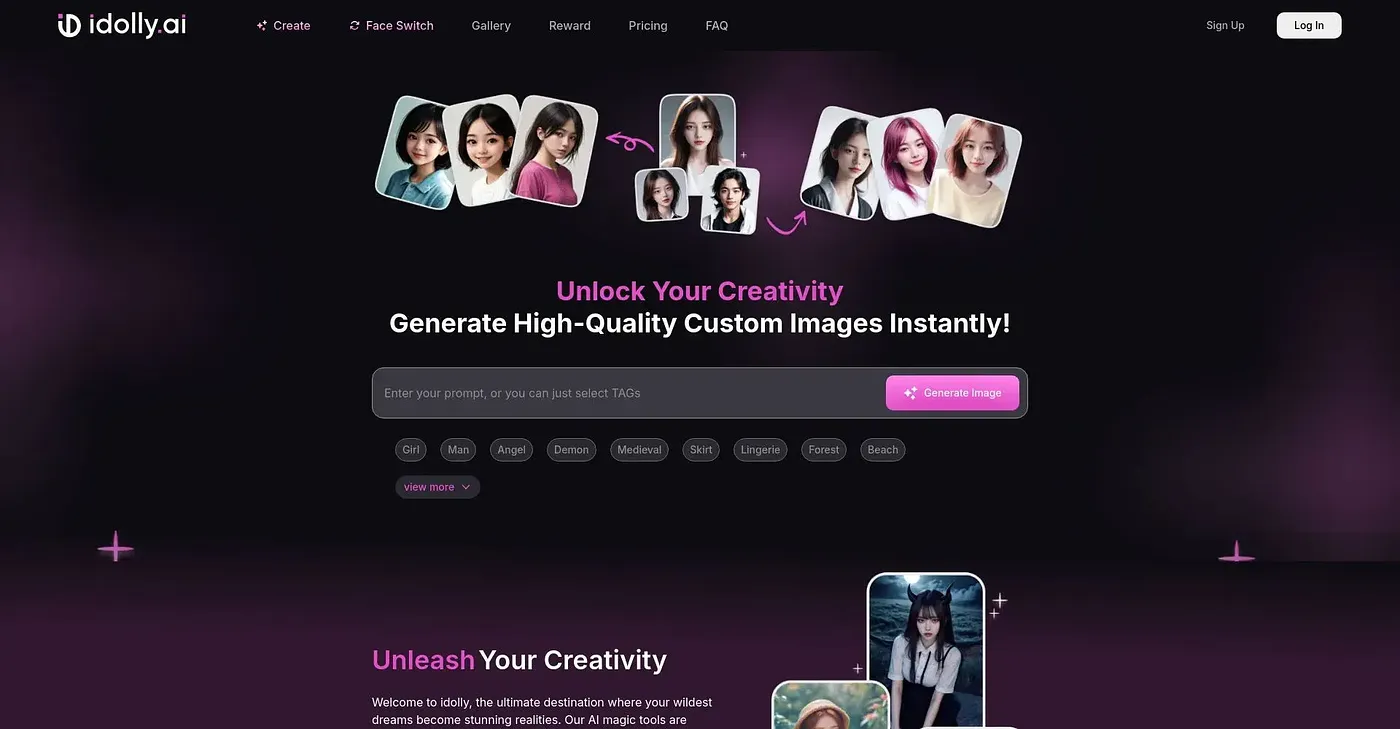
Idolly AI creates stunning visuals with Face Transfer and Mood Fusion.
At a glance
3.9 out of 5
Scored by Alex after real useOur verdict
Creates compelling images through face transfer and mood fusion but limited to these features. Best for those focusing on visual effects but not general image editing.
✓What it does well
✕Where it falls short
Key features
Questions about Idolly AI
What does Idolly AI do?
Idolly AI creates images through two main features, Face Transfer and Mood Fusion. Face Transfer moves faces between photos, while Mood Fusion blends the moods of different images into one, and the tool also allows editing several images at once.
Is Idolly AI free?
Idolly AI starts free, with a free tier listed at $0. No paid plan was found on the vendor's site in September 2026, and the tool runs in a web browser.
Can Idolly AI be used as a general photo editor?
No. The reviewer says Idolly AI does not offer general image editing and is aimed at AI-driven visual effects rather than broader photo needs. It suits visual artists and photographers focused on effects, but not general photo editors.
What are some alternatives to Idolly AI?
Toolio lists Artflow AI for image generation with detailed explanations, OGimage.org for open graph images, and Chat Photo, which turns images into text. Hana, which turns Google Chat threads into action, also appears among the listed alternatives.
How does Toolio score Idolly AI?
Alex scored Idolly AI 3.9 out of 5 after real use, on 5 Oct 2026. The verdict credits it with compelling images through face transfer and mood fusion, but notes that it is limited to those features.