
Image Layer
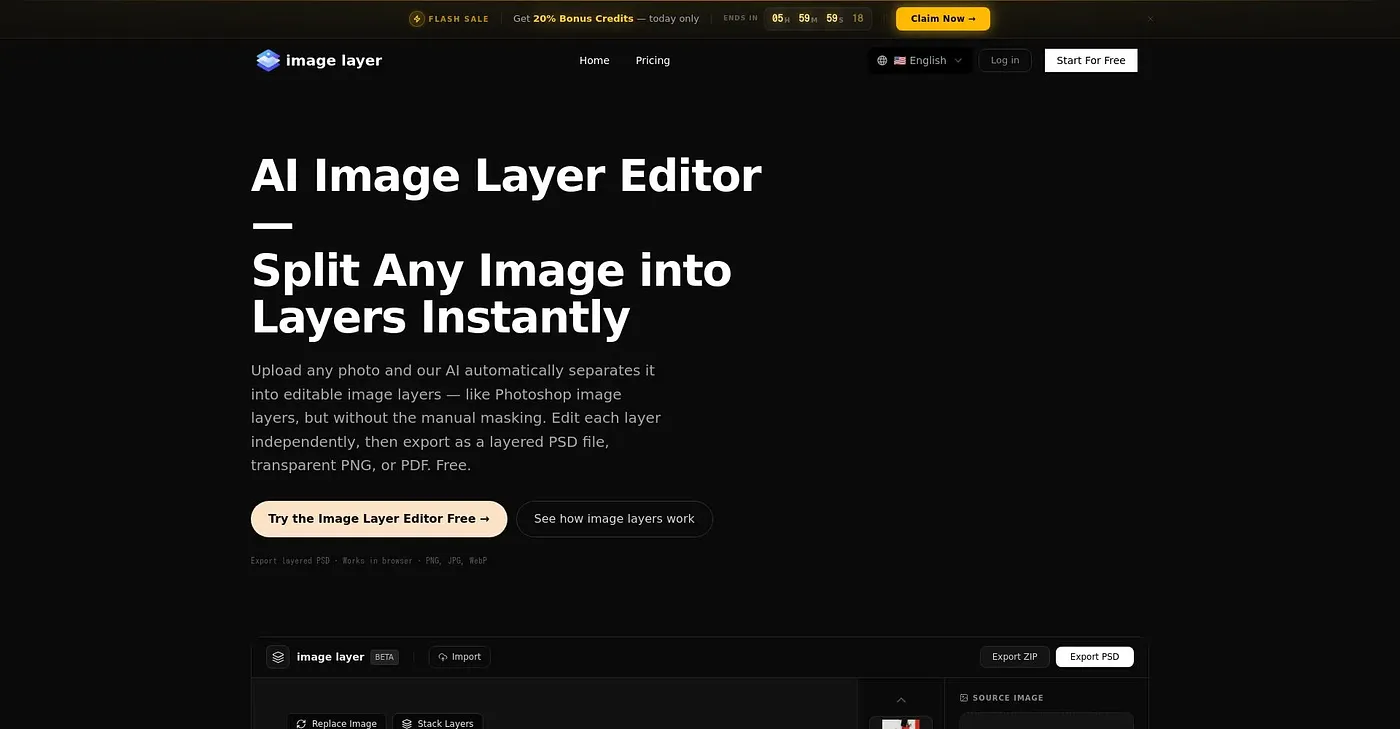
Best for photographers and designers needing AI layer splitting, exports as layered PSD files.
At a glance
Starts at
Free
Price as published by the vendor, September 2026.
Free tier
Yes
Platforms
Web
Best for
Photographers and designers
Not for
Complex image editors
4.0 out of 5
Scored by Alex after real useOur verdict
AI Image Layer Editor splits images into editable layers quickly. Best if avoiding Photoshop's subscription or GIMP's complexity. Suits those who need free, browser-based image layer editing with AI assistance and PSD export but lacks advanced masking.
✓What it does well
Quick splittingAI automatically splits images into layers instantly.
Free browser-based editingNo installation needed; edit directly in your web browser.
Real PSD exportPreserves full transparency and layer structure when exporting as PSD.
✕Where it falls short
Limited credit packsPricing includes credits with limited access to features; plans require subscription for more extensive use.
Manual adjustments neededAI-generated layers may need manual refinement, especially for complex images.
No video tutorialsNo in-depth guides or support available for learning advanced techniques.
Key features
Cloud-based editingWorks entirely in your web browser.
Customizable layersEdit, move, resize, and delete individual image layers as needed.
Flexible export optionsExport images as PNGs, JPGs, WebPs, or PDFs with complete transparency preserved.
image upscaledadvanced upscaling for higher resolution