
Image To Cartoon
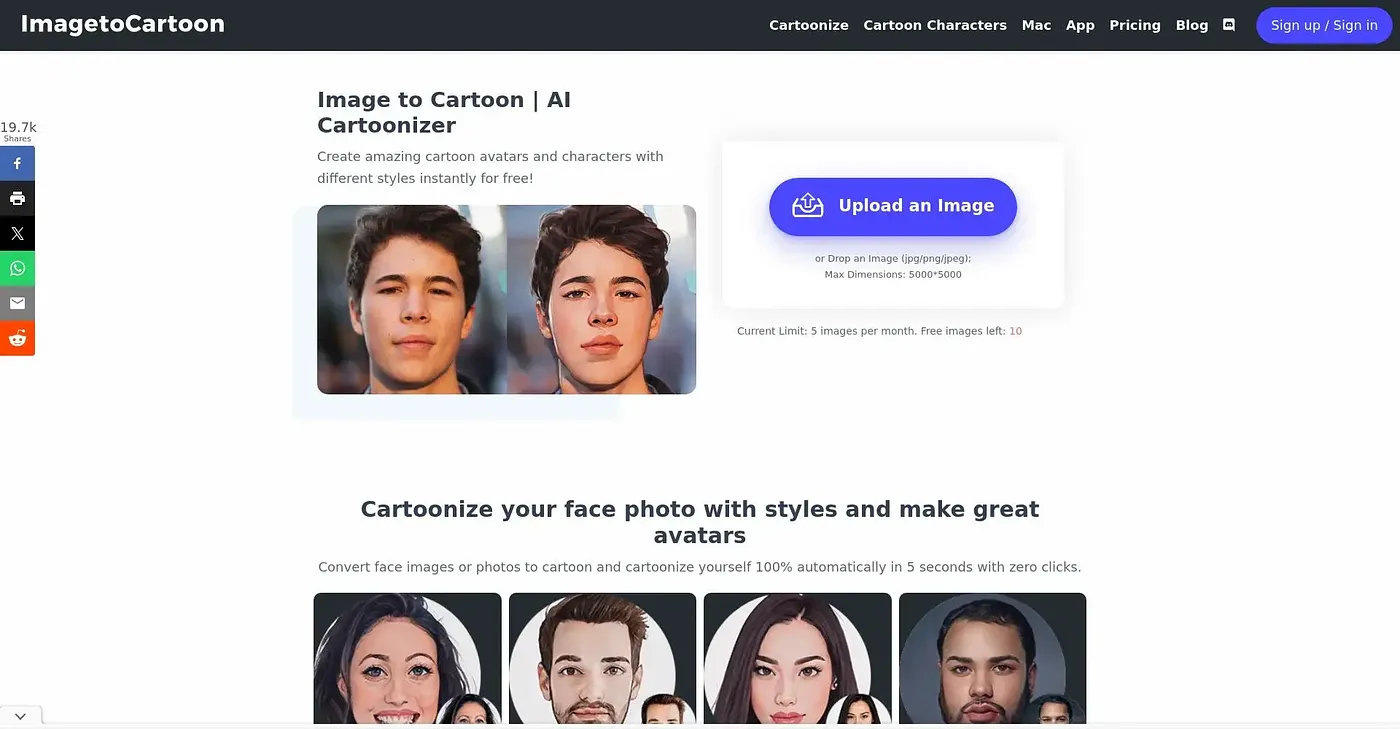
Turn any photo into high-quality cartoon art with AI. A wide range of unique styles.
At a glance
4.0 out of 5
Scored by Alex after real useOur verdict
Great for quick cartoon avatars and social posts, but may not suit complex artistic needs or large batch processing.
✓What it does well
✕Where it falls short
Key features
Questions about Image To Cartoon
What does Image To Cartoon do?
Image To Cartoon turns photos into cartoon art with AI in seconds, offering more than 80 styles that range from anime and comic art to classic cartoon looks. The reviewer says it is great for quick cartoon avatars and social posts, and no design skills are needed.
Is Image To Cartoon free?
Image To Cartoon starts with a limited free plan at $0, and Toolio lists no paid plan. The free version has limited style options and no download or save functionality, which the reviewer lists as a shortcoming.
Does Image To Cartoon have a mobile app?
Yes. Image To Cartoon is available on the web and as apps for iOS and Android. It needs internet access to work, so Toolio does not recommend it for users who need offline functionality.
What image formats does Image To Cartoon accept?
Image To Cartoon supports common image formats such as JPG, PNG and WebP, with a size limit of up to 10MB per image. The reviewer counts this easy upload process among the tool's strengths.
What are the downsides of Image To Cartoon?
The reviewer notes that Image To Cartoon does not offer detailed manual adjustments for fine-tuning effects, and the verdict says it may not suit complex artistic needs or large batch processing. Alex scored it 4.0 out of 5 on 4 Oct 2026, and Toolio lists New Fuku and GenTube among its alternatives.