
Imgify AI
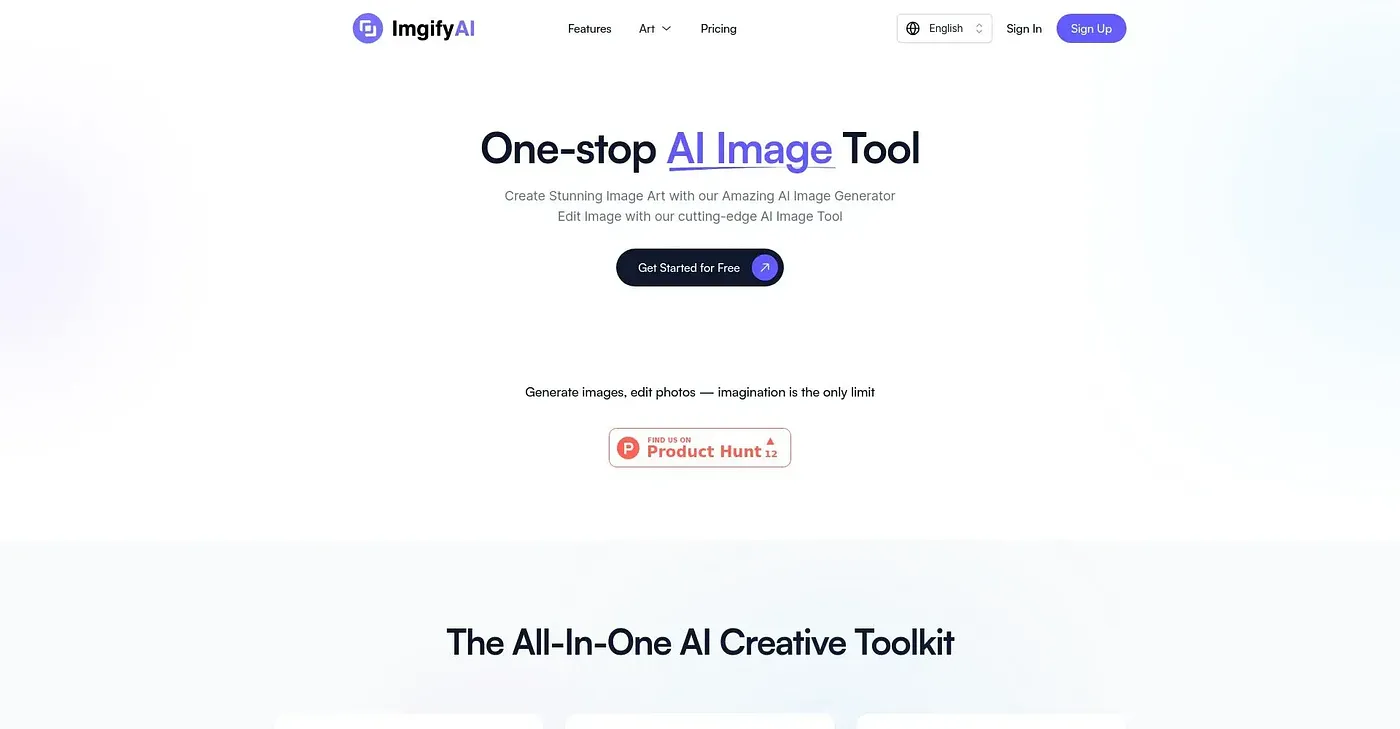
Imgify AI recognizes unclear images and automatically improves them.
At a glance
3.8 out of 5
Scored by Alex after real useOur verdict
Imgify AI excels at image optimization but is not ideal for complex photo editing tasks or deep learning applications.
✓What it does well
✕Where it falls short
Key features
Questions about Imgify AI
What does Imgify AI do?
Imgify AI recognizes unclear images and automatically improves them. It detects image quality and suggests optimizations, sharpens and clarifies images, and works through a simple drag-and-drop interface. The vendor says it enhances images without compromising data security or privacy.
How much does Imgify AI cost?
Imgify AI starts at $29 per month for the Basic plan, and the Enterprise plan costs $59. There is no free tier, so full access requires a paid subscription. These prices are as published by the vendor in September 2026.
Is Imgify AI good for photo retouching?
No. The reviewer notes that Imgify AI does not offer advanced photo retouching tools and cannot handle intricate image analysis or deep learning tasks. Toolio does not recommend it for advanced photo retouchers, and suggests it for photographers and marketers who want quick image optimization.
What are Imgify AI's main strengths?
The reviewer credits Imgify AI with automatic image enhancement that sharpens and clarifies pictures, an easy drag-and-drop interface, and rapid processing for all file types. The vendor adds that the site is continuously updated based on user feedback.
How does Toolio rate Imgify AI?
Imgify AI holds a Toolio score of 3.8 out of 5, given by Alex after real use on 5 Oct 2026. The reviewer says it excels at image optimization but is not ideal for complex photo editing. Toolio lists AIPose and Imaiger as alternatives.