
Inbuild AI
inBuild simplifies invoice processing, but not all integrations are included.
At a glance
3.8 out of 5
Scored by Alex after real useOur verdict
inBuild streamlines Procore and QuickBooks integration for builders. But it may be too limited for complex operations or large enterprises.
✓What it does well
✕Where it falls short
Key features
Questions about Inbuild AI
What does Inbuild AI do?
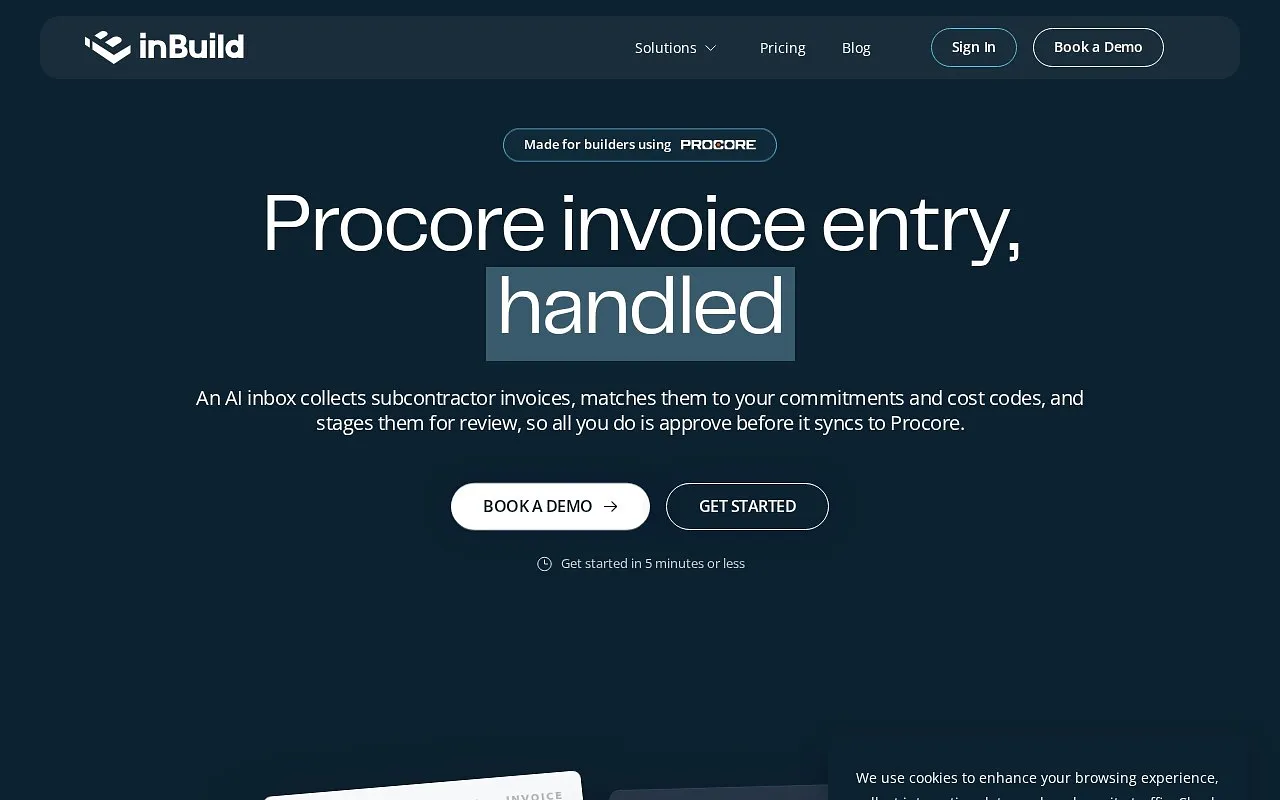
Inbuild AI simplifies invoice processing for builders by automating invoice and receipt matching with AI. It syncs approved invoices to budgets in Procore immediately, syncs overhead costs to Procore, and sends invoices to QuickBooks. The reviewer notes it boots up within minutes and is easy for teams of any size.
How much does Inbuild AI cost?
Inbuild AI offers a free trial only, with no free plan. inBuild Classic costs $299 per month for businesses with construction volume up to $10M and includes AI invoice processing and commitment sync. inBuild Pro costs $399 per month for volume over $10M and adds direct cost sync.
Which accounting software does Inbuild AI integrate with?
Inbuild AI connects Procore and QuickBooks, and the reviewer notes it does not integrate with other accounting software beyond QuickBooks. Extra modules and advanced features such as DocuSign integration cost extra, and Toolio lists it as not for users requiring extensive accounting integrations.
Who is Inbuild AI best for?
Toolio lists Inbuild AI as best for construction teams needing AI-driven invoicing, especially those working in Procore and QuickBooks. The reviewer warns it may be too limited for complex operations or large enterprises. Support is available by email and live chat.
How does Toolio rate Inbuild AI?
Alex scored Inbuild AI 3.8 out of 5 after real use on 5 Oct 2026. The reviewer credits its AI processing, real-time updates to Procore budgets and quick setup, while listing limited integrations, extra fees for more modules and the premium support needed for full mobile app functionality as drawbacks.