
TurboDoc
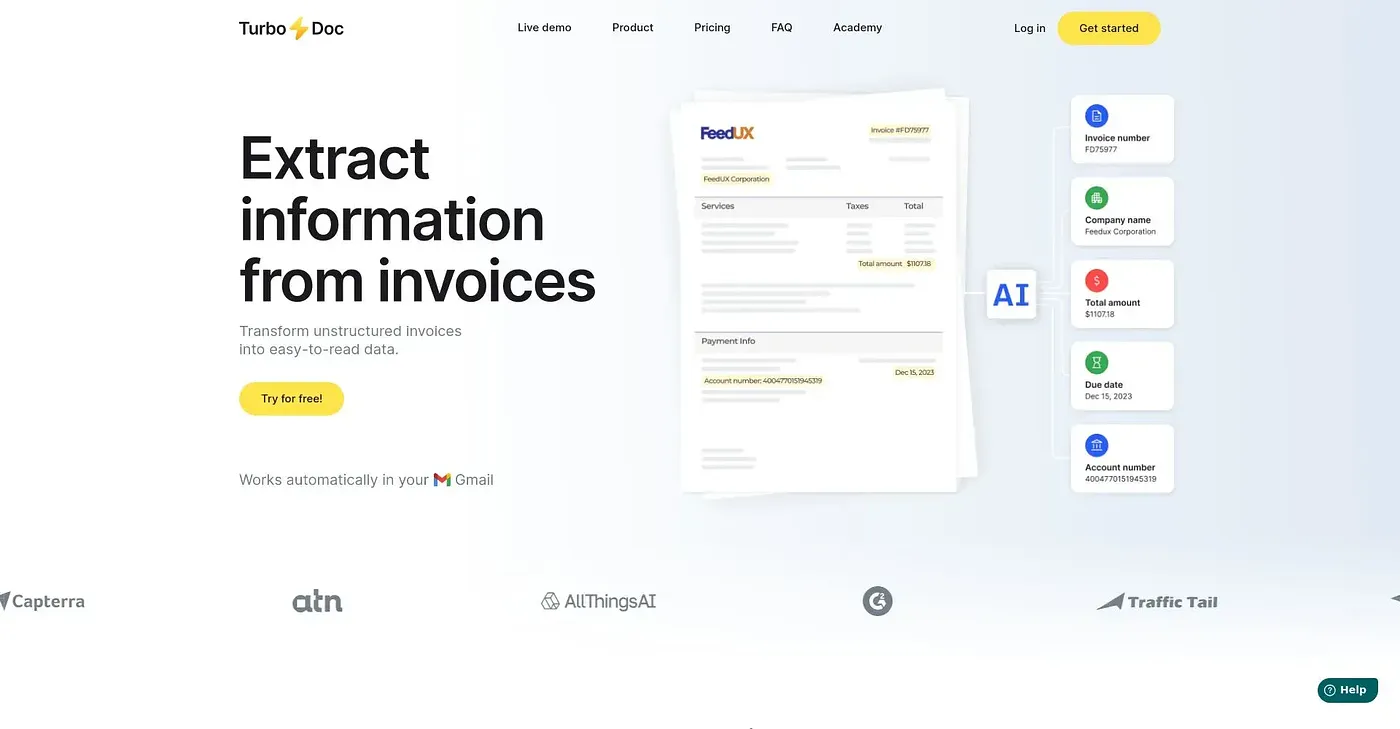
TurboDoc transforms invoices into structured data quickly. Works with Gmail and Outlook.
At a glance
4.0 out of 5
Scored by Alex after real useOur verdict
TurboDoc turns unstructured documents like receipts and invoices into easy-to-read formats, but may be limited if you require advanced integrations or large team support.
✓What it does well
✕Where it falls short
Key features
Questions about TurboDoc
What does TurboDoc do?
TurboDoc turns invoices into structured data quickly, using an AI model for high-accuracy document parsing. It works with Gmail and Outlook, automating invoice extraction from Gmail, and results can be exported to CSV or XLS for use in accounting software. Toolio recommends it for accountants and finance teams.
How much does TurboDoc cost?
TurboDoc's Organized personal account costs $6 per month for 50 invoice processing and 10 bank statements per month. Pro costs $30 per month for 300 invoices and 50 bank statements, and Business costs $100 per month for 1000 invoices and 200 bank statements. A limited free tier is also available.
Is TurboDoc secure?
The vendor says TurboDoc stores original documents securely with AES-256 encryption, and all extracted documents are organized in one centralized workspace. The reviewer lists that workspace among its strengths, along with a dashboard for analyzing, editing and comparing invoices.
Are there file size limits on TurboDoc?
Yes. TurboDoc limits uploads to a max file size of 10 MB and a min size of 1 KB, which the reviewer lists as a shortcoming. The reviewer also notes that custom integrations beyond Gmail and Outlook may cost additional money.
How does Toolio rate TurboDoc?
Alex scored TurboDoc 4.0 out of 5 after real use, on 3 Oct 2026. The verdict says it may be limited for anyone who requires advanced integrations or large team support. Toolio lists Daftar, Billie and SamCart among the alternatives.