InVideo
InVideo is easy to use, but lacks advanced editing features.
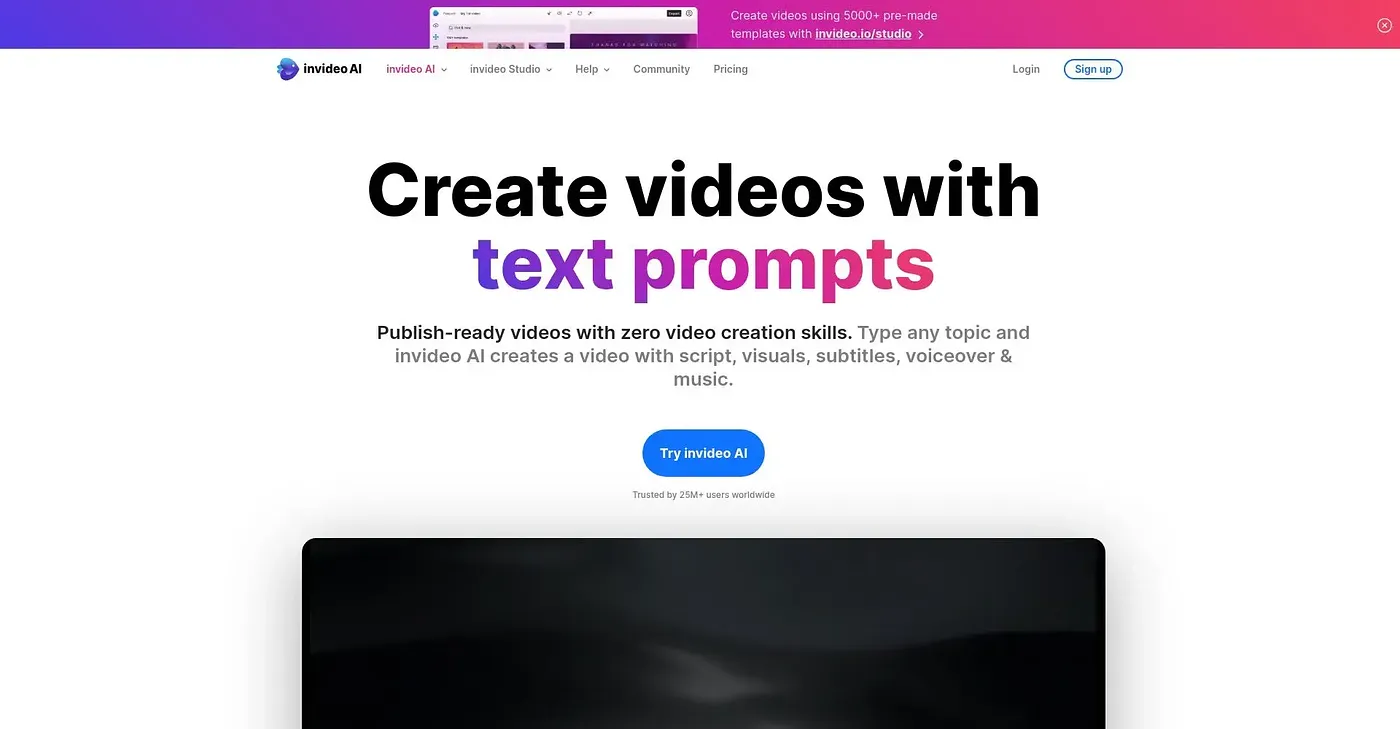
At a glance
4.2 out of 5
Scored by Alex after real useOur verdict
InVideo simplifies video creation with AI, ideal for quick social content. It's not suited for complex edits or professional productions.
✓What it does well
✕Where it falls short
Key features
Questions about InVideo
What can you do with InVideo?
InVideo uses AI to simplify video creation, turning text into video scripts and generating videos from text inputs. It offers a library of over 16 million stock clips and videos, human-sounding AI voiceovers in multiple languages and multiplayer editing for real-time collaboration. The reviewer sees it as ideal for quick social content.
How much does InVideo cost?
InVideo's plans are billed annually per seat. Basic costs $9 per seat per month with 190 credits a month, Pro is listed at $30.25 ($25 after discount) with 1,000 credits, and Ultra at $80.60 ($60 after discount) with 3,000 credits and all available models and features. There is no free tier.
Does InVideo have advanced editing tools?
No. InVideo does not offer professional-level editing features such as color grading or compositing, so the reviewer says it is not suited to complex edits or professional productions. Professional video editors are named as a poor fit, while beginners and social media users are its main audience.
What are the downsides of InVideo?
Beyond the missing professional editing tools, the reviewer notes that the latest AI models and premium features require a higher plan. Monthly plans are also costly for users who need continuous edits, which makes InVideo less suitable for frequent editors.
How does Toolio rate InVideo?
Toolio scores InVideo 4.2 out of 5, rated by Alex after real use on 5 Oct 2026. Toolio lists Dreamshorts, Adori AI, Clipfly AI and Melies as alternatives, covering fast AI video creation, text-to-video, combined video and image generation, and AI tools for filmmakers.