
Lazybird
Create realistic AI voiceovers in minutes.
At a glance
4.0 out of 5
Scored by Alex after real useOur verdict
Lazybird generates human-like audio for various projects but may not work well with complex narratives or detailed expressions. Skip if you need highly nuanced voices.
✓What it does well
✕Where it falls short
Key features
Questions about Lazybird
What can you do with Lazybird?
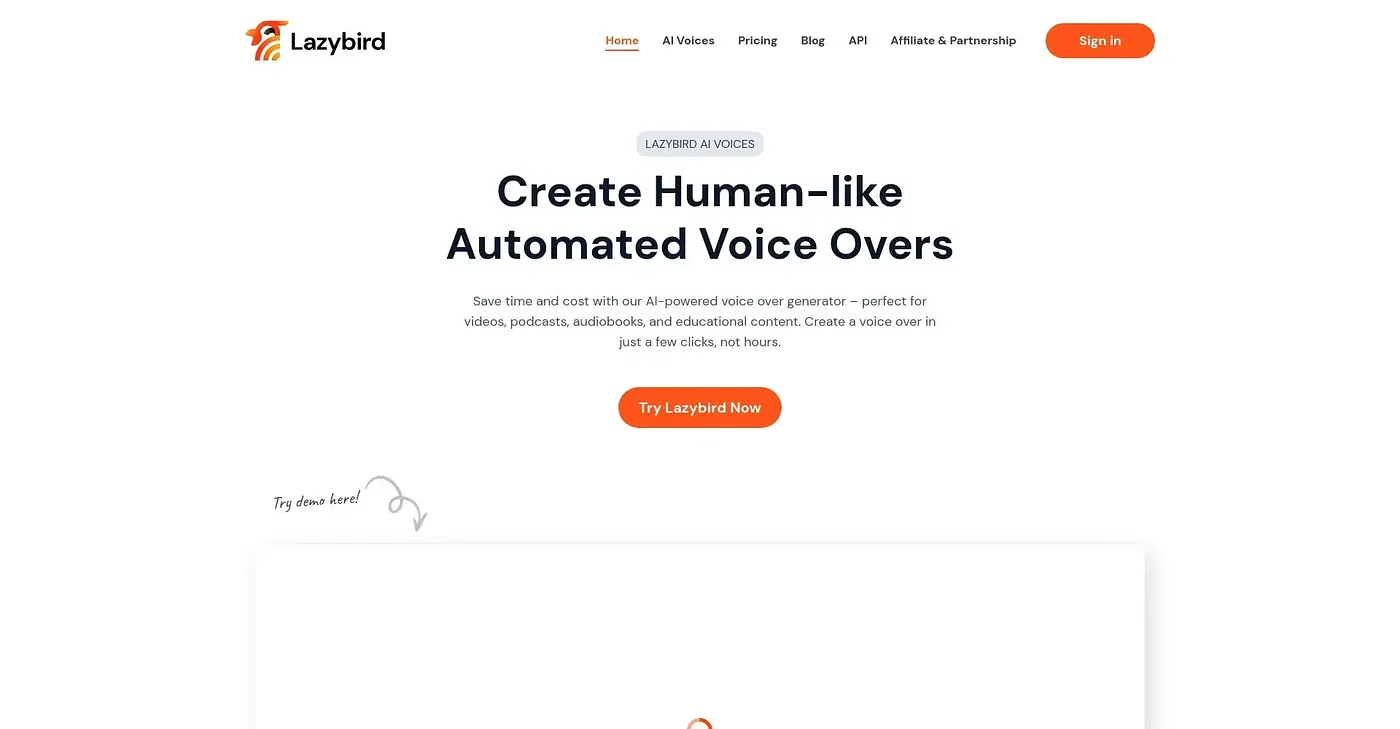
Lazybird creates realistic AI voiceovers in minutes from a pasted or imported script. Users choose from over 200 AI voices with multiple accents and languages, test a short section before generating the full voiceover, and export audio in various formats. It also offers voice cloning from a user's own speech samples.
Is Lazybird free?
Lazybird has a limited free tier at $0, which the reviewer suggests using to test the tool before upgrading. Paid use starts at $4 per month billed annually, the price published by the vendor in September 2026.
Is there a Lazybird mobile app?
No. Lazybird has no mobile app yet, which the reviewer lists among its shortcomings. Toolio lists it as a web tool, where users paste a script, pick a voice, test a short section and download the finished voiceover in various formats.
How good is Lazybird's voice cloning?
The reviewer notes that voice cloning in Lazybird takes several tries to match a unique speaking style perfectly, and that shorter lines may need rewording before the results are satisfactory. Lazybird may also struggle with complex narratives or detailed expressions, so the reviewer suggests skipping it for highly nuanced voices.
Who is Lazybird best for?
Toolio lists Lazybird as best for content creators and e-learning providers who need human-like voiceovers quickly without a steep learning curve. It is not for script writers with complex voice needs. Toolio scores it 4.0 out of 5, rated by Alex after real use.