
Learn Coding with ChatGPT - Chrome Extension
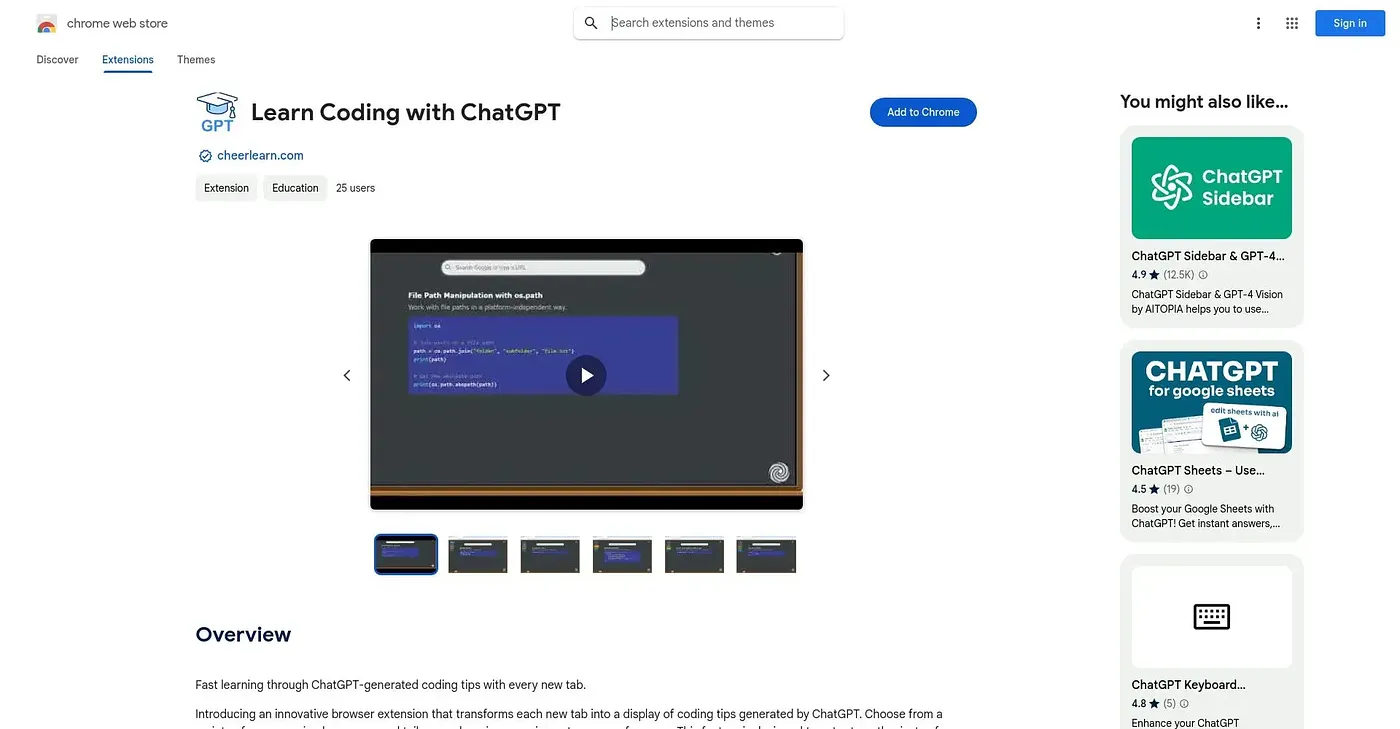
Replaces your new-tab page with a ChatGPT-generated coding tip in your chosen language.
At a glance
3.9 out of 5
Scored by Alex after real useOur verdict
This extension turns every new browser tab into a coding tip generated by ChatGPT, picked from whichever programming language you select. It remembers where you left off in each language separately, so you can pick back up rather than repeat tips. It's currently built for beginners - more advanced customization is planned for a future release - and it has just one rating so far.
✓What it does well
✕Where it falls short
Key features
Questions about Learn Coding with ChatGPT - Chrome Extension
What does Learn Coding with ChatGPT - Chrome Extension do?
The extension replaces the new-tab page in Chrome with a coding tip generated by ChatGPT for whichever programming language the user selects. It tracks progress separately for each language and resumes where the user left off, so tips are not repeated. Users can lock a tip in place or cycle through others.
Is Learn Coding with ChatGPT - Chrome Extension free?
Learn Coding with ChatGPT - Chrome Extension is free to use. Toolio found no paid plan on the Chrome Web Store in September 2026 and lists it at $0 with a free tier. It runs in Chrome only.
Is Learn Coding with ChatGPT - Chrome Extension good for experienced developers?
Not at present. The current version is built for beginners, with more advanced customization planned for a future release, so Toolio marks it as not for experienced developers wanting advanced material. It is best for beginners who want bite-sized coding tips every day.
What are the downsides of Learn Coding with ChatGPT - Chrome Extension?
The reviewer notes that the content is beginner-level only for now, that the extension has just one rating so far, giving little outside feedback, and that it is listed in English only. Toolio still scores it 3.9 out of 5 after real use.
How do the tip controls work in Learn Coding with ChatGPT - Chrome Extension?
A menu sets the programming language for the tips that appear. A lock icon keeps the current tip on display instead of rotating, and a rotate icon cycles through other tips without leaving the tab. The extension remembers the last position and resumes it when the browser reopens.