
Lightning AI
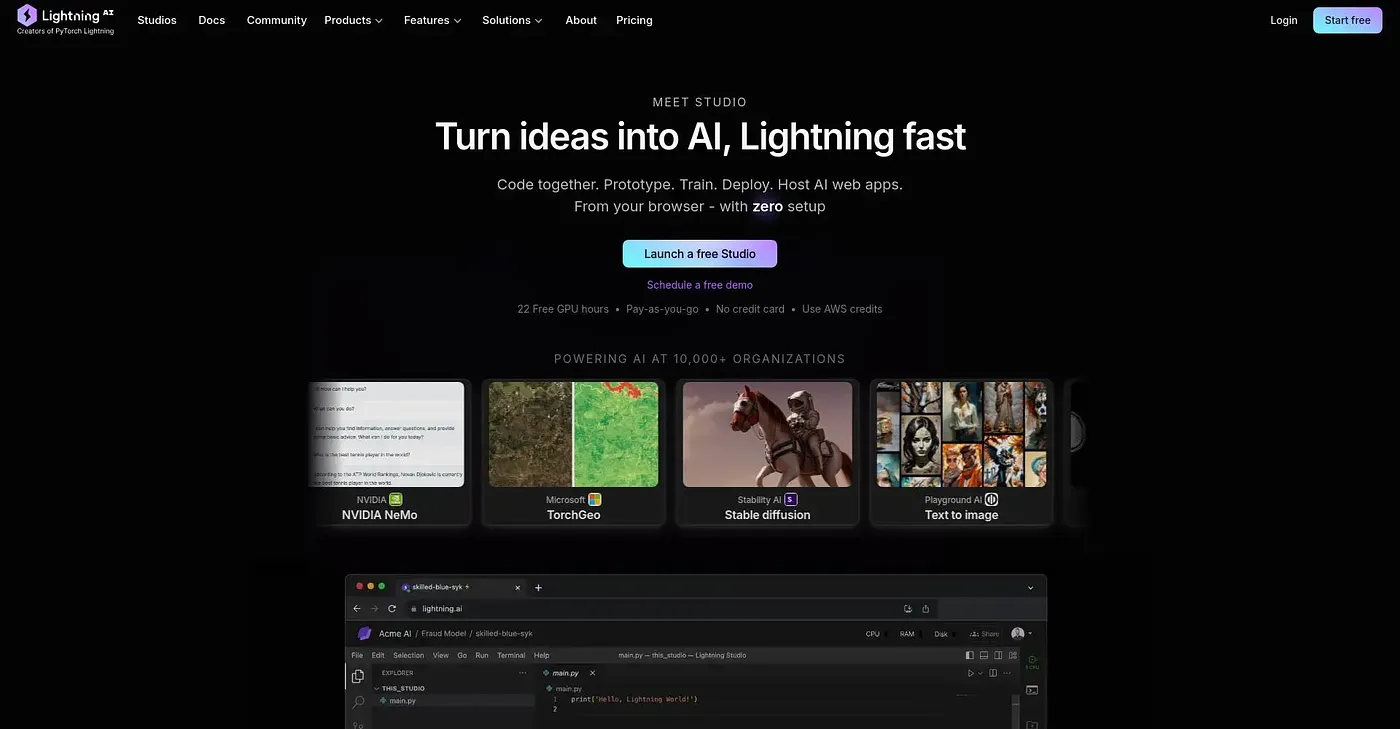
Lets teams code, prototype, and deploy AI models together, entirely from the browser.
At a glance
Starts at
Free
No paid plan found on the vendor's site, September 2026.
Free tier
Yes
Platforms
Web
Best for
Teams prototyping AI models collaboratively
Not for
Projects needing deep customization or heavy compute
3.9 out of 5
Scored by Alex after real useOur verdict
Lightning AI runs the whole loop of coding, prototyping, and deploying AI models inside the browser, with real-time collaborative editing for teams working together. It removes most setup work and lets you scale a model from prototype to production without switching environments. Some users run into customization limits, though, and performance can depend on what the browser itself can handle.
✓What it does well
Real-time collaborationMultiple developers can code and iterate together in the same session.
Fast prototypingBuilt-in tools let you create and test AI models without a separate setup.
Scalable deploymentIt supports moving a model from prototype straight through to production deployment.
✕Where it falls short
Customization limitsSome users run into limits on how far they can customize the environment.
Browser-dependent performancePerformance depends on the browser's own capabilities rather than dedicated local hardware.
Setup still has trade-offsIt cuts setup work but not without some of the usual browser-based constraints.
Key features
Collaborative codingIt supports real-time collaborative coding between team members.
Prototyping toolsIntegrated tools let you quickly build and test AI models.
Deployment scalingIt offers scalable deployment options for moving models into production.
Customizable deployment settingsDeployment settings can be adjusted to fit specific project requirements.