
Limory
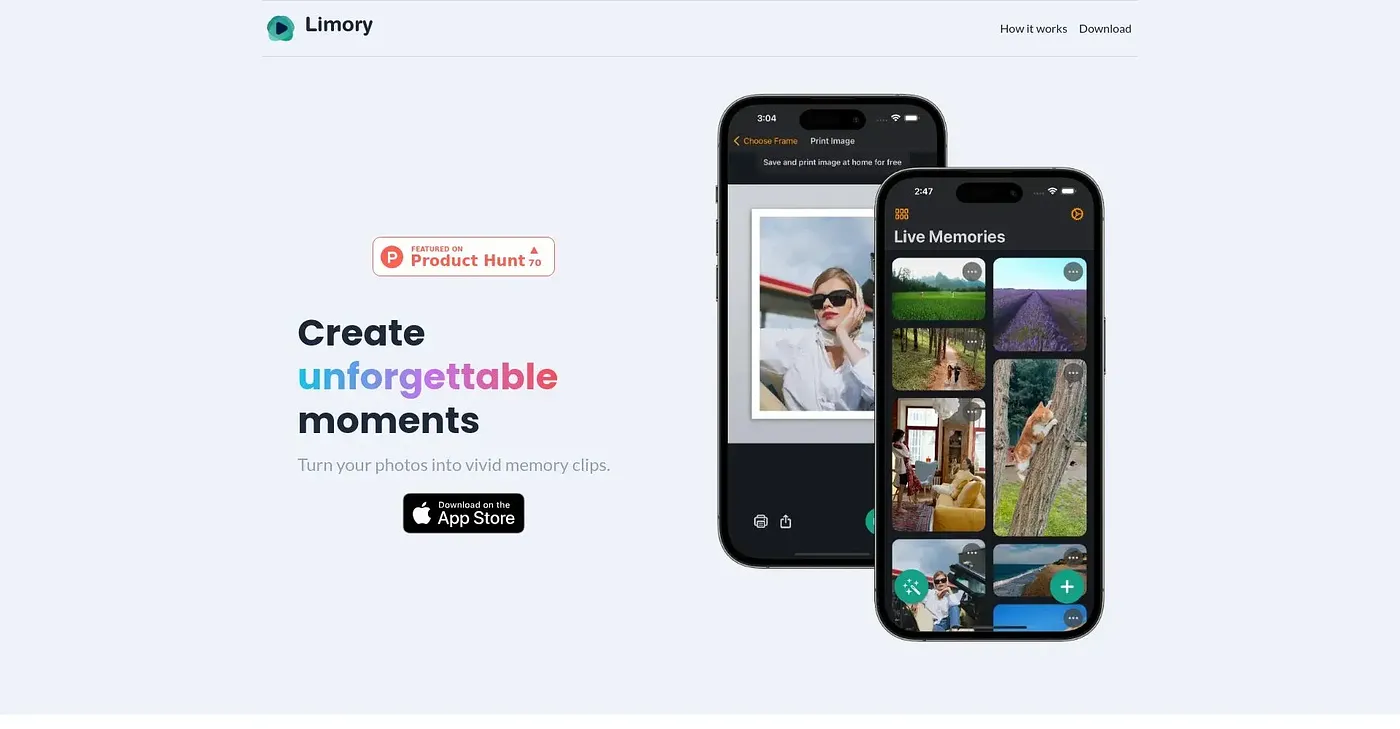
Turns photos into AR videos with animations.
At a glance
3.8 out of 5
Scored by Alex after real useOur verdict
Limory brings your photos to life through AR. It's great for photographers and social media enthusiasts who want to create vivid memories. However, it may be limited if you're looking for more advanced editing features or a wide range of templates.
✓What it does well
✕Where it falls short
Key features
Questions about Limory
What does Limory do?
Limory turns photos into AR videos with animations, using augmented reality to bring pictures to life. Users can trim and crop videos, select specific frames in a photo to focus on, and print and share their creations, with an emphasis on high-quality prints of physical memories.
Does Limory have an app?
Limory runs on iOS and Android. The reviewer notes that its AR features are best experienced on devices with a camera, which limits desktop use. It follows the device's default theme, with no separate dark mode or light mode option.
Who is Limory for?
Toolio lists Limory as best for photographers and social media users who want to create vivid memories. It is not for photo editors needing advanced effects, as the reviewer notes it lacks advanced video editing tools and a wide range of templates.
Is Limory easy to use?
The reviewer says Limory is easy to use, with a step-by-step process that makes it accessible for beginners. Its main limit is editing, since it does not offer advanced video editing tools or extensive effects. Alex scores it 3.8 out of 5 after real use.
What alternatives to Limory does Toolio list?
Toolio lists Seedance 1.0 Pro, which creates videos of up to 30 seconds with AI, and Video Prompt AI, which makes 3D animations quickly. AI Top 100 and YTSummary - Chrome Extension are also listed as alternatives.