
Listen.to
Create smart URLs for music with ListenTo, but it’s limited to just one custom domain per plan.
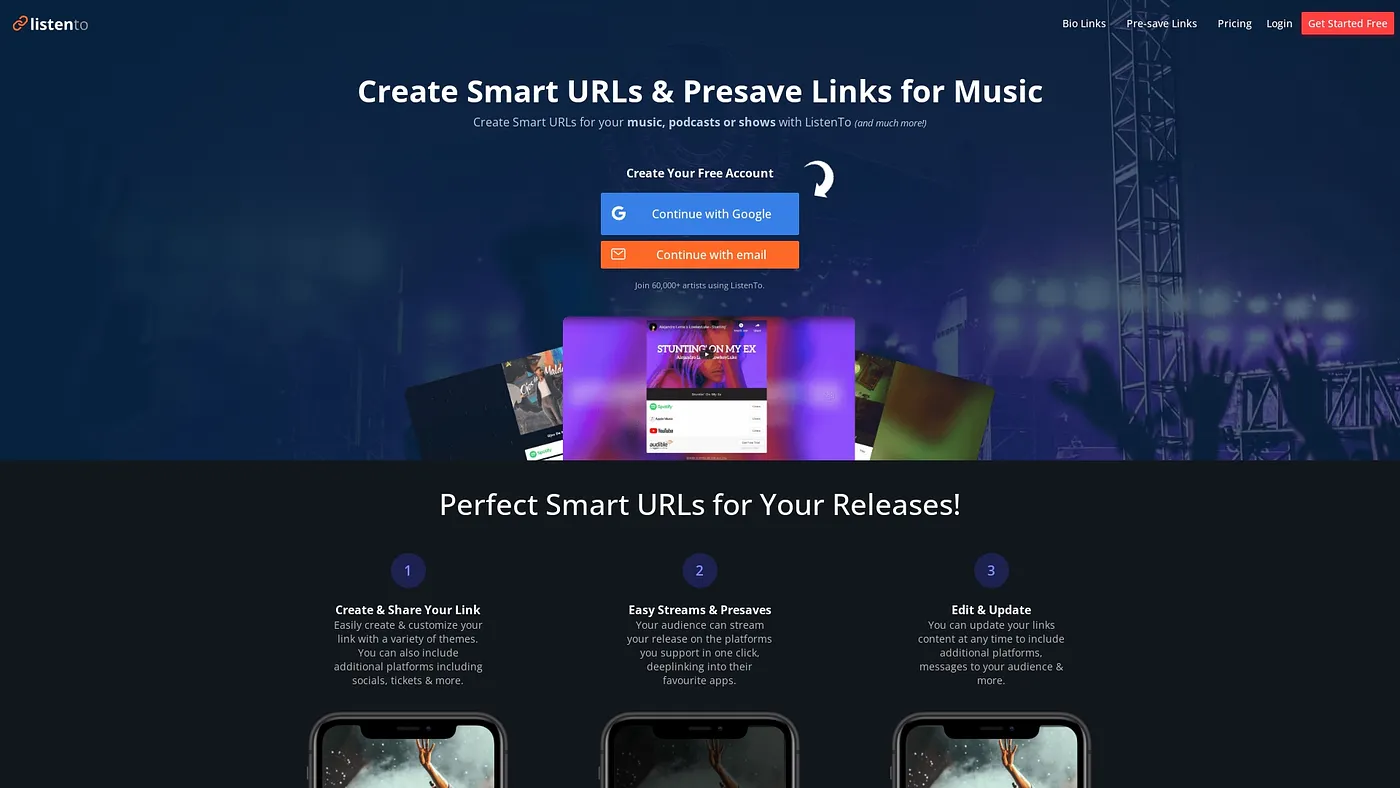
At a glance
4.0 out of 5
Scored by Alex after real useOur verdict
ListenTo is great for creating branded links that direct fans to multiple platforms. However, its limitations on customization might be a drawback for larger organizations or those needing more features.
✓What it does well
✕Where it falls short
Key features
Questions about Listen.to
What is Listen.to used for?
Listen.to creates smart URLs for music, branded links that send fans to over 40 streaming services such as Spotify, Apple Music and Deezer. Artists can run pre-save campaigns ahead of release day and share links in social posts, YouTube descriptions and emails.
Is Listen.to free?
Listen.to has a free plan. Artist Free costs $0 per month plus taxes and includes unlimited links and major streaming platforms, while Artist Pro costs $39 per month plus taxes. Free users cannot access in-depth traffic analytics, which the reviewer lists as a shortcoming.
How many custom domains does Listen.to allow?
Listen.to allows just one custom domain per plan, a limit the reviewer lists among its main drawbacks. Branded subdomains come only with higher tiers such as Artist Pro, and Toolio lists the tool as not for large enterprises with extensive domain needs.
Who is Listen.to best for?
Toolio lists Listen.to as best for independent artists and small labels. It can manage links for multiple artists under one account and offers whitelabel themes and branding, but the reviewer warns its customization limits may hold back larger organizations. It runs on the web and Android and scores 4.0 out of 5.
Does Listen.to work with Facebook Ads and Google Analytics?
Listen.to can connect Google Analytics and Facebook Ads pixels for retargeting. This is a paid feature: free users cannot use remarketing pixels, while the Artist Pro plan includes unlimited retargeting pixels along with branded subdomains.