
MagicWriter - Chrome Extension
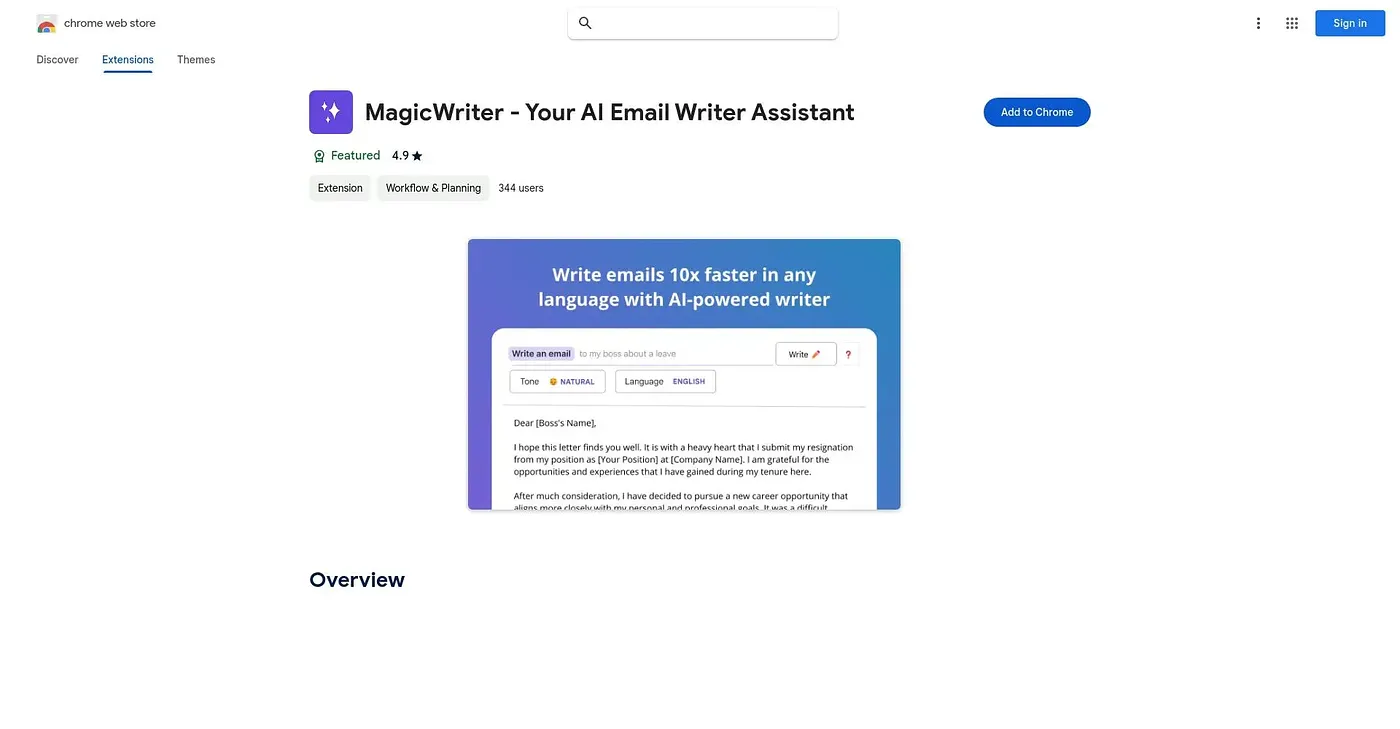
Claims to draft emails up to ten times faster, in any language, from a Chrome toolbar.
At a glance
Starts at
Free
The vendor's site is offline, so no current price was found.
Free tier
Yes
Platforms
Chrome
Best for
Professionals writing routine emails across languages
Not for
Writers handling nuanced or highly technical messages
3.9 out of 5
Scored by Alex after real useOur verdict
MagicWriter drafts emails directly inside Chrome, aiming for roughly ten times the speed of writing from scratch, and it works across languages rather than being tied to just one. Templates can be customized so the tone and format match a person's own voice or a company's brand. Speed comes with a trade-off: responses can read generically, and the tool struggles once a topic gets complex, so anything nuanced still needs a manual rewrite.
✓What it does well
Fast email draftingIt drafts full email responses quickly using AI that reads context and tone.
Multilingual writingIt can write in a range of languages rather than being limited to one.
Customizable templatesTemplates can be adjusted so drafts match a person's own voice or brand.
✕Where it falls short
Generic phrasing riskFast drafts can come out generic, especially without edits to add specific detail.
Struggles on complex topicsIt has trouble handling more complex or nuanced subject matter without manual rewriting.
Chrome-only toolIt is available only as a Chrome extension, not as a standalone app.
Key features
AI email draftingIt generates email drafts based on context and desired tone.
Multilingual supportEmails can be written in multiple languages from the same extension.
Template personalizationUsers can customize templates to reflect personal or brand voice.
Tone and format adjustmentTone and formatting details can be tuned per draft.