
Make Infographic AI
It suits casual infographics, but falls short on detailed edits.
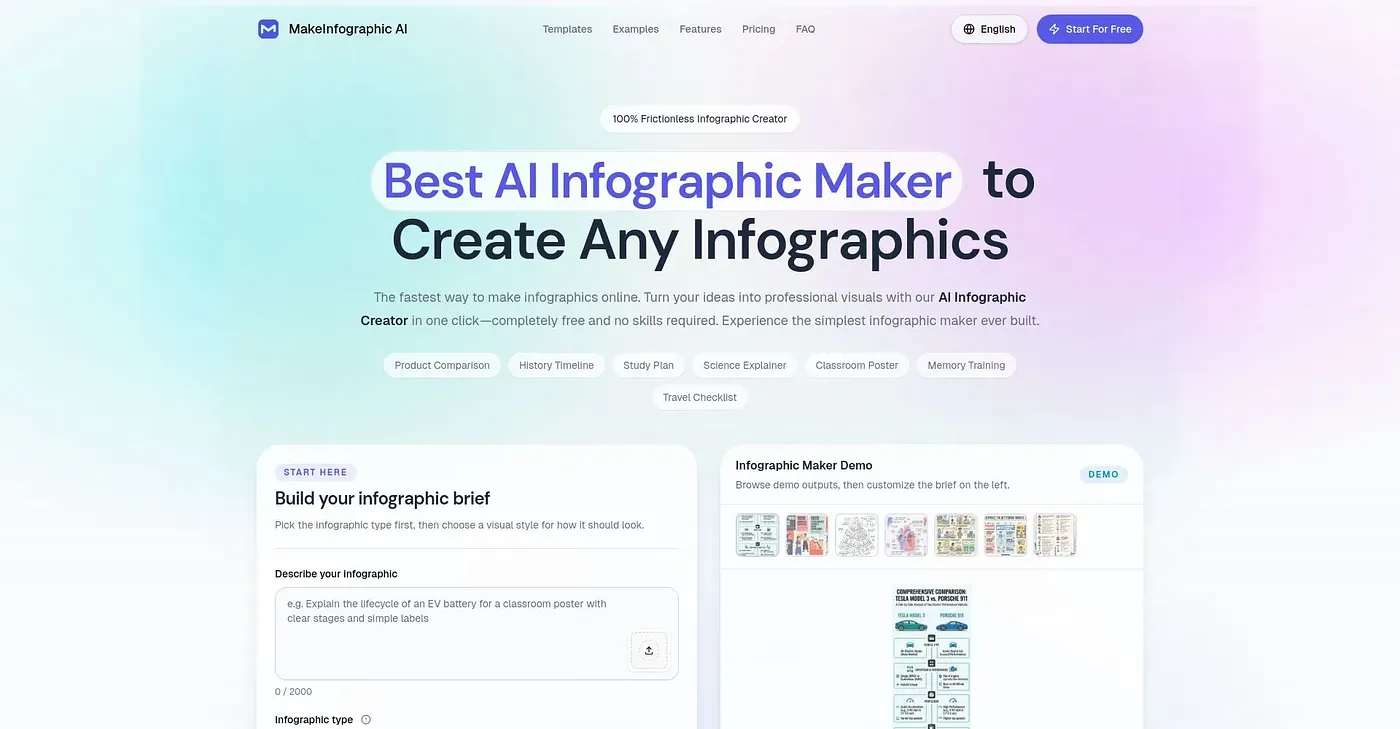
At a glance
Starts at
Free
Includes basic features, no sign-up needed. Free users have a default watermark and limited downloads.
Free tier
Yes
Platforms
Web
Best for
Casual users, first-time testers
Not for
Frequent editors and high-resolution needs
4.0 out of 5
Scored by Alex after real useOur verdict
MakeInfographic AI turns text into beautiful infographics instantly. It's great for quick projects, but lacks advanced editing features and customization options needed for heavy use.
✓What it does well
EasyQuickly turn text into graphics in one click.
VersatileSupports multiple infographic types including timelines and comparisons.
Free planStart free with no sign-up, download PNG or PDF files.
✕Where it falls short
Limited editsCan’t make major changes to the generated infographic easily.
WatermarkFree users generate infographics with a watermark.
No export optionsDoes not support exports in higher resolutions or formats beyond PNG and PDF.
Key features
AI-drivenUses AI to create infographic designs based on text input.
Multiple templatesOffers a variety of visual styles and layouts for different needs.
Pricing optionsAvailable in multiple price tiers to fit various usage levels.
Higher Resolution ExportSupports exporting in higher resolutions like 2k and 4k