
MaxAime - Chrome Extension
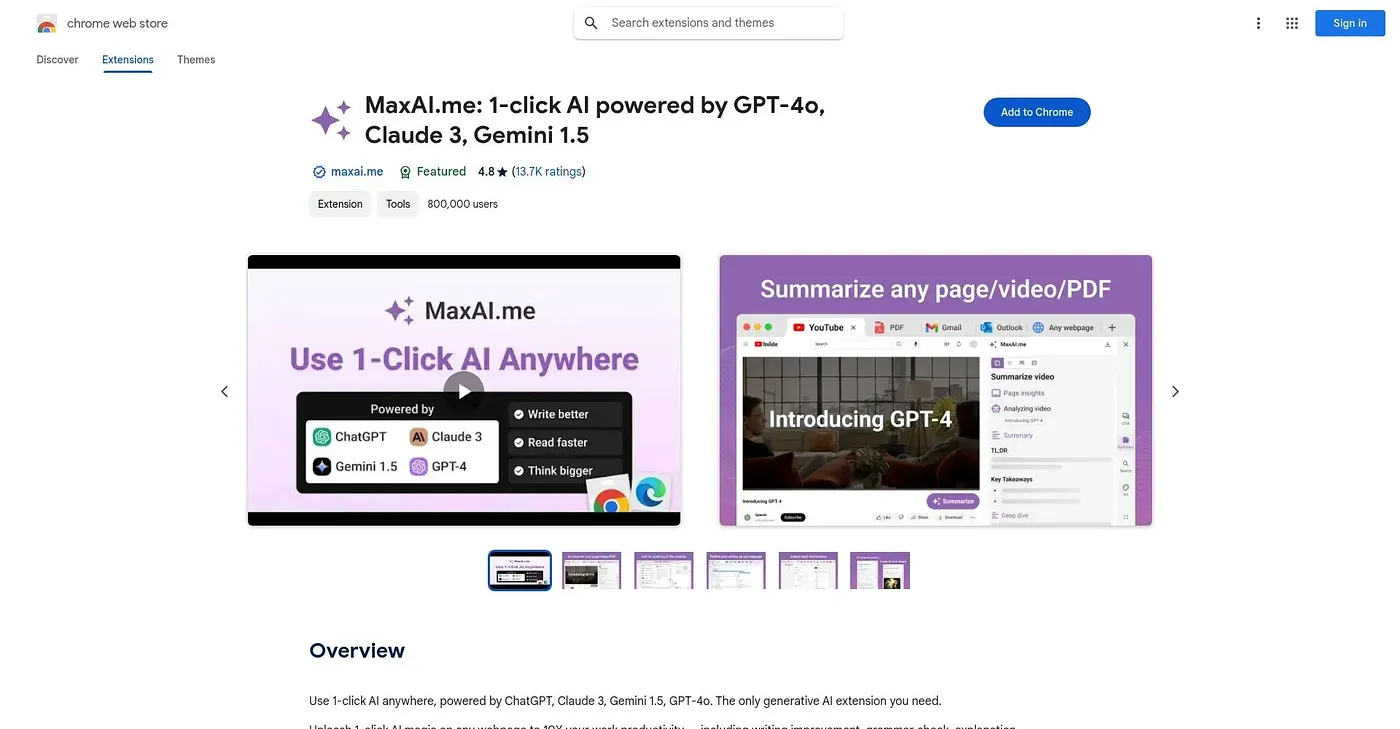
An AI sidebar with a context menu for reading, writing, translating, and searching anywhere online.
At a glance
Starts at
Free
Listed as free on the Chrome Web Store.
Free tier
Yes
Platforms
Chrome
Best for
Professionals wanting one AI tool across the web
Not for
Users needing advanced models on the free tier
4.7 out of 5
Scored by Alex after real useOur verdict
MaxAI adds a sidebar and right-click menu that let you ask questions about any webpage, improve or translate selected text, and draft replies to emails or messages, all without leaving the page. The free version covers the basics; choosing a stronger model, getting more web search sources, voice input, and image generation all require upgrading to Pro. It draws on models from OpenAI, Anthropic, Google, xAI, DeepSeek, Mistral, and others rather than being tied to just one provider.
✓What it does well
In-page AI sidebarYou can ask questions about any webpage without switching to a separate tab.
Right-click text toolsSelected text can be improved, translated, explained, or answered in one click.
Multiple AI model accessIt draws on models from OpenAI, Anthropic, Google, xAI, and others.
✕Where it falls short
Advanced models are paidChoosing a stronger AI model is a Pro feature, not included free.
Limited free web searchFree web search covers fewer sources than the Pro plan's expanded search.
Image generation is Pro-onlyGenerating images requires the paid Pro plan rather than the free tier.
Key features
AI sidebarIt lets you ask AI questions about the page you're viewing.
Context-menu toolsSelecting text brings up options to translate, explain, or improve it.
AI writing assistanceIt helps draft replies to emails, messages, and social posts.
Reusable promptsYou can save and reuse your own custom prompts.