
Modelfy
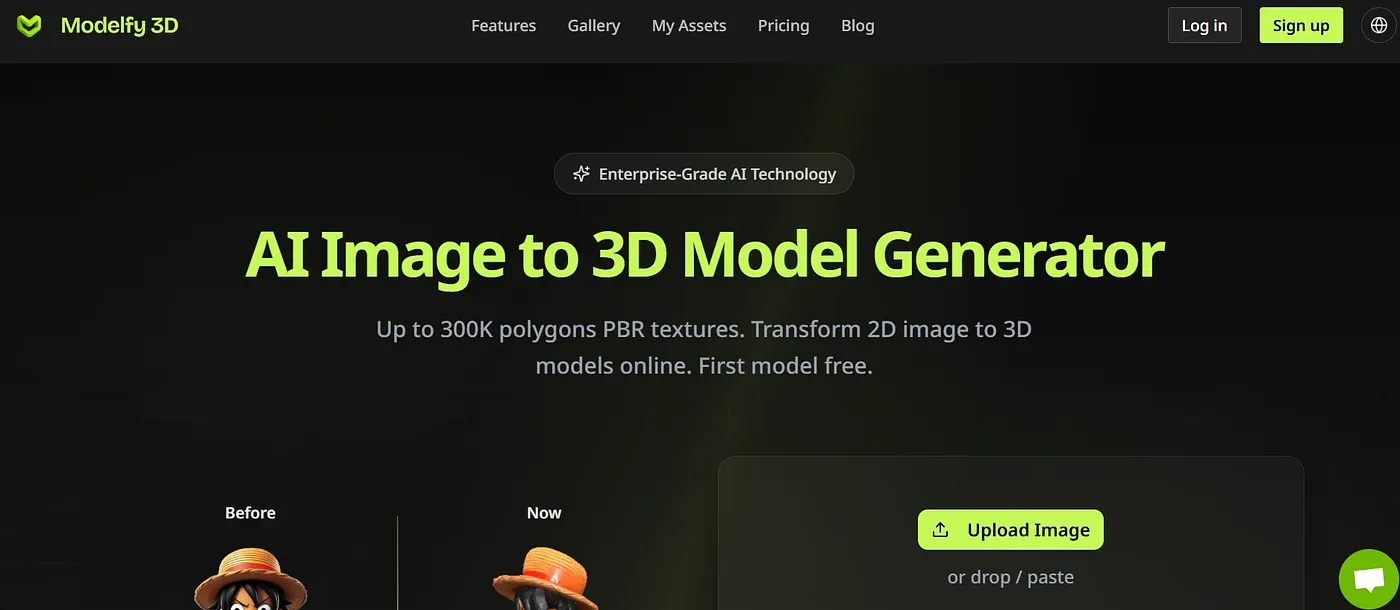
Convert images to 3D models online for free.
At a glance
4.0 out of 5
Scored by Alex after real useOur verdict
Modelfy converts images to 3D models quickly but lacks advanced features. Best suited for simple projects; skip if needing high precision and management tools.
✓What it does well
✕Where it falls short
Key features
Questions about Modelfy
What does Modelfy do?
Modelfy converts images into 3D models online. Conversions take seconds, and finished models export in GLB, OBJ and STL formats with texture maps and previews. It also offers asset management with filtering, tagging and archiving, plus smart queue routing that optimizes processing time.
Is Modelfy free?
Modelfy has a limited free tier based on welcome credits, which are handed out first come, first served. Paid use starts at $15 per month for the Pro plan, which adds higher queue priority, more polygons and textures. Credits can also be bought at $0.50 per credit.
How accurate is Modelfy?
The vendor claims its AI achieves a 99.9% success rate for conversions. The reviewer still finds that Modelfy lacks advanced features and recommends it for simple projects, not for work that needs high precision.
Who is Modelfy for?
Toolio lists designers, artists and hobbyists as the best fit for Modelfy, and the reviewer recommends it for simple projects. Beginners with limited credits are listed among those it does not suit, since free welcome credits are limited. Alex scored it 4.0 out of 5 after real use.
What are some alternatives to Modelfy?
Toolio lists 3D AI Studio, ImprintNext and Opal AI as alternatives to Modelfy. 3D AI Studio turns text or images into 3D assets, ImprintNext offers a multivendor marketplace with AI design tools but a steep learning curve, and Opal AI suits commercial and government organizations.