
Motion It AI
Best for quick, professional slides; students and business professionals.
At a glance
3.7 out of 5
Scored by Alex after real useOur verdict
MotionIt.ai simplifies slide creation with AI. Perfect for those without design skills but can fall short if you need complex layouts or animations.
✓What it does well
✕Where it falls short
Key features
Questions about Motion It AI
What does Motion It AI do?
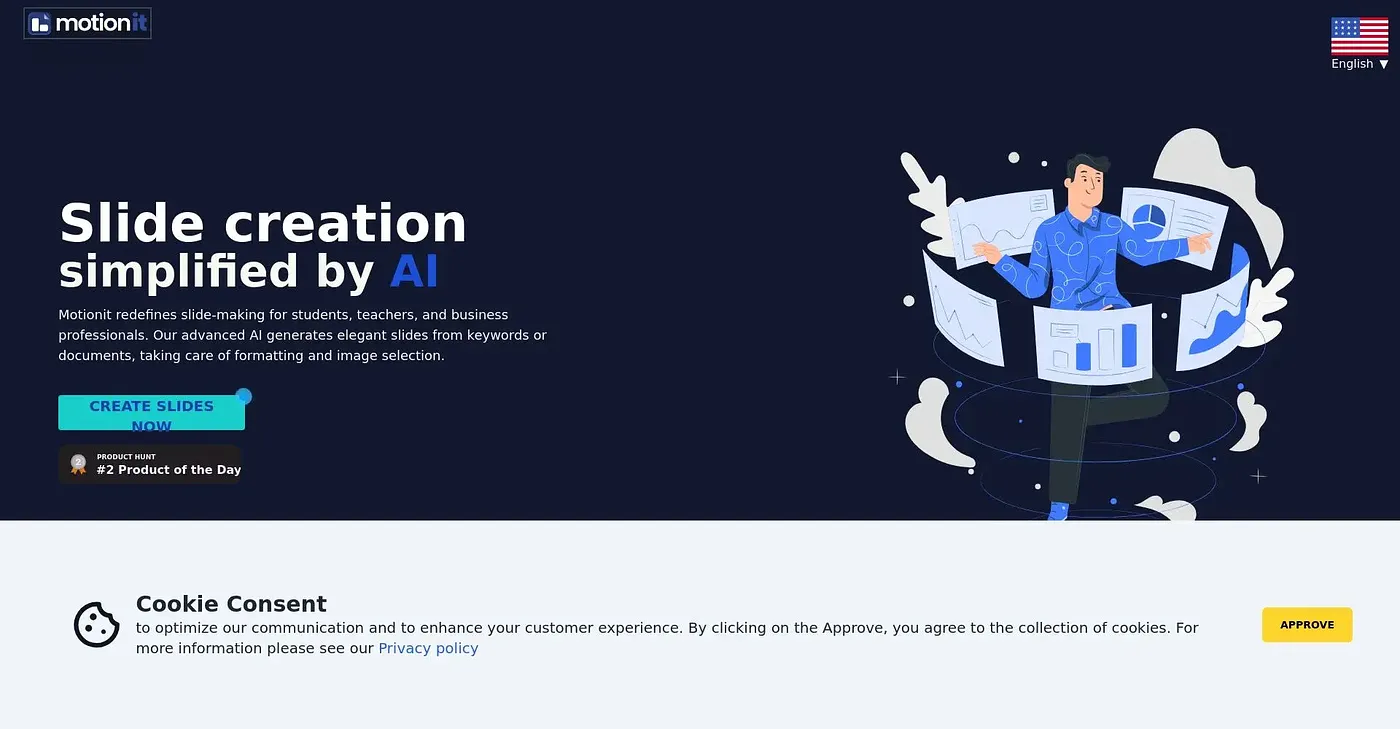
Motion It AI creates presentation slides with AI. It generates consistent images and layouts from keywords or documents, offers a range of pre-designed templates, and builds a deck within minutes without manual formatting of each slide. The reviewer says it suits people without design skills.
Can Motion It AI export to PowerPoint?
Yes. Slides made in Motion It AI can be exported to Google Slides, PowerPoint and PDF, so they can be edited further in those tools. The reviewer counts the export options among its main strengths, alongside quick, automatic layout generation.
Can Motion It AI make videos?
No. Motion It AI focuses on slide generation and lacks video creation and advanced video editing features, which the reviewer lists among its shortcomings. It can also fall short for anyone who needs complex layouts or animations.
Who is Motion It AI best for?
Toolio lists Motion It AI as best for students and business professionals who need quick, professional slides. It is not for creators who want detailed design control, since it does not offer fine customization of layout and design elements.
How is Motion It AI rated on Toolio?
Motion It AI holds a Toolio score of 3.7 out of 5, scored by Alex after real use on 4 Oct 2026. It runs on the web, and alternatives Toolio lists include Genmo AI, Sora AI, AI Cut and SneakStory.