
Nexonauts
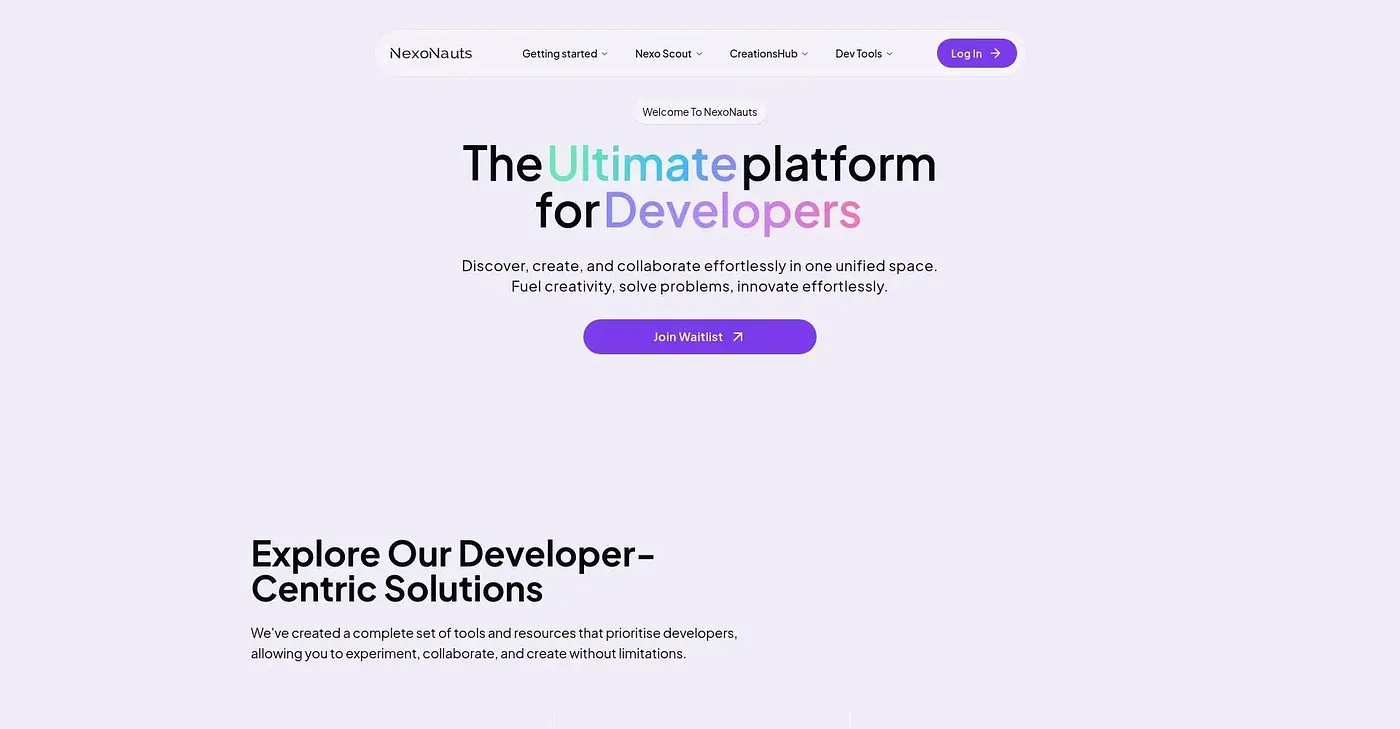
Nexonauts offers four local tools for PDF editing, screen recording, LaTeX typesetting and docs compilation. Nothing uploads to a server first.
At a glance
3.8 out of 5
Scored by Alex after real useOur verdict
Local tools for specific tasks without uploading files. Best if you need stability but falls short in complexity or collaboration features.
✓What it does well
✕Where it falls short
Key features
Questions about Nexonauts
What is Nexonauts?
Nexonauts offers four local tools for PDF editing, screen recording, LaTeX typesetting and docs compilation. All of them run directly on the user's machine, so PDFs, screen recordings and LaTeX documents are processed without uploading files to a server first.
Is Nexonauts open source?
Each Nexonauts tool has a public repository, though licences vary from project to project. The reviewer lists these public repositories among the tool's strengths, alongside fully local processing that keeps files on the user's machine.
What platforms does Nexonauts support?
Nexonauts runs on the web, with Recast available on Windows and as a beta on macOS. Orbit and Docvia are stable releases, while the reviewer notes that Recast's beta status limits its reliability.
What are the limits of Nexonauts?
The reviewer notes that Nexonauts is not suited to complex projects that need multi-step processing or collaboration features. It also cannot integrate directly with cloud services, since all work is done locally. Toolio lists it as not for complex project managers.
Who is Nexonauts for?
Toolio lists Nexonauts as best for developers needing local processing of documents and code documentation. Alex scored it 3.8 out of 5 after real use, on 5 Oct 2026, and the reviewer recommends it for those who need stability.