
OnVerb
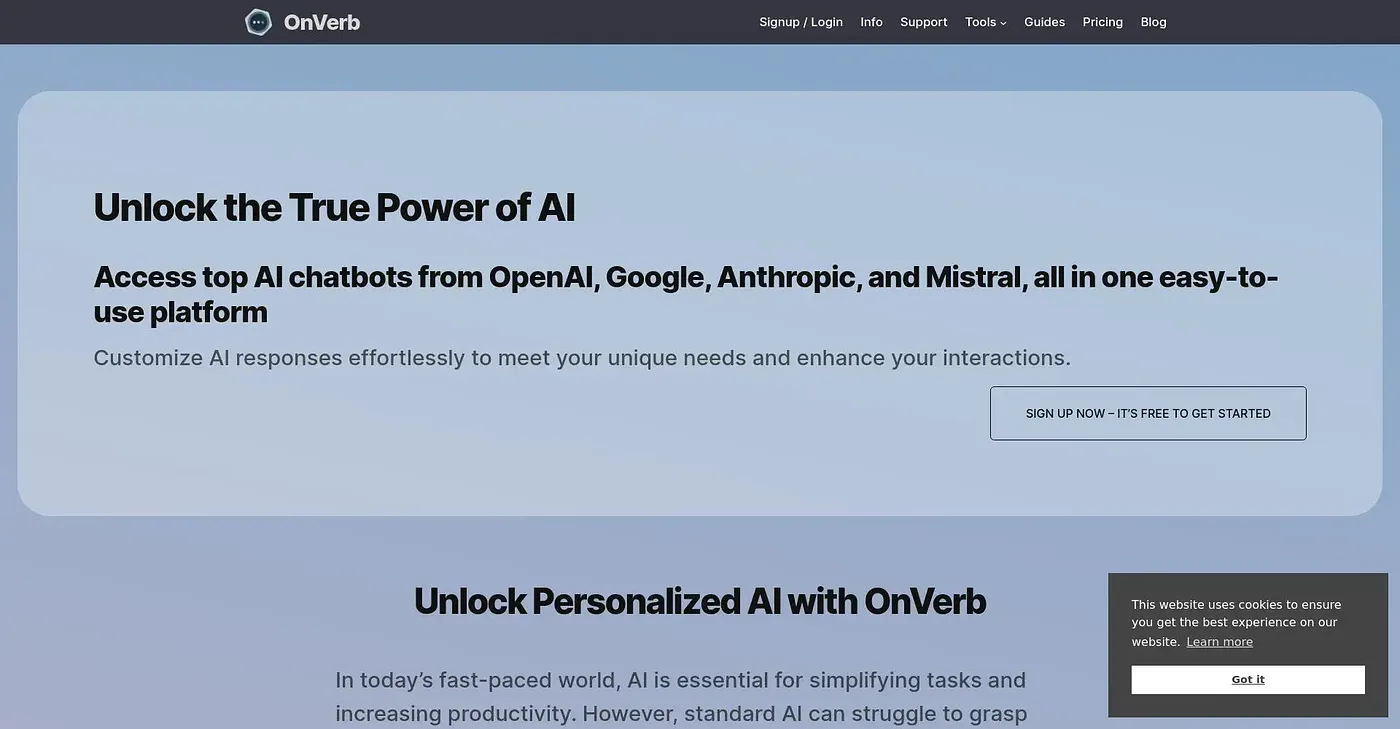
Transform how you work with AI, streamlining your workflow and providing access to multiple models in one platform.
At a glance
3.9 out of 5
Scored by Alex after real useOur verdict
OnVerb provides unified access to various AI models, ideal for team collaboration. However, it may be too complex for users looking for a simple interface.
✓What it does well
✕Where it falls short
Key features
Questions about OnVerb
What does OnVerb do?
OnVerb gives individuals and teams access to multiple AI models in one platform, including GPT-5, Claude and Gemini. Users can create reusable system prompts, work in an intelligent document editor with AI assistance and use retrieval augmented generation search for more accurate content creation.
How much does OnVerb cost?
OnVerb starts at $19 per month, and there is no free tier. It uses token-based billing so users can track costs, but the reviewer notes that charges for access to multiple models add complexity and cost. Toolio says it is not for individuals seeking free access.
Does OnVerb have a mobile app?
OnVerb runs on the web as well as on iOS and Android. Toolio lists it as best for individuals and teams who need access to multiple AI models, such as GPT-5, Claude and Gemini, from one platform.
What are the downsides of OnVerb?
The reviewer says OnVerb may be too complex for anyone looking for a simple interface. Document sharing is limited, as team members need permission to share documents and nothing is shared automatically, and paying for access to multiple models increases cost. There is also no free tier.
How does Toolio rate OnVerb?
Alex scored OnVerb 3.9 out of 5 on 4 Oct 2026 after real use. The verdict calls it a good fit for team collaboration thanks to its unified access to various AI models. Toolio lists Nightfall for ChatGPT Chrome Extension, Shufti Pro and Spamdrain among its alternatives.