Paper Pilot
QuickChatPDF turns any PDF into a conversation.
At a glance
4.0 out of 5
Scored by Alex after real useOur verdict
Upload documents for quick answers and summaries. Great for students converting textbooks to notes but not suited for complex legal research.
✓What it does well
✕Where it falls short
Key features
Questions about Paper Pilot
What does Paper Pilot do with PDFs?
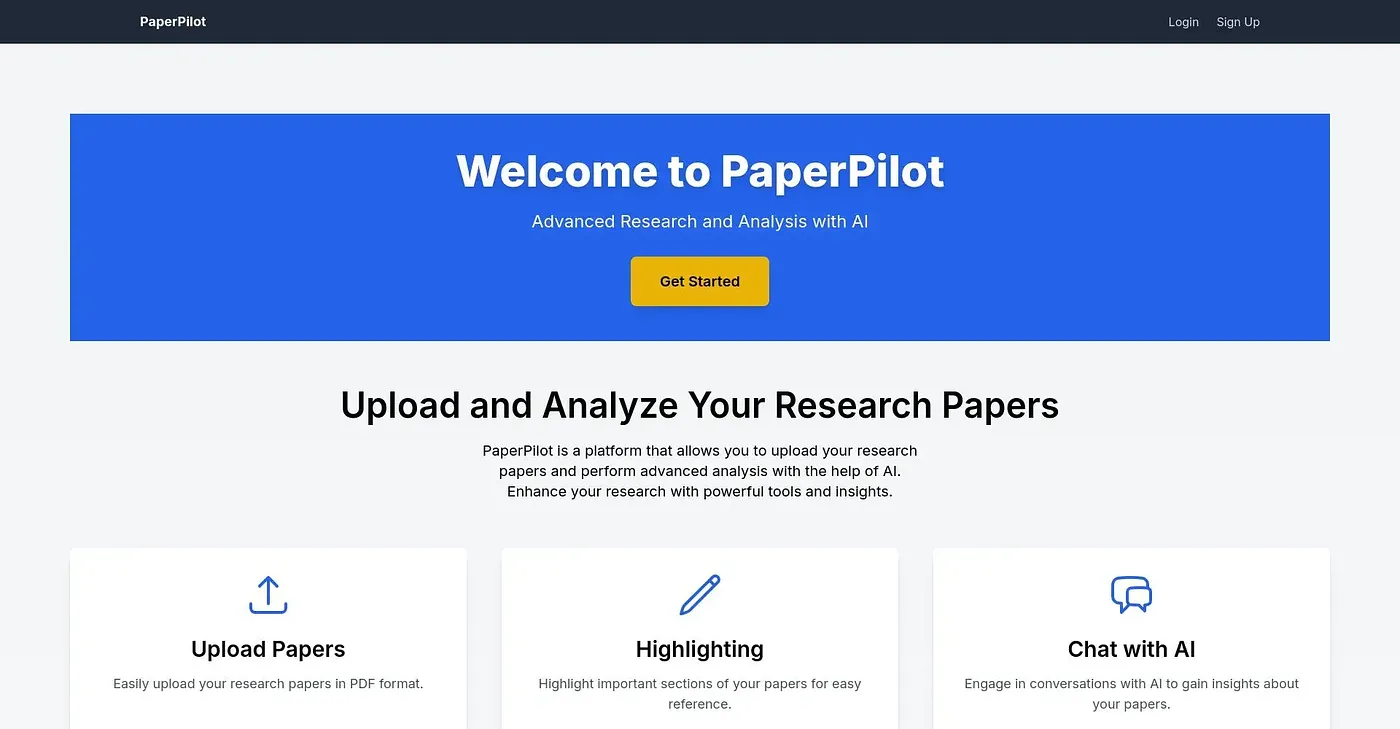
Paper Pilot turns any PDF into a conversation: upload a document and ask questions in natural language to get answers drawn from its content. It also creates summaries and multiple-choice quizzes. The reviewer calls it great for students converting textbooks to notes but not suited to complex legal research.
How much does Paper Pilot cost?
Paper Pilot's Basic Plan costs $19 per month and its Pro Plan costs $45 per month. A limited free tier is also available. The reviewer notes that it charges beyond the initial free credits, which makes it costly after a certain amount of usage.
What summary styles does Paper Pilot offer?
Paper Pilot offers 8 different summary styles, ranging from detailed to concise takes on a document. Its summary creator produces formats meant for quick review of key points. The tool also turns content into timed multiple-choice quizzes with review options, which helps students test their understanding.
Does Paper Pilot store uploaded files?
No. Paper Pilot processes PDFs only for the requested task and does not store them, which the vendor presents as a privacy feature. The reviewer counts the lack of retention as a limit, and Toolio marks the tool as not for users needing file storage.
Can you annotate PDFs in Paper Pilot?
No. Paper Pilot does not allow manual editing or annotation of PDFs, so personal notes and highlights cannot be added inside it. The reviewer lists this among its shortcomings. Toolio scores the tool 4.0 out of 5 and lists it as best for students and professionals.