
Photo Enhancer
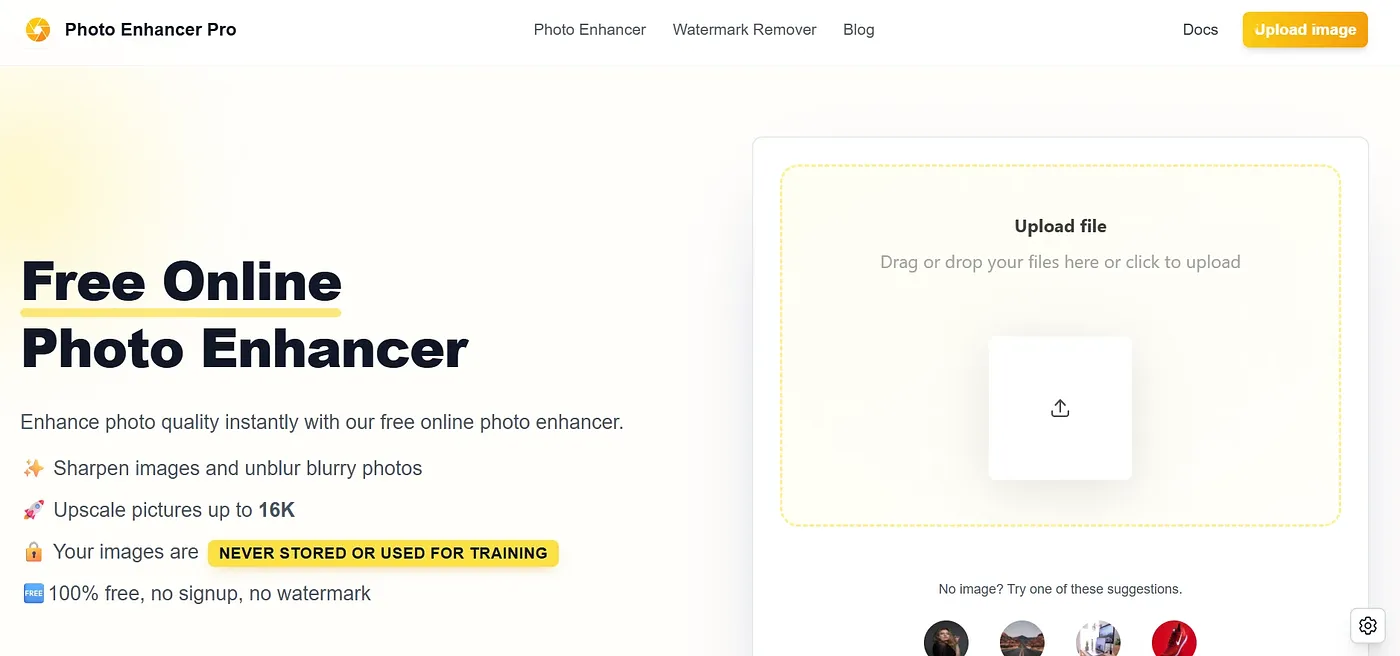
AI Photo Enhancer repairs blurry, faded photos in seconds. No signup required.
At a glance
4.6 out of 5
Scored by Alex after real useOur verdict
Restores quality to old or low-res photos quickly. Best for everyday images where preserving original composition is crucial but might struggle with complex scenes.
✓What it does well
✕Where it falls short
Key features
Questions about Photo Enhancer
Is Photo Enhancer free?
Yes, Photo Enhancer is free. No paid plan was found on the vendor's site in September 2026, and it can be tried without signing up for an account. Photos are uploaded and processed in the browser, and finished images can be saved as PNG or JPG with no quality loss.
What can Photo Enhancer do?
Photo Enhancer repairs blurry, faded photos in seconds. It upscales images to up to 4K resolution while keeping detail, removes backgrounds from product and portrait images, and repairs scratches, fading and damage in old photos. The reviewer says it restores quality to old or low-res photos quickly.
What are the limits of Photo Enhancer?
The reviewer finds that Photo Enhancer struggles with detailed landscapes and complex compositions. It lacks creative filters such as black and white conversion or colorization, and while its portrait mode works well, the object and scenery modes are not as versatile. Toolio lists it as not for photographers needing advanced creative filters.
How does Toolio rate Photo Enhancer?
Photo Enhancer scores 4.6 out of 5 on Toolio, rated by Alex on 5 Oct 2026 after real use. The reviewer recommends it for everyday images where preserving the original composition matters. Toolio lists it as best for photographers and casual users, and has listed it since October 2025.
What are some alternatives to Photo Enhancer?
Toolio lists three alternatives to Photo Enhancer: CleanSnap, Book AI Writer and 广告智能配图 Chrome Extension. CleanSnap creates clean, professional-looking screenshots, Book AI Writer turns ideas into stories with covers, and the Chrome extension generates ready-to-use ad and product images from templates with online editing.