
Photo to Video
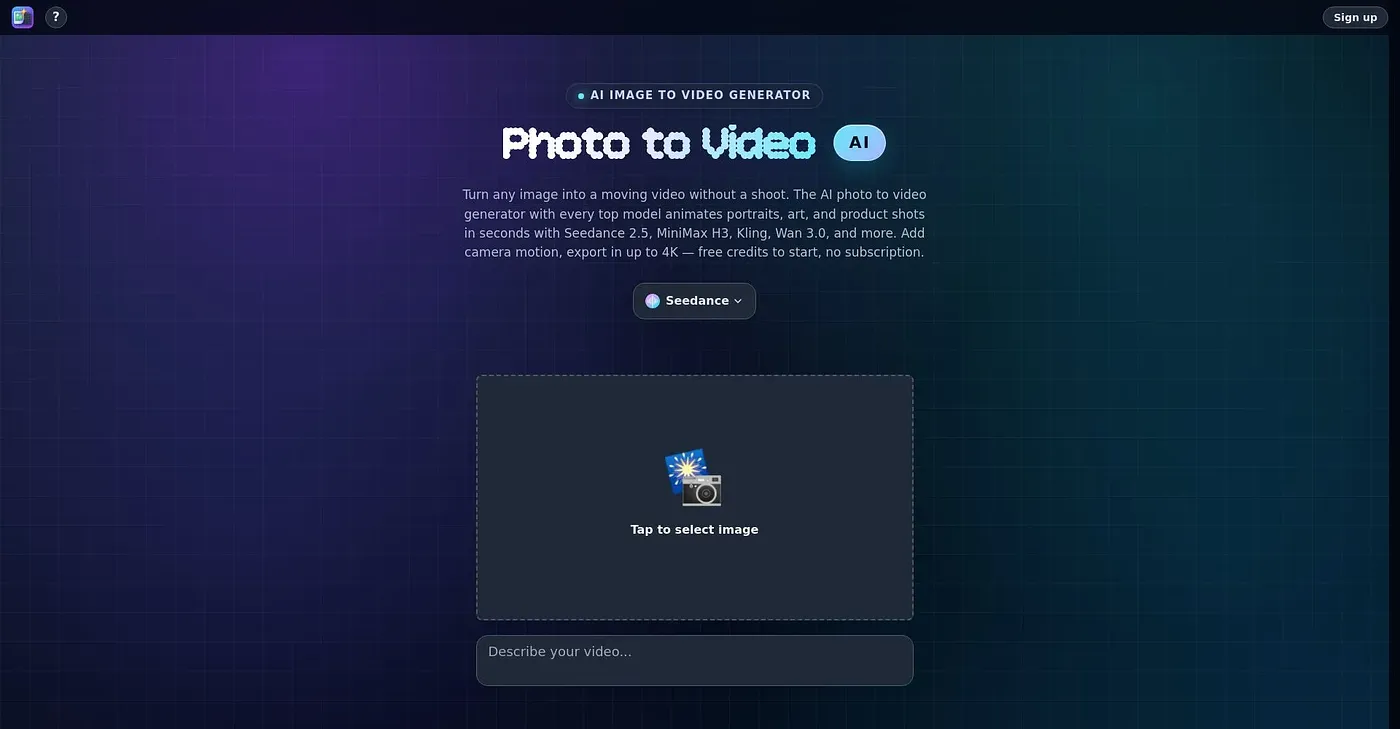
AI animates any photo into a video clip.
At a glance
3.9 out of 5
Scored by Alex after real useOur verdict
Creates natural motion and camera movement quickly from one image. Ideal for bringing portraits or artwork to life but may lack advanced editing features.
✓What it does well
✕Where it falls short
Key features
Questions about Photo to Video
What does Photo to Video do?
Photo to Video uses AI to animate any photo into a video clip, adding natural motion and camera movement from a single image. It draws on multiple leading AI video models, and users can add a custom prompt to guide the motion. The reviewer says it suits bringing portraits or artwork to life.
Is Photo to Video free?
Yes. Photo to Video has a free tier, and no paid plan was found on the vendor's site in September 2026. The reviewer notes that free credits are available to start, with no monthly fees or subscription needed.
Can Photo to Video use video files as input?
No. Photo to Video only accepts image files as input, with no support for video or other file types. The reviewer also notes it can use only up to eight reference images per video, which may not be enough for some projects.
What are the downsides of Photo to Video?
The reviewer finds that Photo to Video lacks a sophisticated timeline or post-processing tools for advanced users, and it struggles to animate detailed and complex scenes effectively. Toolio lists it as best for designers and marketers, and not for complex scene animators.
How does Toolio rate Photo to Video?
Photo to Video scores 3.9 out of 5 on Toolio, rated by Alex on 5 Oct 2026 after real use. It has been listed since September 2026, and Toolio names Moon Valley AI, Flux AI Image Generator and Omost among its alternatives.