
PixPark AI
Generate images and videos, but requires careful model selection for optimal results.
At a glance
4.4 out of 5
Scored by Alex after real useOur verdict
PixPark AI excels in generating high-quality assets like game textures and social media graphics. It’s best suited for those needing speed and iteration without a hefty budget. Skip if you need advanced customization features immediately available or complex AI editing capabilities.
✓What it does well
✕Where it falls short
Key features
Questions about PixPark AI
What does PixPark AI do?
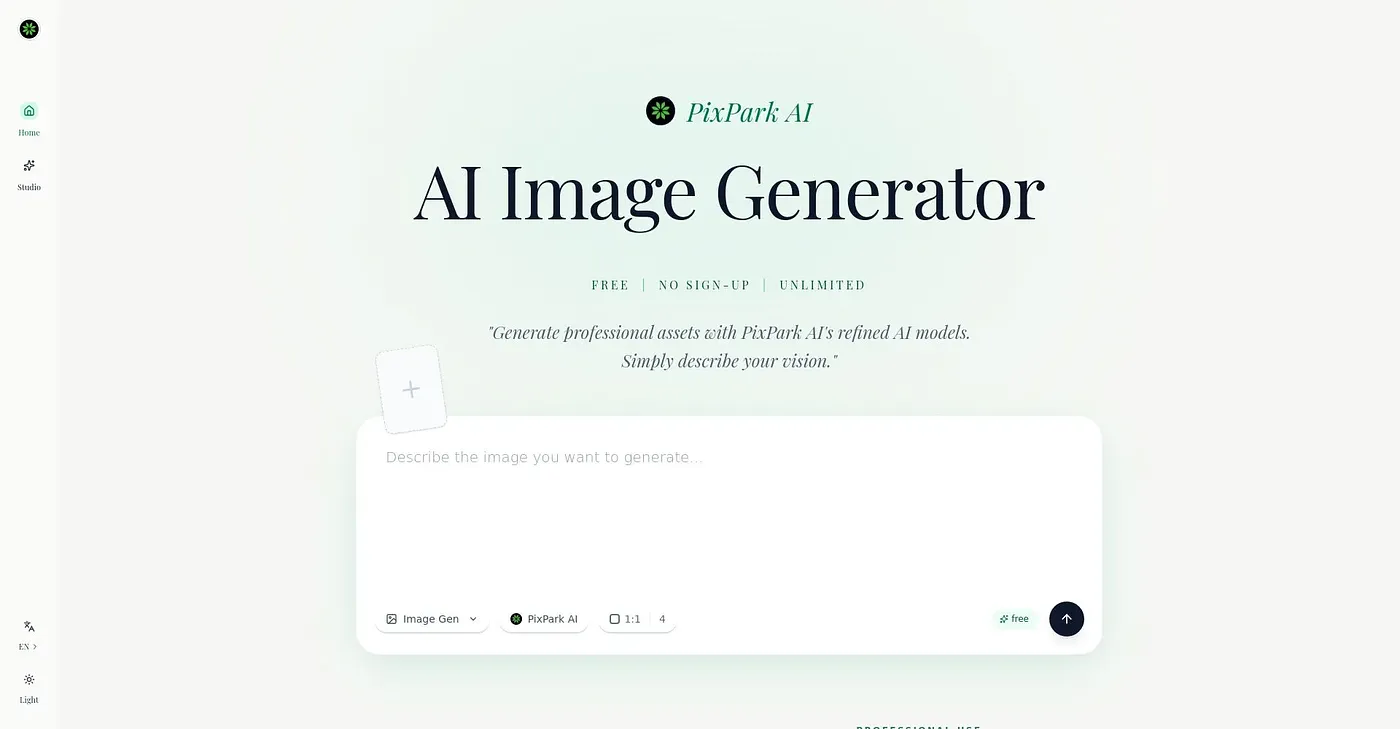
PixPark AI generates images and videos with a library of models for different uses, from simple text-to-image to complex scene generation. The reviewer says it excels at high-quality assets such as game textures and social media graphics, and some models output images up to 4K resolution.
How much does PixPark AI cost?
PixPark AI is paid by credit rather than by subscription. The Starter option costs $0.08 per credit, with no subscription and no auto-renewal, and there is no free tier. The reviewer notes that costs rise with credit purchases, so budget-conscious users may find it less cost-effective.
What platforms does PixPark AI run on?
PixPark AI runs on the web, macOS and Windows, and users can access their account across devices to continue work on the go. Toolio lists it as best for professional creators and small studios that need speed and iteration without a hefty budget.
What are the limitations of PixPark AI?
The reviewer says advanced editing and detailed adjustments in PixPark AI are restricted compared to other AI tools, and some complex scenes may not generate accurately, requiring multiple attempts or manual edits. Getting good results also requires careful model selection.
How does Toolio score PixPark AI?
PixPark AI scores 4.4 out of 5 on Toolio, rated by Alex after real use on 3 Oct 2026, and it has been listed since March 2026. Toolio lists Ecomtent, Contentobot, Aimind Crafter and Leaves as alternatives.