
Plainly Videos
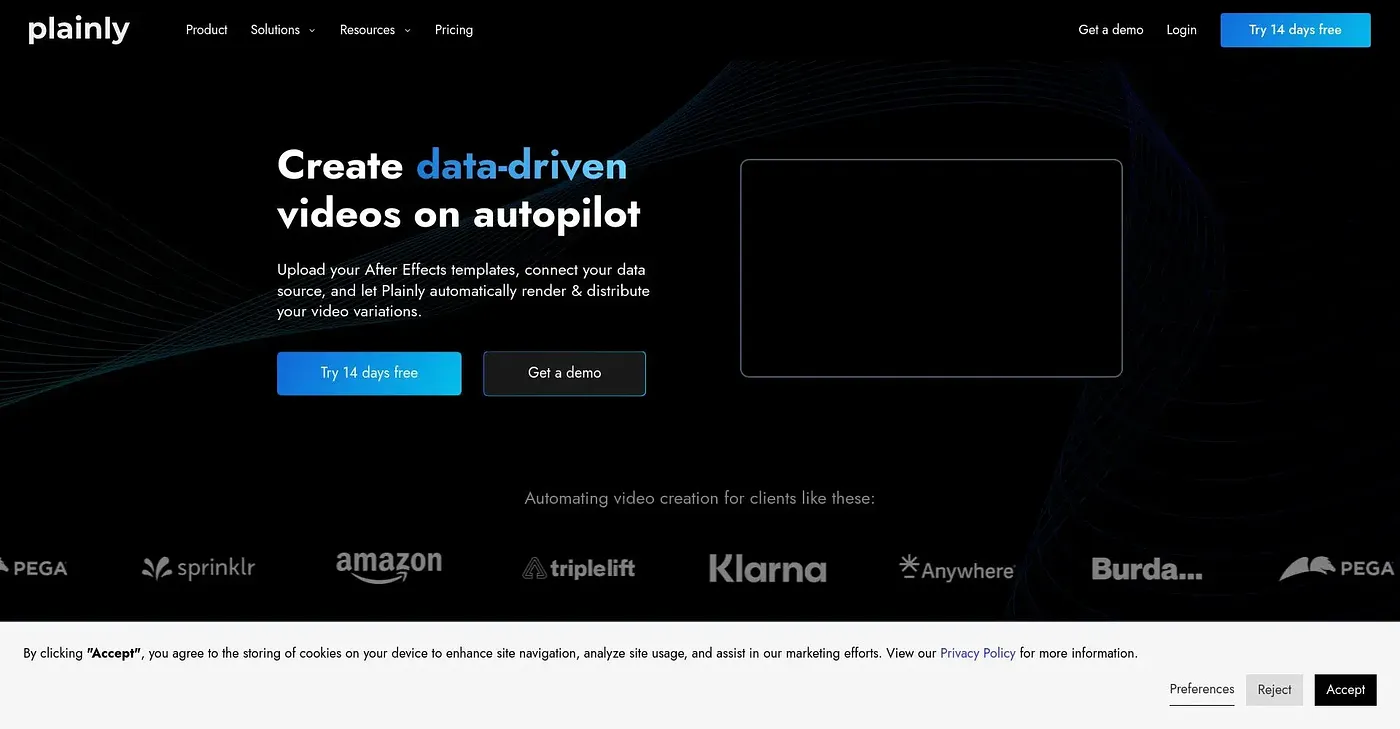
Automate video creation with Plainly to save time and increase output.
At a glance
3.9 out of 5
Scored by Alex after real useOur verdict
Plainly automates video creation but lacks extensive customization options for small projects. It excels at batch rendering variations but struggles without a data source for personalization.
✓What it does well
✕Where it falls short
Key features
Questions about Plainly Videos
What does Plainly Videos do?
Plainly Videos automates video creation to save time and increase output. Users upload After Effects templates and batch render many variations from a single template, create videos from CSV files, and build custom automation workflows through a video editing API. It runs on the web, macOS and Windows.
How much does Plainly Videos cost?
Plainly Videos starts at $48 per month billed yearly, which the vendor says is up to 30% off, and there is no free tier. The vendor offers multiple plans with different concurrency and storage options, and the reviewer notes that costs escalate significantly with larger teams.
Who is Plainly Videos for?
Plainly Videos is best for agencies, tech companies and in-house teams. Toolio marks it as not for small businesses with limited data, because the reviewer found it struggles to personalize videos without an external data source and offers less flexibility for extensive manual editing.
Is Plainly Videos secure?
The vendor says Plainly Videos runs on a secure, cloud-based infrastructure that protects user data, and the reviewer lists security among its strengths. Its other main strength is batch rendering, which creates multiple variations from one template upload.
How does Toolio score Plainly Videos?
Plainly Videos scores 3.9 out of 5 on Toolio, rated by Alex after real use on 4 Oct 2026. Toolio lists Klipme, Viddyoze, HitPaw and Compass AI as alternatives, with Viddyoze described as quick and simple video creation for businesses.