
Quizard AI Chrome Extension
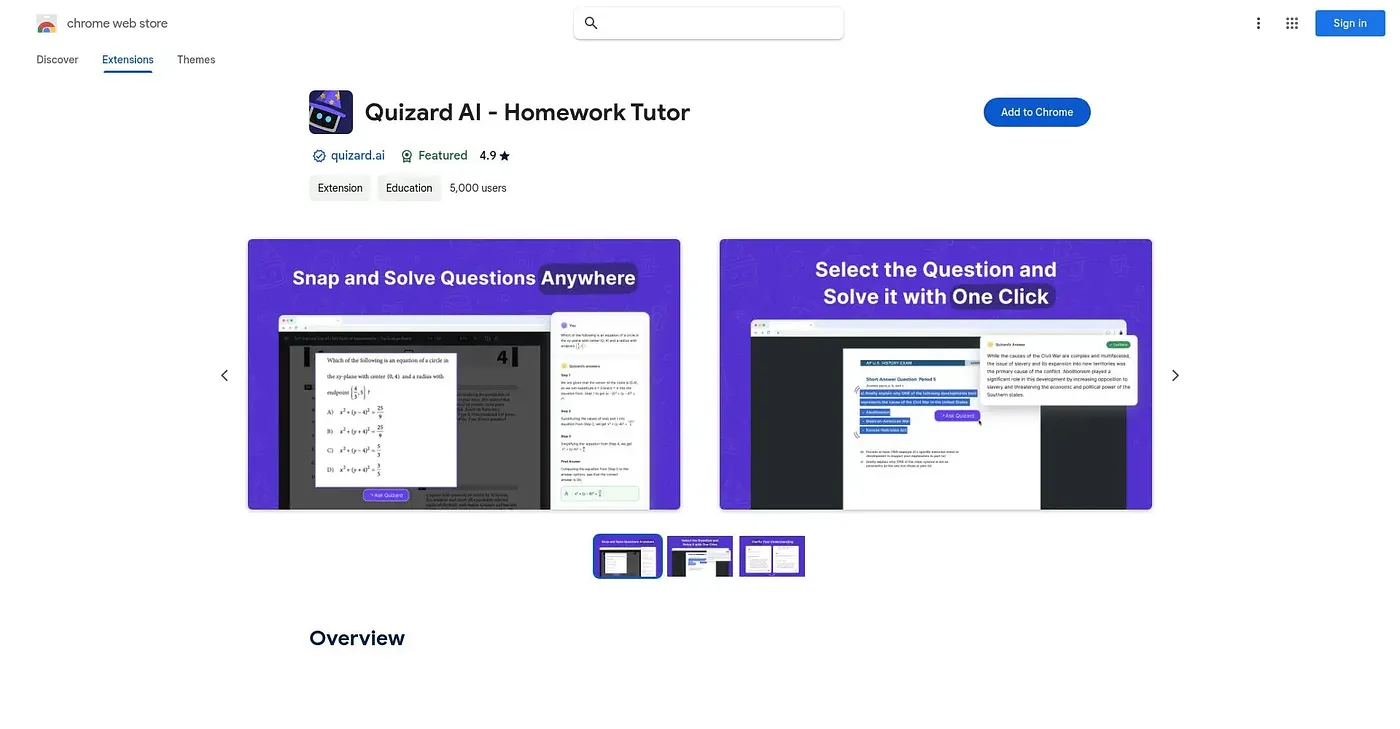
Screenshot a homework question on any page and get an instant explained answer.
At a glance
Starts at
Free
No paid plan found on the Chrome Web Store, September 2026.
Free tier
Yes
Platforms
Chrome
Best for
Students needing quick help across many subjects
Not for
Anyone wanting a human tutor's deeper explanation
3.9 out of 5
Scored by Alex after real useOur verdict
Quizard works by screenshotting or highlighting a question anywhere online, including inside Canvas, Blackboard or Google Classroom, and returning an answer with an explanation. It covers math with symbols alongside history, chemistry and other school subjects, and takes follow-up questions to dig deeper. As with any automated solver, the explanations are a starting point for understanding, not a replacement for actually working through the problem.
✓What it does well
Screenshot solvingAnswers questions captured directly from a screenshot of the page.
Works across platformsFunctions inside common classroom tools like Canvas, Blackboard and Google Classroom.
Handles complex mathReads and solves math problems with symbols that are hard to type out.
✕Where it falls short
Answers need verificationThere's no guarantee automated answers are correct, so results are worth double-checking.
Encourages shortcutsInstant answers can replace working through homework without necessarily building understanding.
Chrome onlyOnly works as a Chrome extension, not on other browsers or apps.
Key features
Screenshot answersSolves questions captured through a screenshot of the page.
Text highlightingSolves a question by simply highlighting it on a page.
Math recognitionReads and solves math problems containing special symbols.
Follow-up questionsLets you ask further questions to clarify an answer.