
Readefine - Chrome Extension
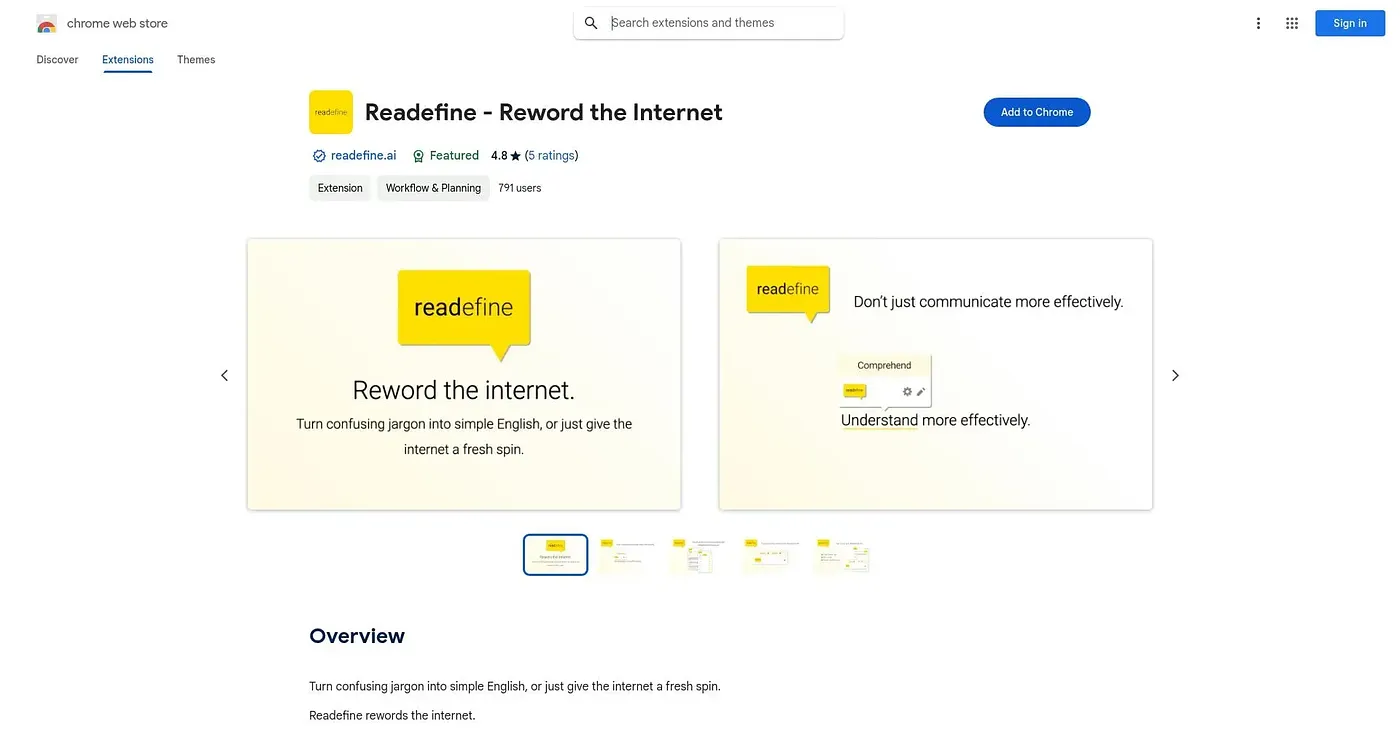
Rewords webpages on the fly, from simplifying jargon to rewriting text as a pirate.
At a glance
4.5 out of 5
Scored by Alex after real useOur verdict
Readefine swaps words and phrases using its own dictionary engine, then layers on AI rewording that can simplify text for kids, translate it, change its tone, or convert units as you browse. The playful modes, like rewording as Yoda or a pirate, sit alongside more practical ones like ESL simplification. Custom AI prompts, though, are locked behind an upgraded subscription rather than included free.
✓What it does well
✕Where it falls short
Key features
Questions about Readefine - Chrome Extension
What does Readefine - Chrome Extension do?
Readefine rewords webpages as a person browses. It swaps words and phrases using its own dictionary engine, then adds AI rewording that can simplify text for kids, summarize it, translate it, change its tone or convert units. Playful modes, such as rewording text as a pirate or Yoda, sit alongside practical ones like ESL simplification.
Is Readefine - Chrome Extension free?
The extension is free, and no paid plan was found on the Chrome Web Store in September 2026. However, the reviewer notes that editing the AI's own prompts requires an upgraded, paid subscription, and that the extension sells extra in-app purchases on top of the free version.
Can Readefine - Chrome Extension translate web pages?
Yes. Readefine translates page text into languages including Spanish, Greek and Russian. It can also rewrite text to sound more professional, friendly or sarcastic, condense or expand passages, and convert temperatures, distances and currencies directly on the page.
Who is Readefine - Chrome Extension best for?
Toolio says it suits readers who want to simplify, translate or change the tone of text right on the page. It is not for anyone who needs serious, professional-only rewording tools. The reviewer adds that novelty modes like pirate or Yoda are more gimmick than practical without editing afterward.
How does Toolio rate Readefine - Chrome Extension?
Alex scored Readefine 4.5 out of 5 after real use on 5 Oct 2026. The reviewer praises its fast dictionary swaps, flexible AI rewording and on-page unit conversion. The main drawbacks are that custom prompts cost extra and that the playful modes add noise.